
Install once.
It keeps working.
Asima OS Linux is a free operating system for everyday use, gaming and development. Every update is a complete, checked system, and if a new version doesn’t start, your PC goes back to the one before it by itself.
Why Asima OS
An operating system you don’t have to look after
Most systems change piece by piece, and one bad piece can stop the whole computer. Asima OS changes all at once, checks everything first, and always keeps a way back.
It can’t break by accident
The system is one read-only image, checked block by block while it runs. Updates never change it in place: they arrive as a complete new version next to it.
Back on its feet by itself
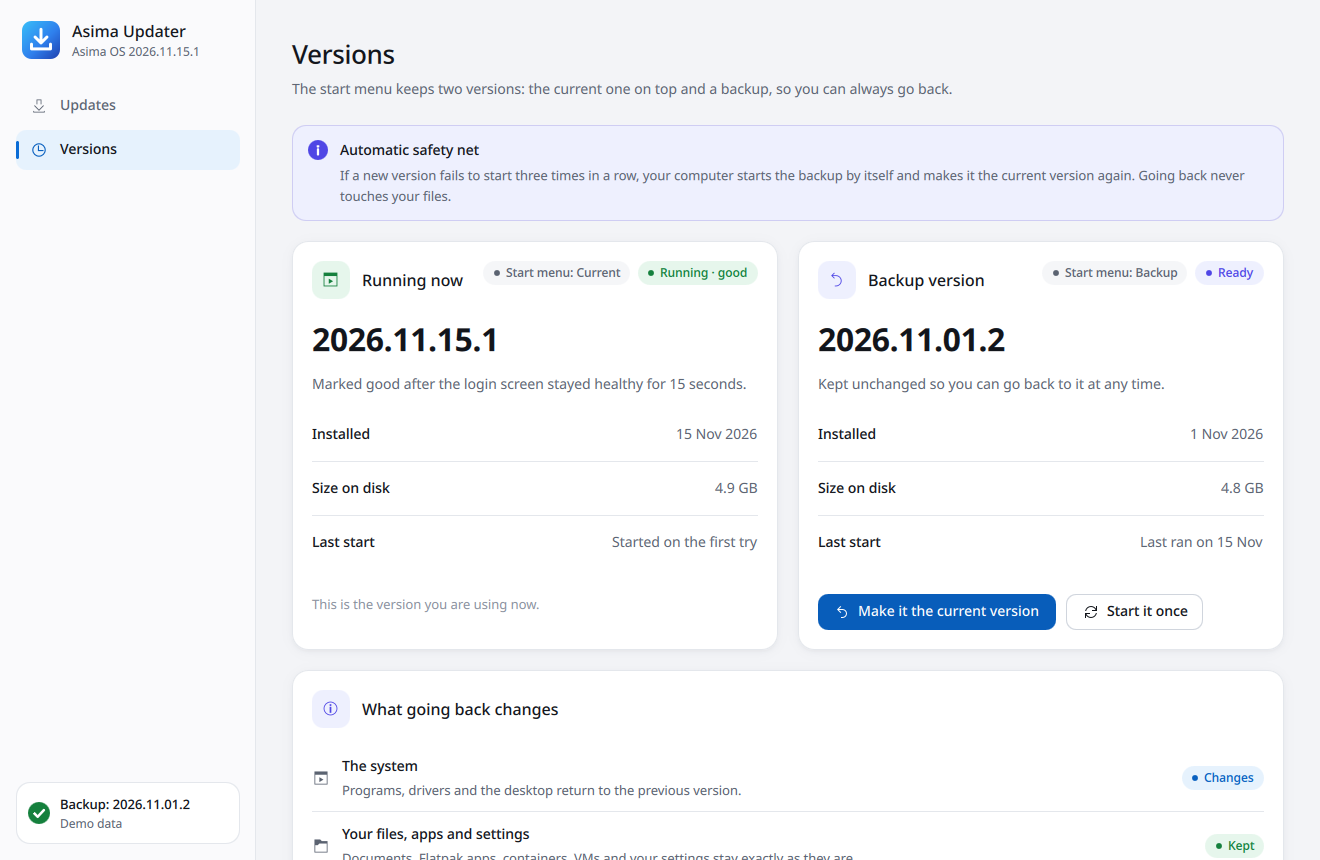
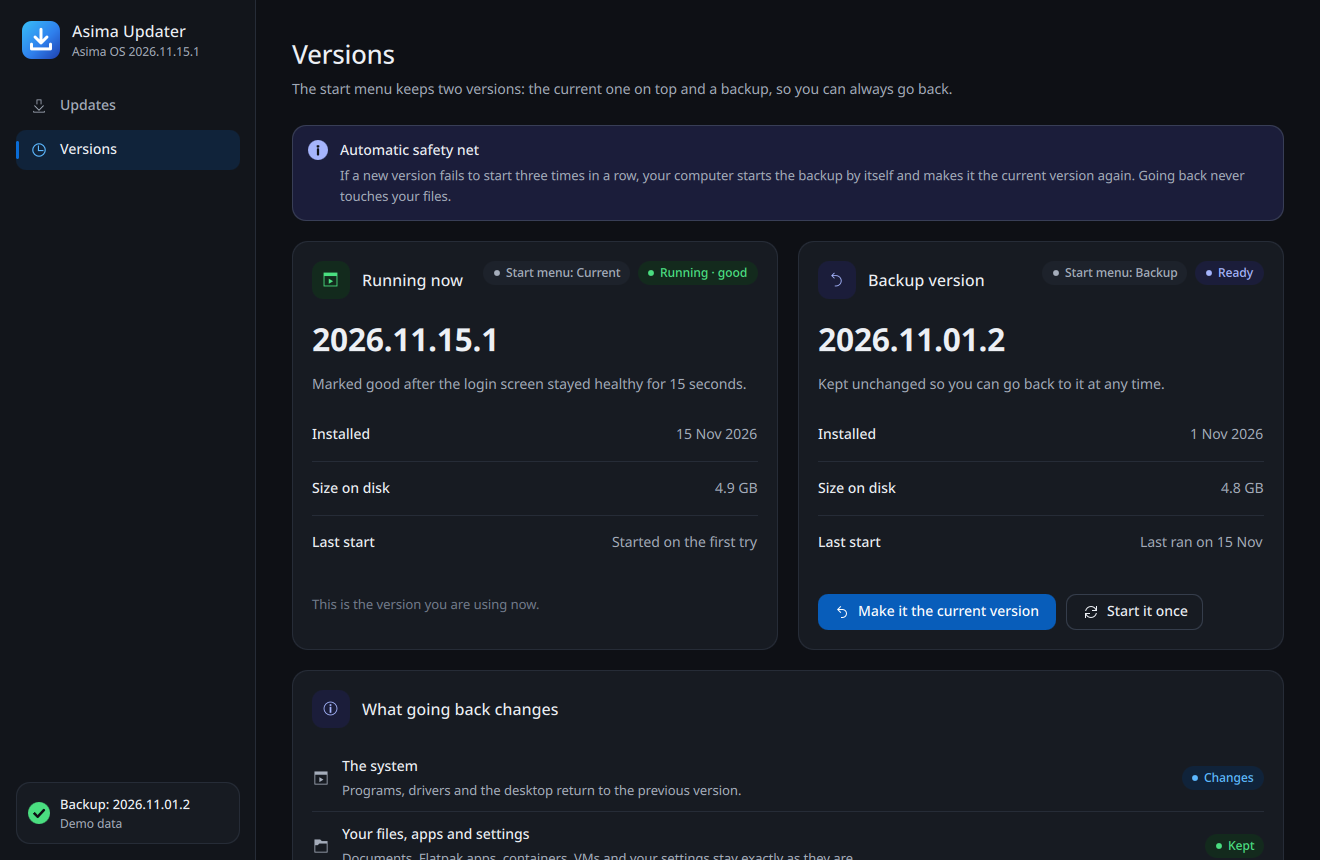
If a new version fails to start three times in a row, your PC starts the one before it and makes it the current version again. You don’t have to do anything.
Safe from the first start
Secure Boot, an encrypted disk, and a TPM chip that opens it for you, automatically or with a short PIN. A recovery key is made when you install.
What you get
Everything a PC needs, nothing it doesn’t
Standard parts, put together carefully, with apps that each do one job well.
Updates are one file
The whole system in one signed file, checked before anything is written. It survives a power cut, and any version from the past year jumps straight to the newest.
Two versions to choose from
The start menu keeps the current version and the one before it. Going back takes one click and never touches your files.
Asima Rescue
A repair system in the start menu that runs entirely in memory: unlock the disk, restore files, reinstall, all without a USB stick.
Your files stay yours
Snapshots of your files and settings, encrypted backups that test their own restore, and a guard that asks before any tool wipes the disk.
Every kind of app
One App Center for Flatpak, Snap, AppImage, Android and Windows apps, and developer tools from Nix to Conda; Discover is there too.
Ready for games
Steam from Flathub, a gaming CPU scheduler, NTSYNC, controllers of every kind, handhelds, and game mode in gamescope.
Ready for developers
Podman and Distrobox, virtual machines with a graphics card of their own, disk limits, and the everyday tools already there.
Plain KDE Plasma
KDE Plasma 6.8 on Wayland with its standard look and apps. Nothing re-skinned, nothing to unlearn.
Updates
Updating is safe, so you can just do it
Get the update file
Asima Hub tells you when a new version is out and downloads it. You can also bring the file on a USB stick.
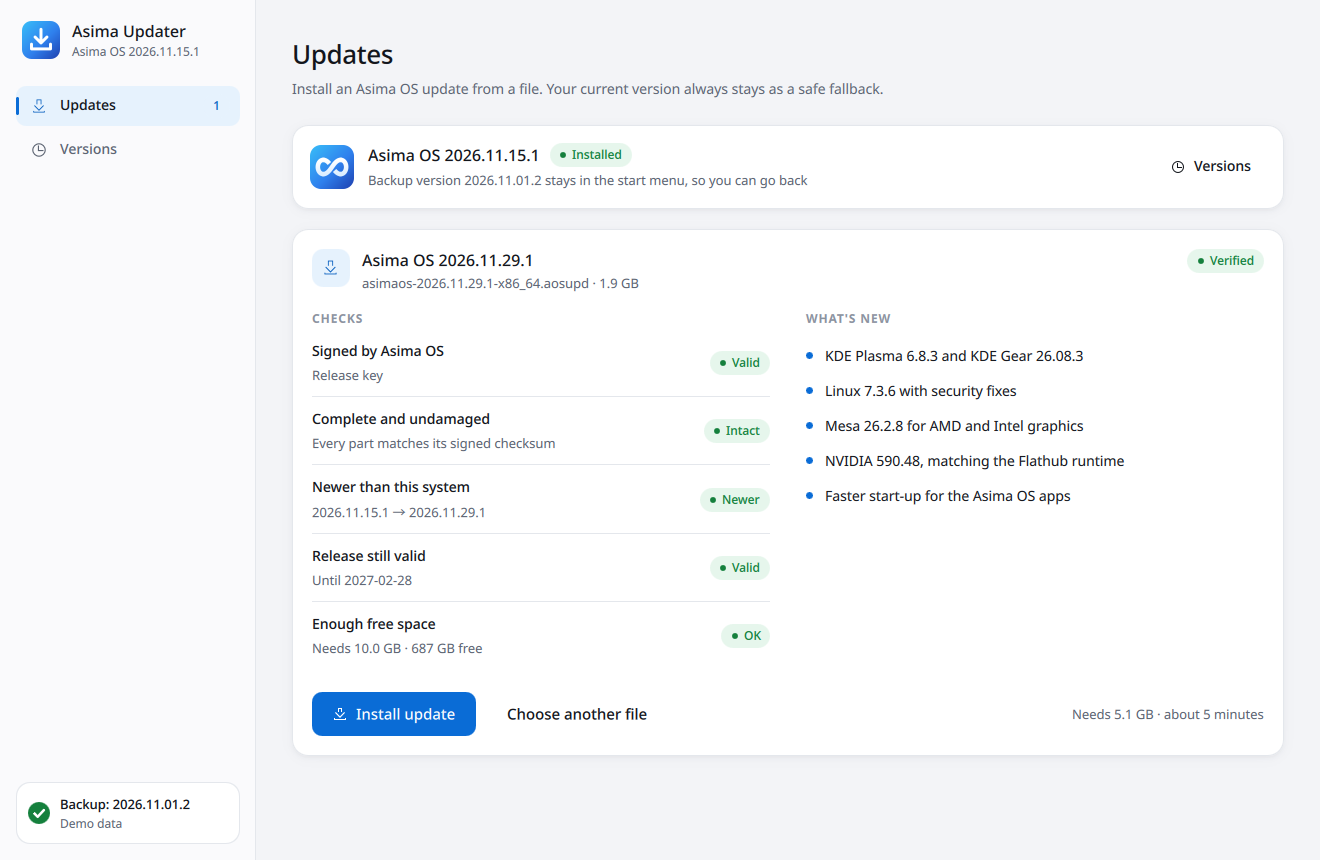
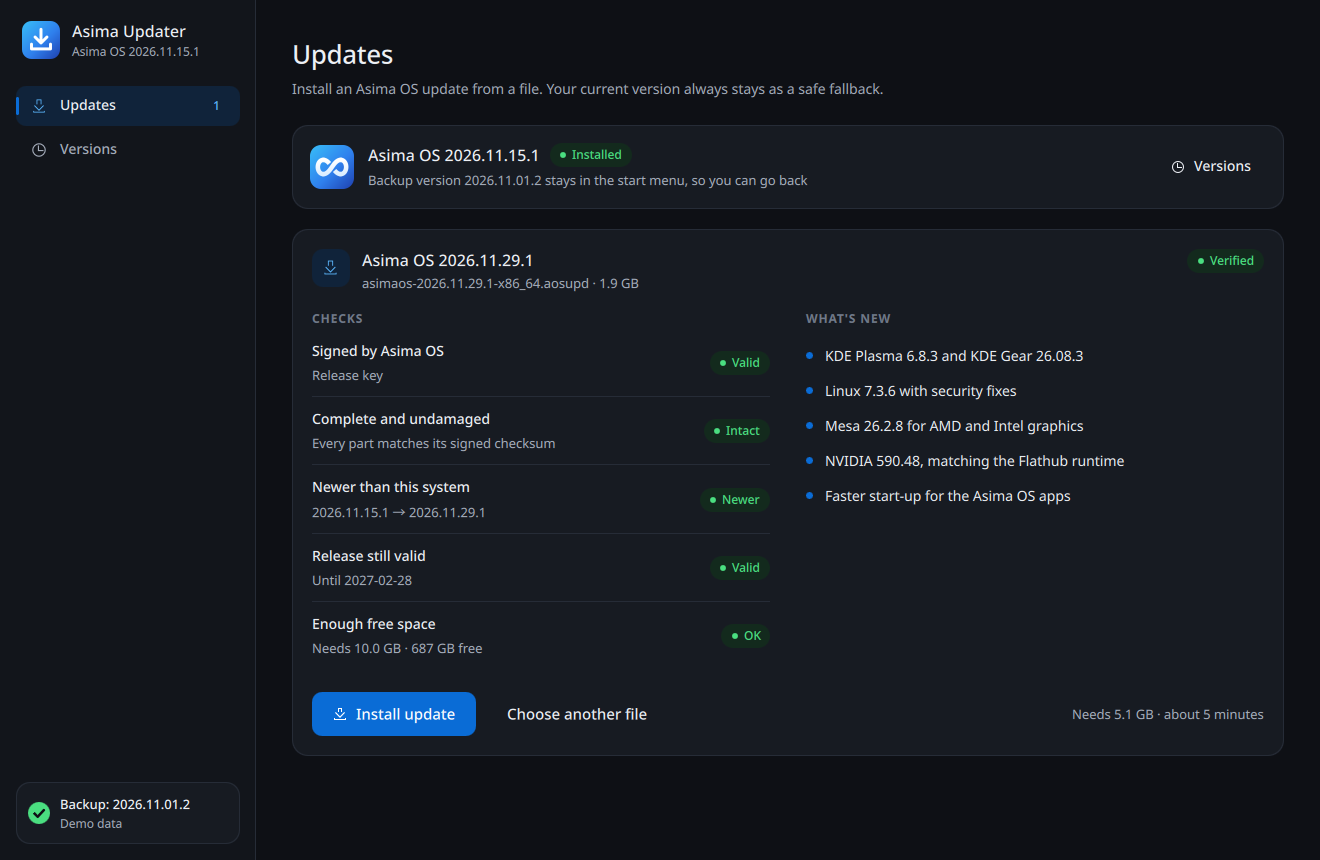
Asima Updater checks it
The signature, that it’s newer, that there is room. Then it installs in the background while you keep working.
Restart
The new version starts, and the old one stays in the start menu as the backup. Your files, apps and settings are untouched.
The apps
Simple apps for the things that matter
Each one does one job, in plain words, and asks for your password only when it changes something.

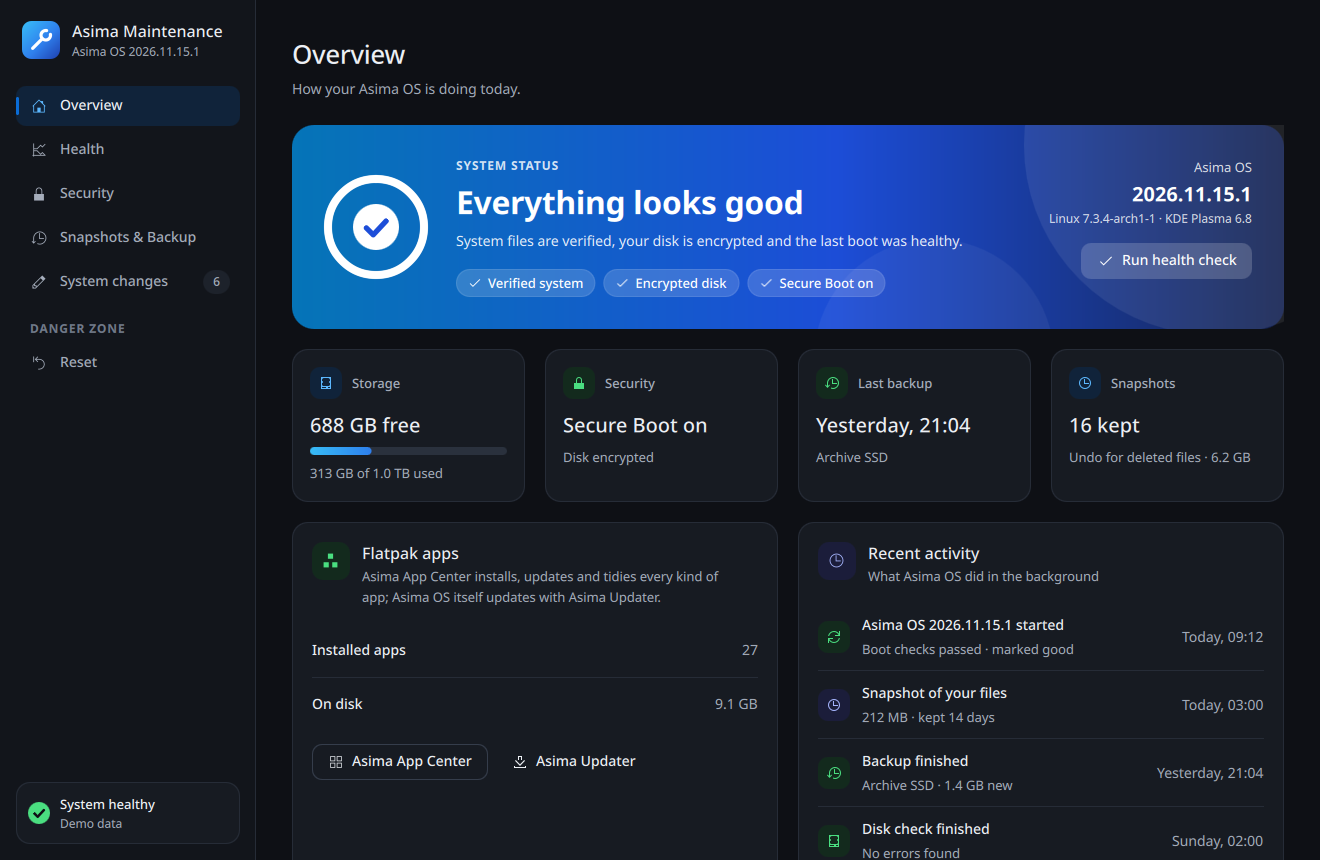
Asima Maintenance
Health at a glance, Secure Boot and the disk’s keys, snapshots and backups, and a reset that brings back the factory settings.
More about Asima Maintenance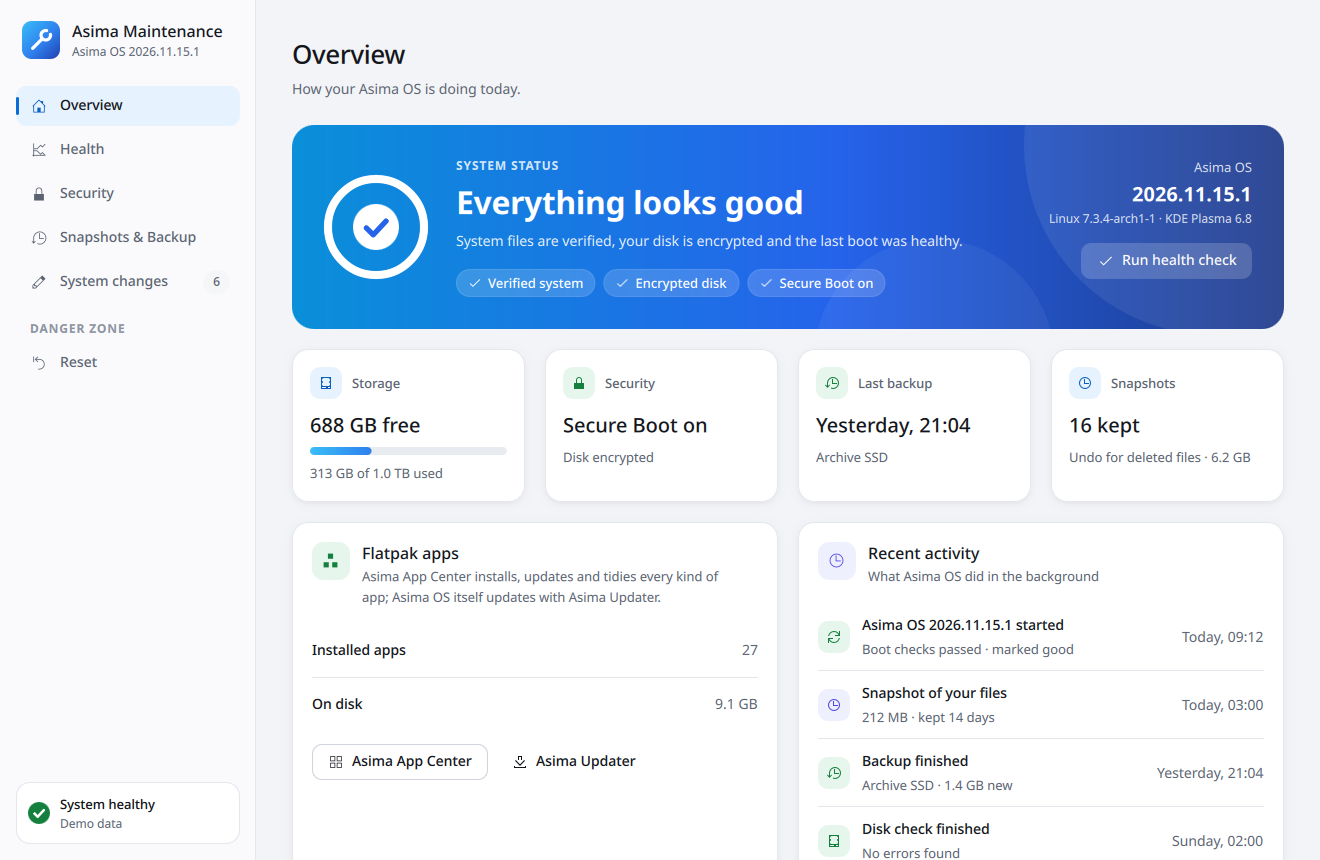

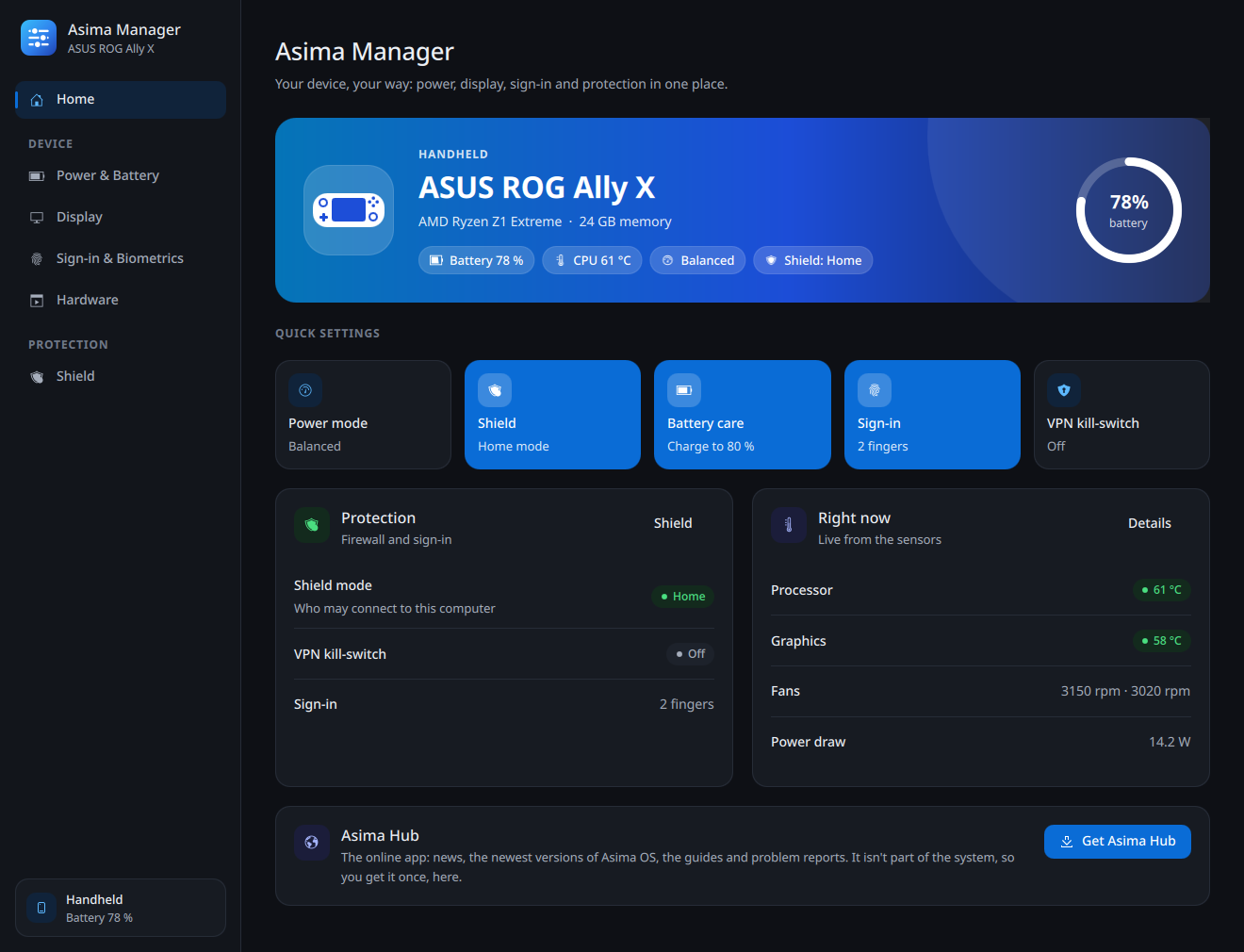
Asima Manager
Your device in one place: power and battery care, display, fingerprint and face sign-in, and the firewall.
More about Asima Manager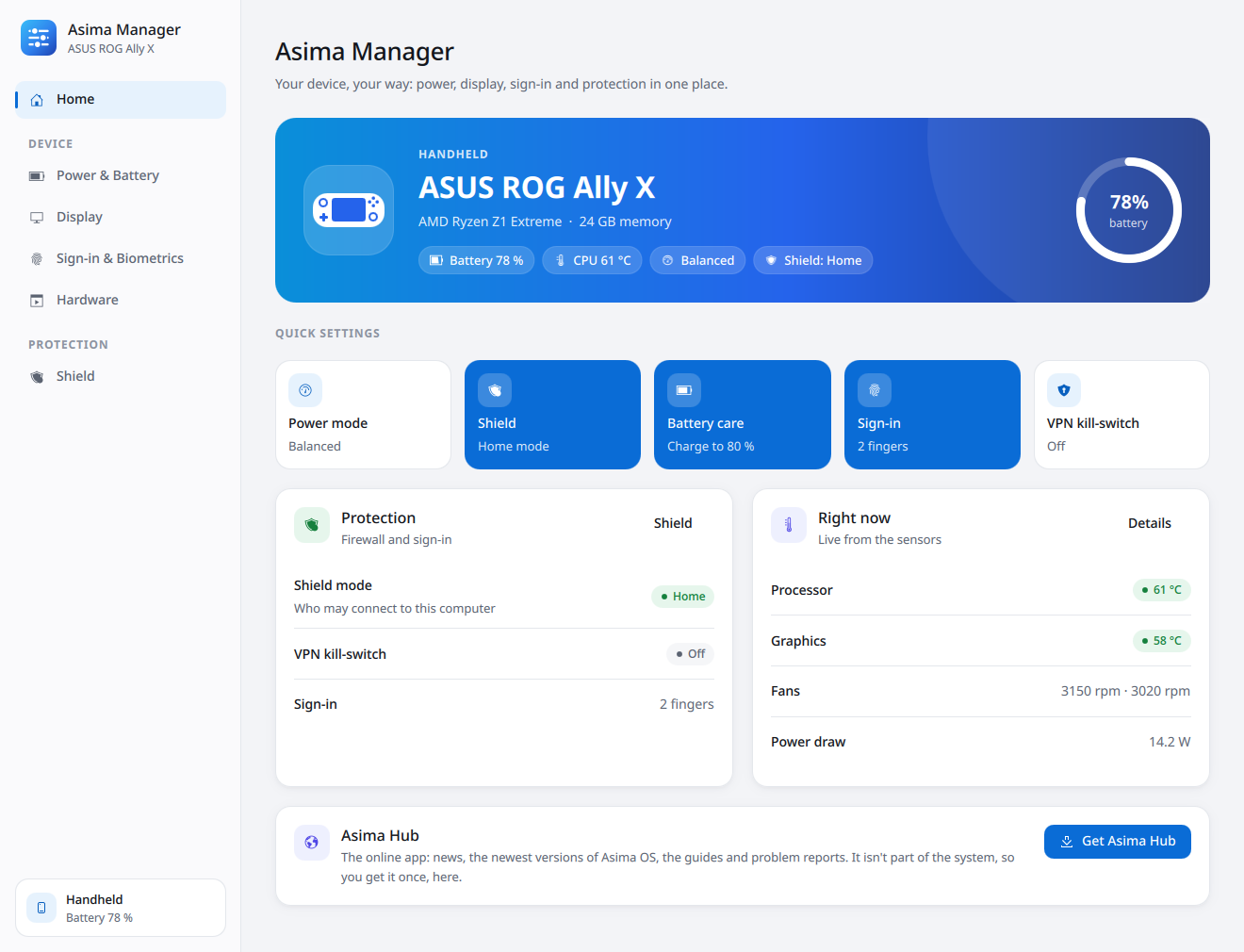

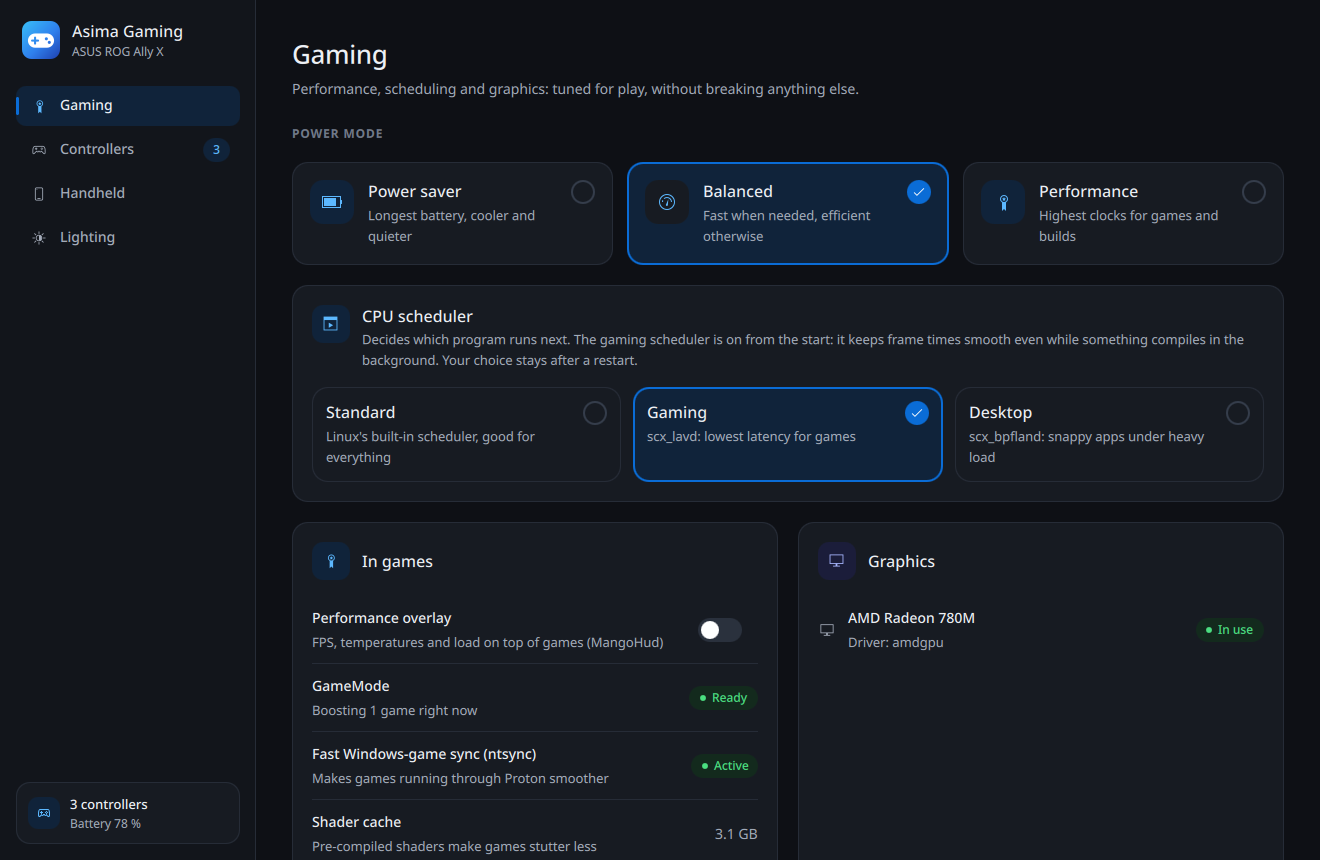
Asima Gaming
Power mode and CPU scheduler for games, the overlay, controllers, a handheld’s own controls and RGB lighting.
More about Asima Gaming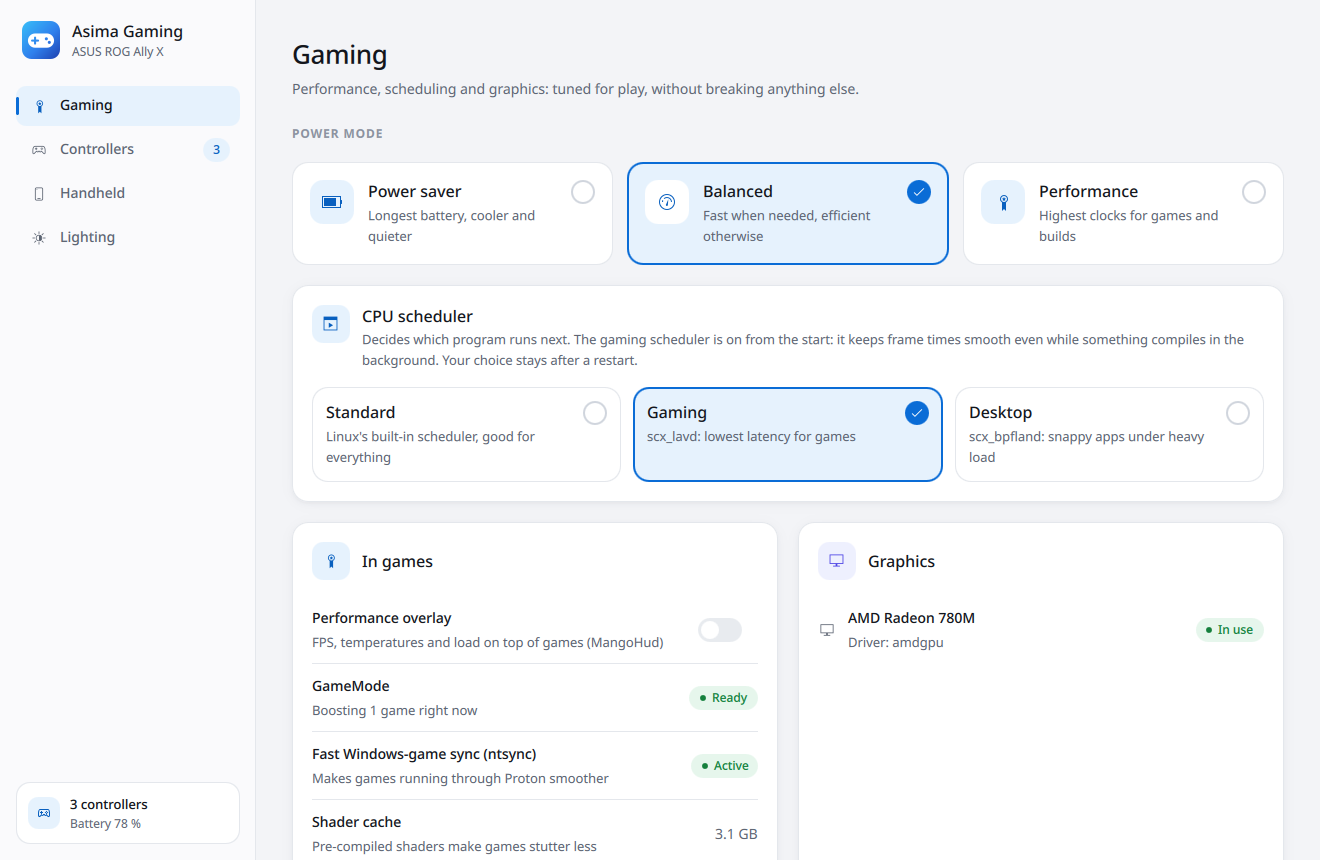

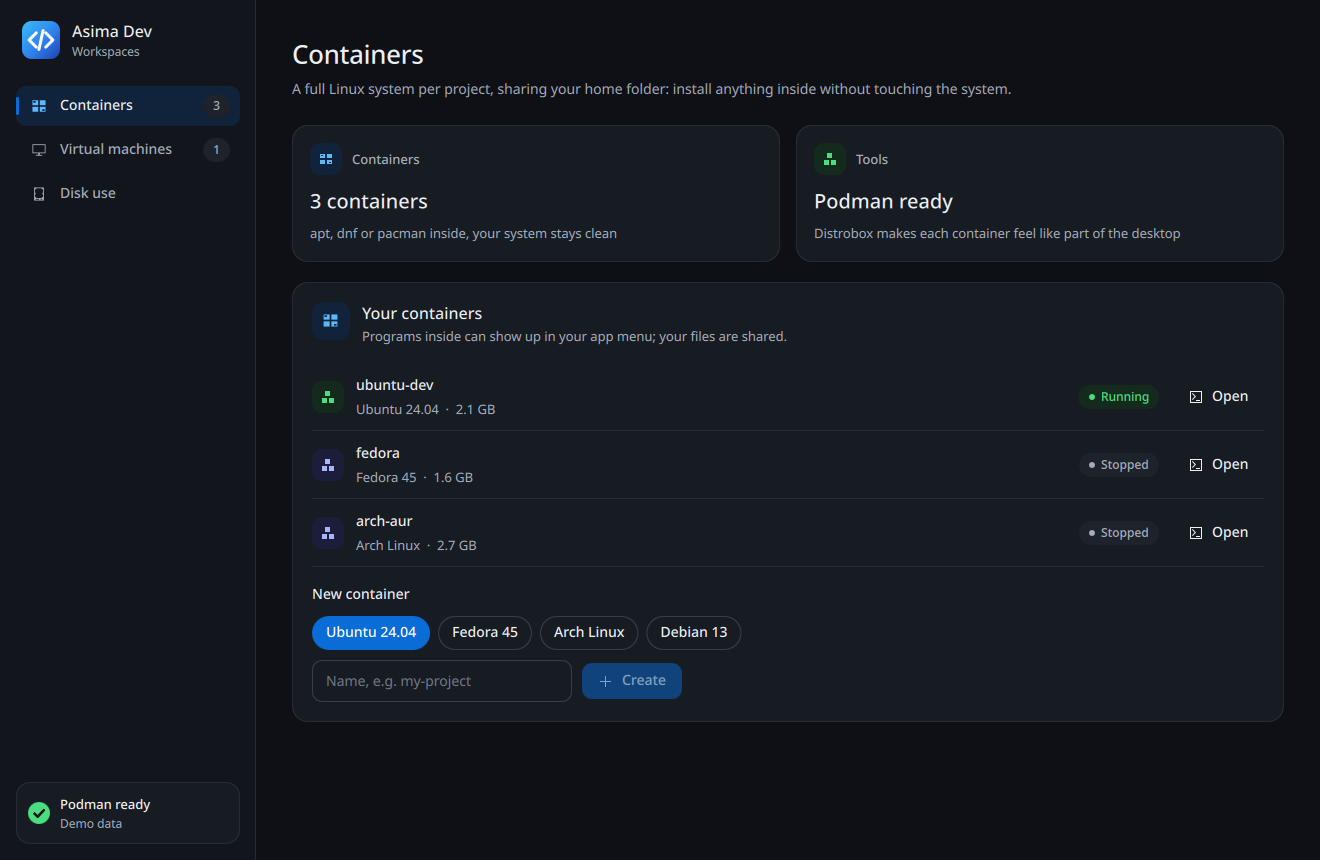
Asima Dev
Containers and virtual machines, with a graphics card of their own if you like, and a limit on the room they take.
More about Asima Dev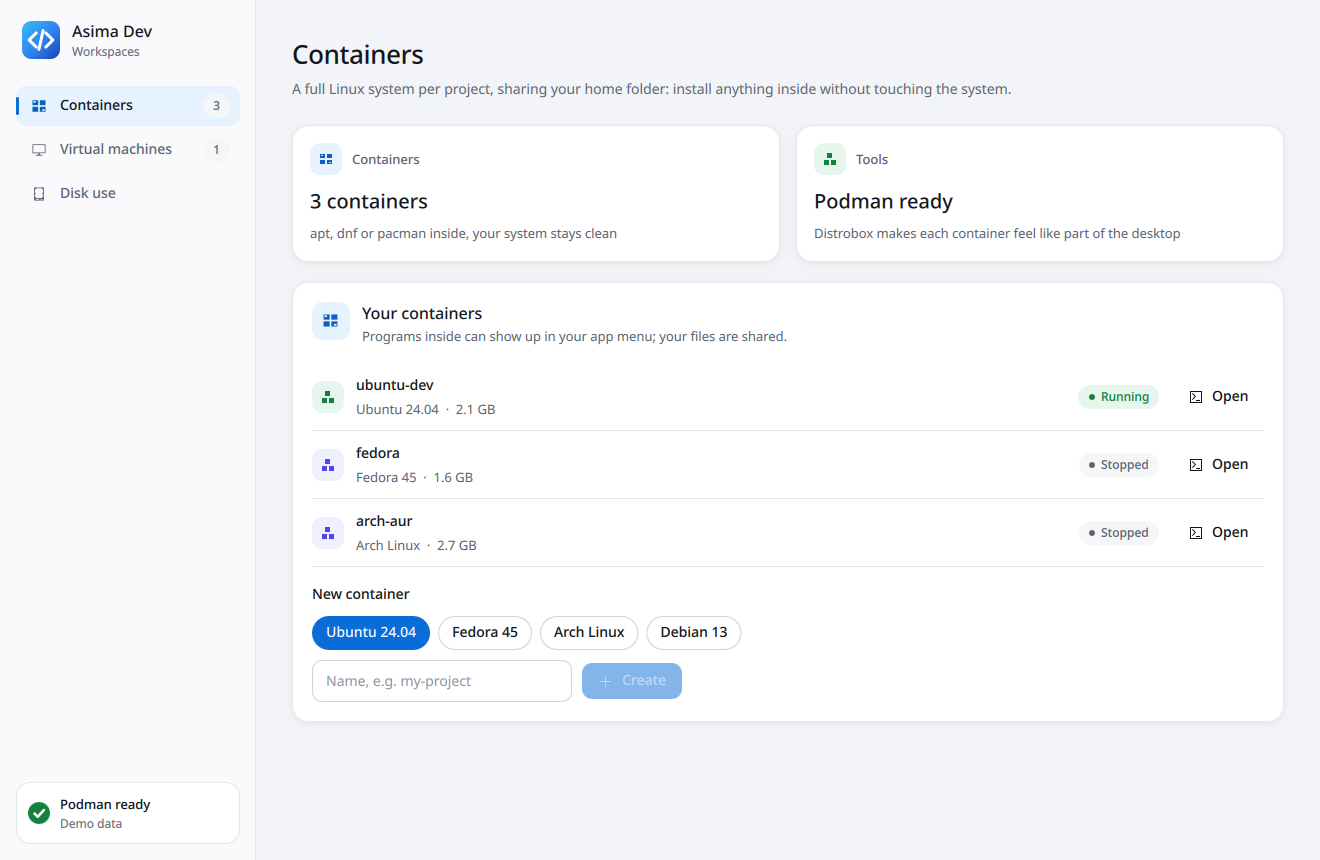

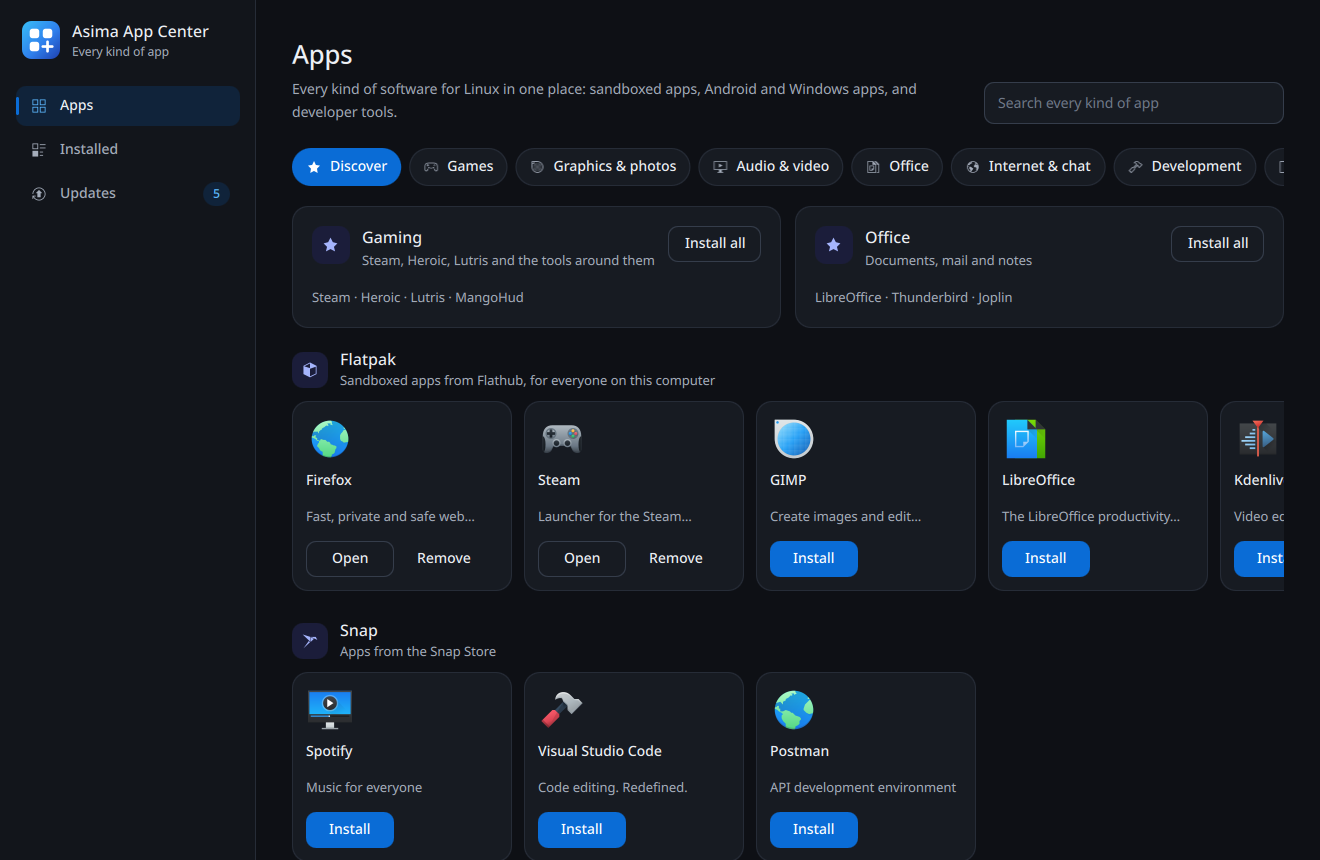
Asima App Center
Every kind of app for Linux in one place, by purpose: Flatpak, Snap, AppImage, Android, Windows and developer tools.
More about Asima App Center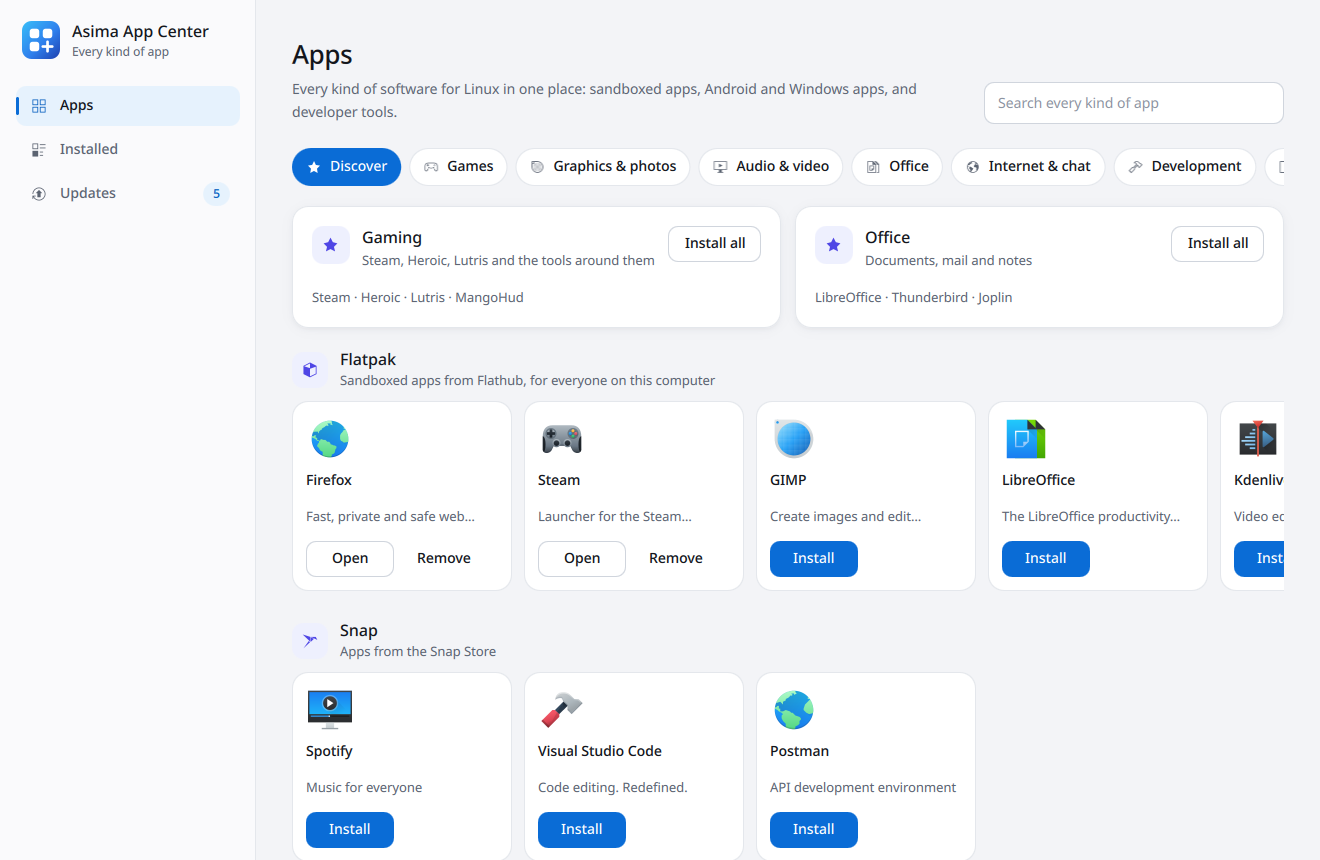
Under the hood
Standard parts, put together carefully
Nothing exotic: well-known open-source pieces, pinned, tested together and signed. How it works is written down in full.
- Arch Linux packages
- From a fixed snapshot (14 November 2026), tested together
- systemd 262 · Linux 7.3
- Arch’s standard kernel, never a custom one
- KDE Plasma 6.8
- Wayland, with KDE Gear 26.08 apps
- Read-only system
- EROFS image verified by dm-verity
- Encrypted Btrfs
- LUKS2, snapshots, room to grow
- Signed start-up
- Secure Boot, signed boot images, TPM 2.0
- Qt 6 apps, Rust services
- One job per app, one service per app
- No package manager to break
- Apps come from Flatpak, Snap, Nix and containers
Ready when you are
Read how to install it, follow the news, or look at the code. It’s all open.