Apps
One job per app, done well
Every Asima OS app is a Qt 6 app with its own small system service, so it asks for your password only when it changes something, and one app can never break another.

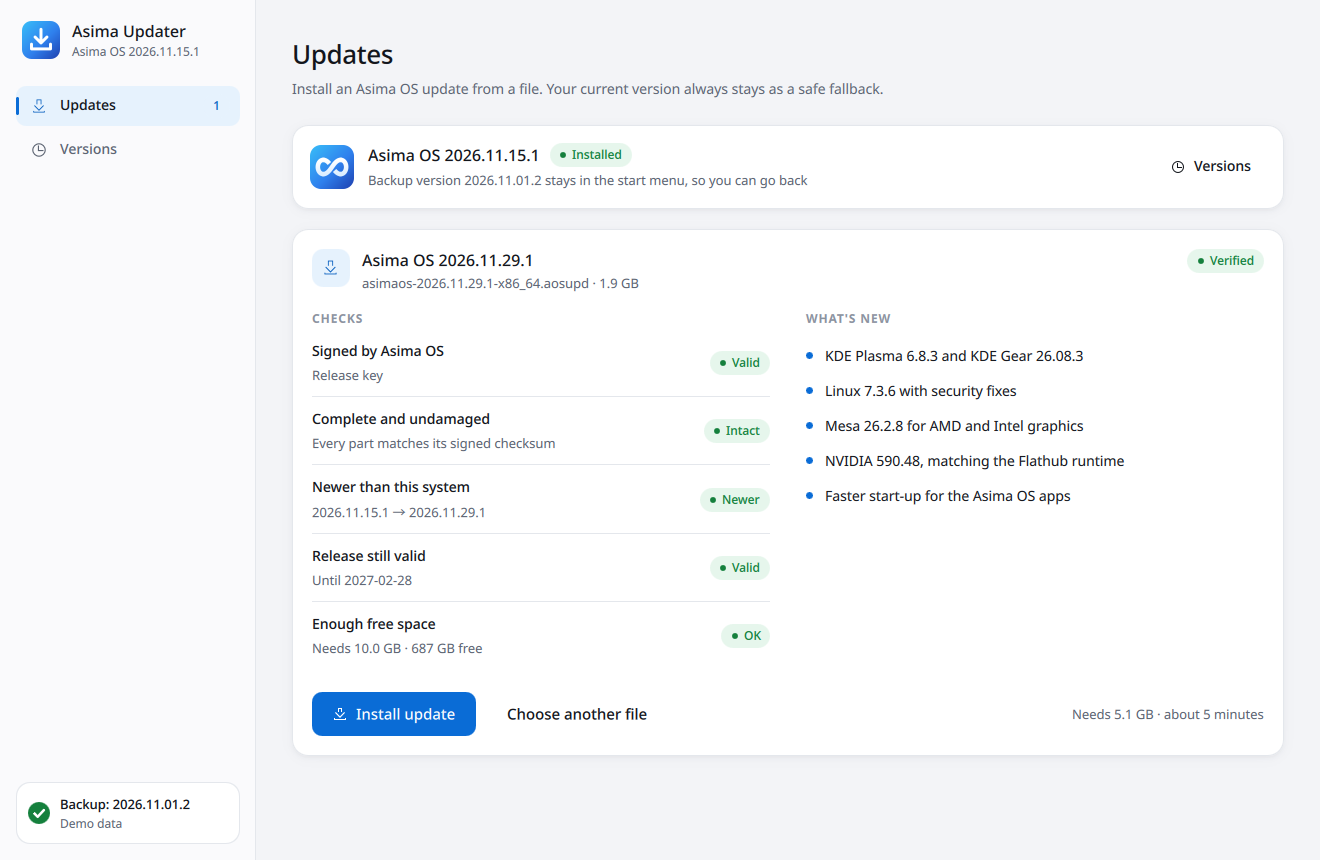
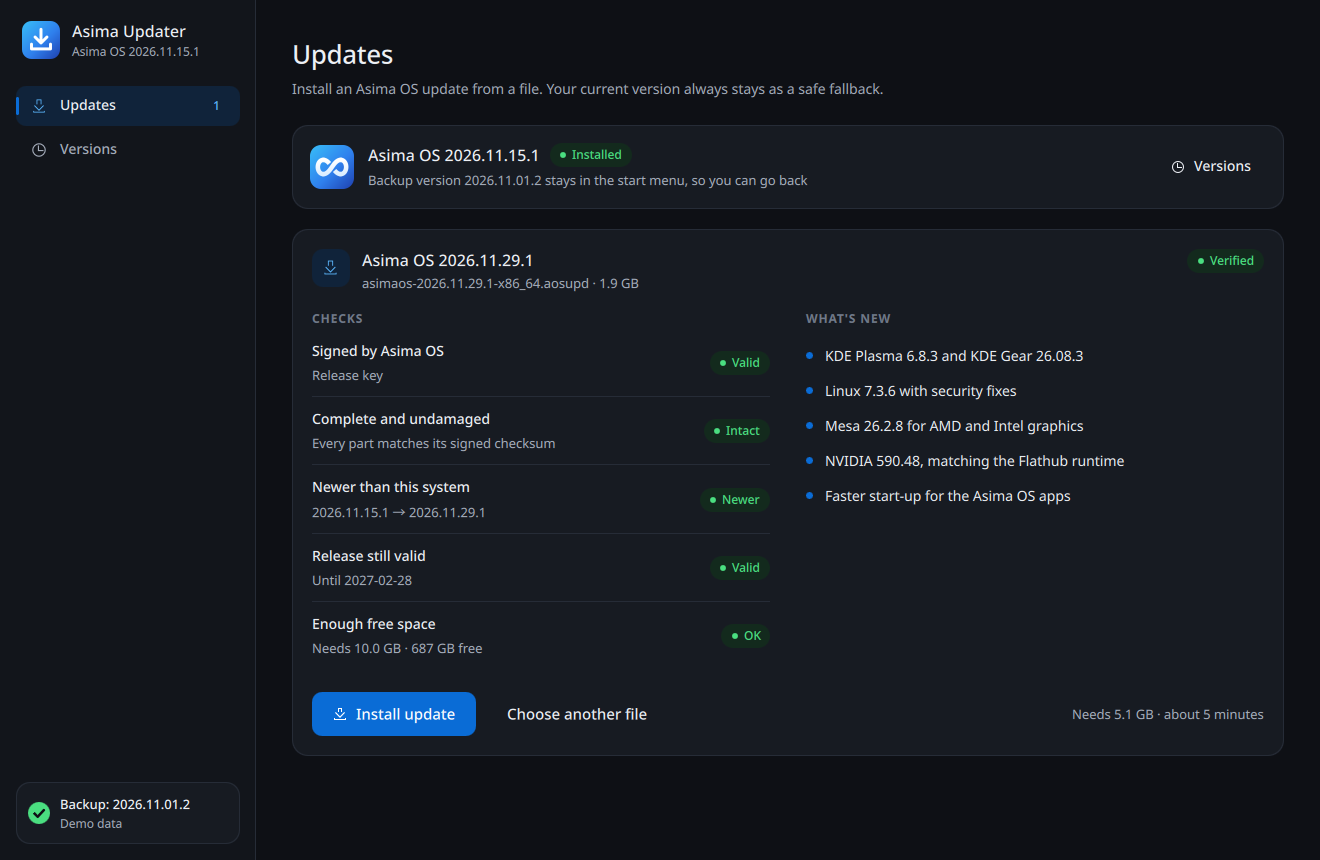
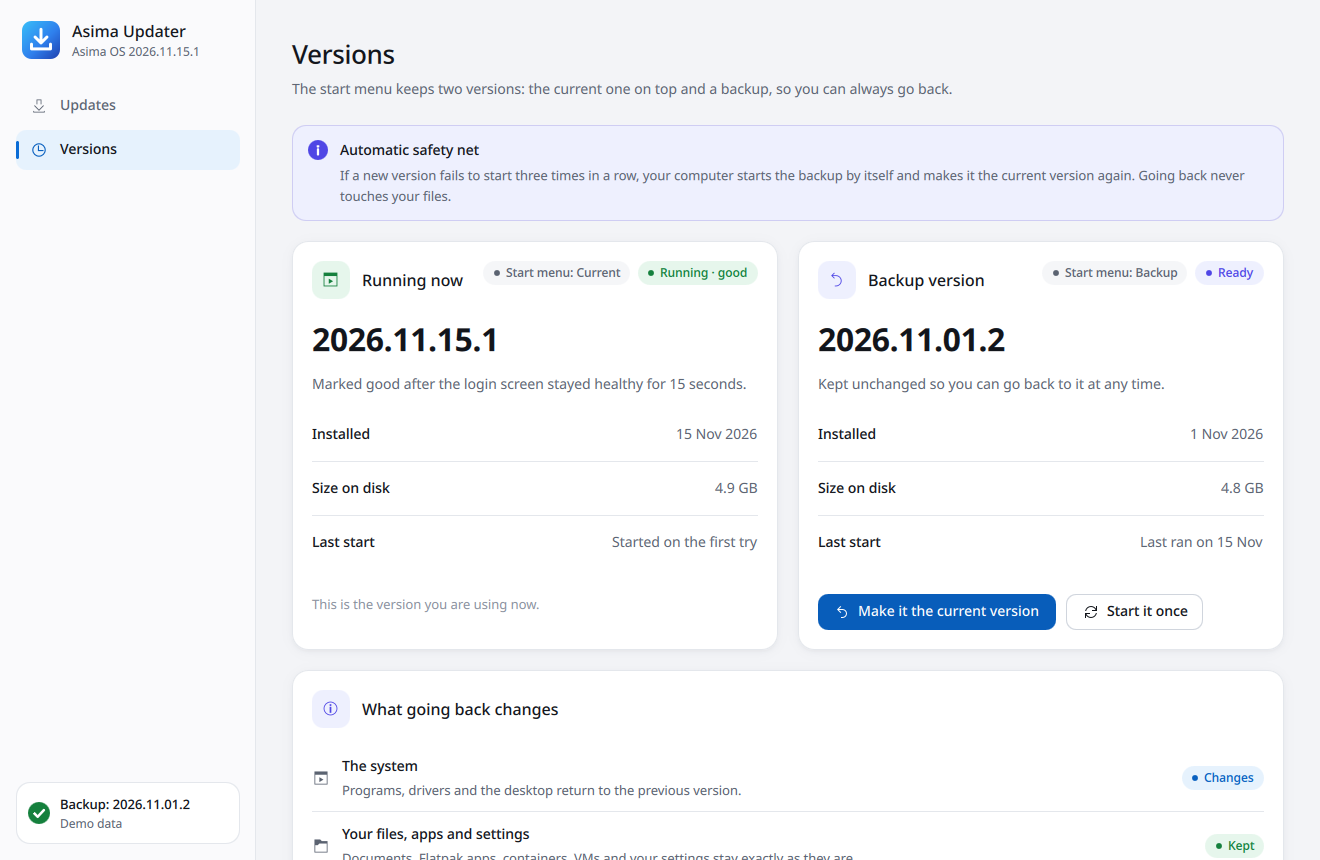
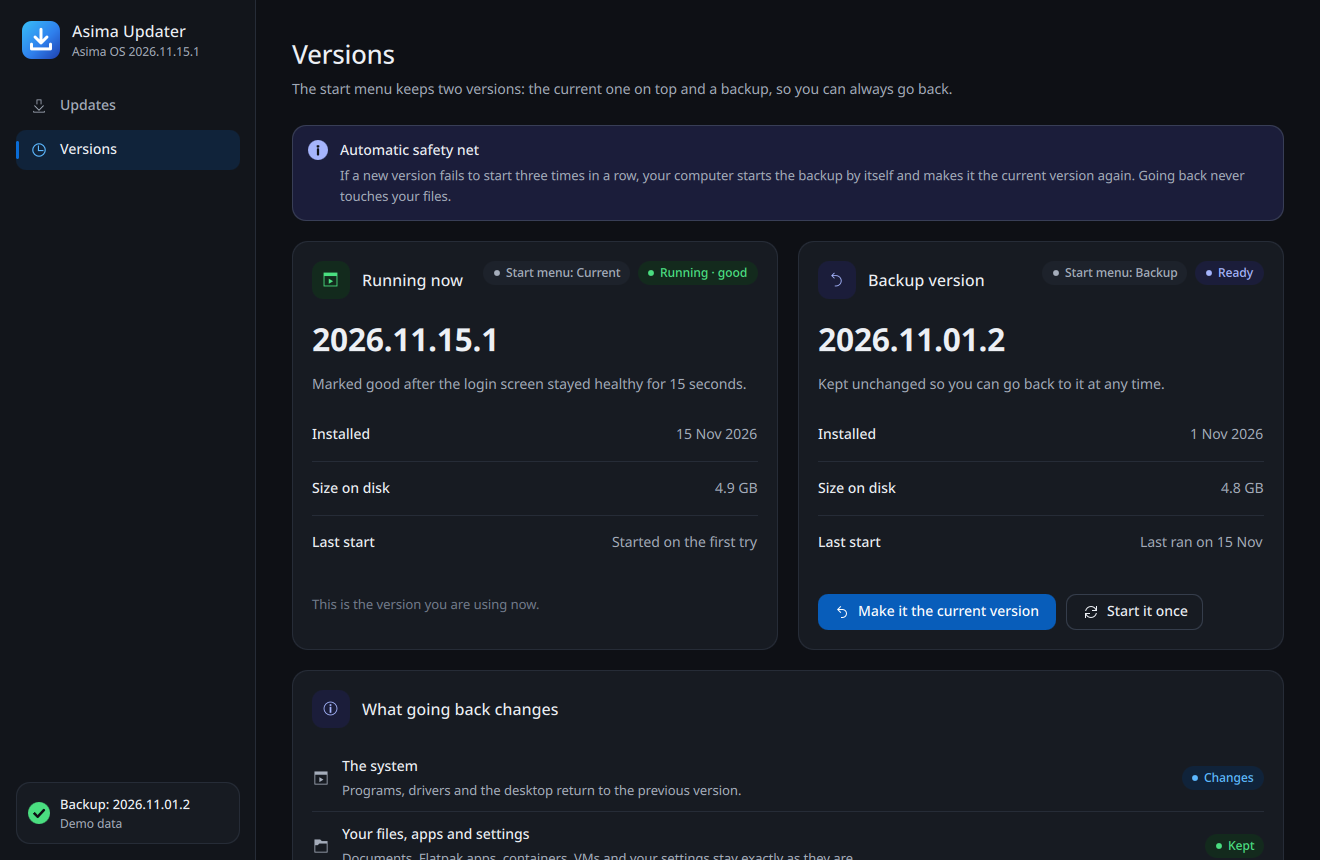
Asima Updater
Updates and the versions in the start menu.
- Checks an update file’s signature before anything is written
- Installs in the background; restart when you like
- Make the backup the current version, or start it just once
- Never goes online by itself: you choose where updates come from

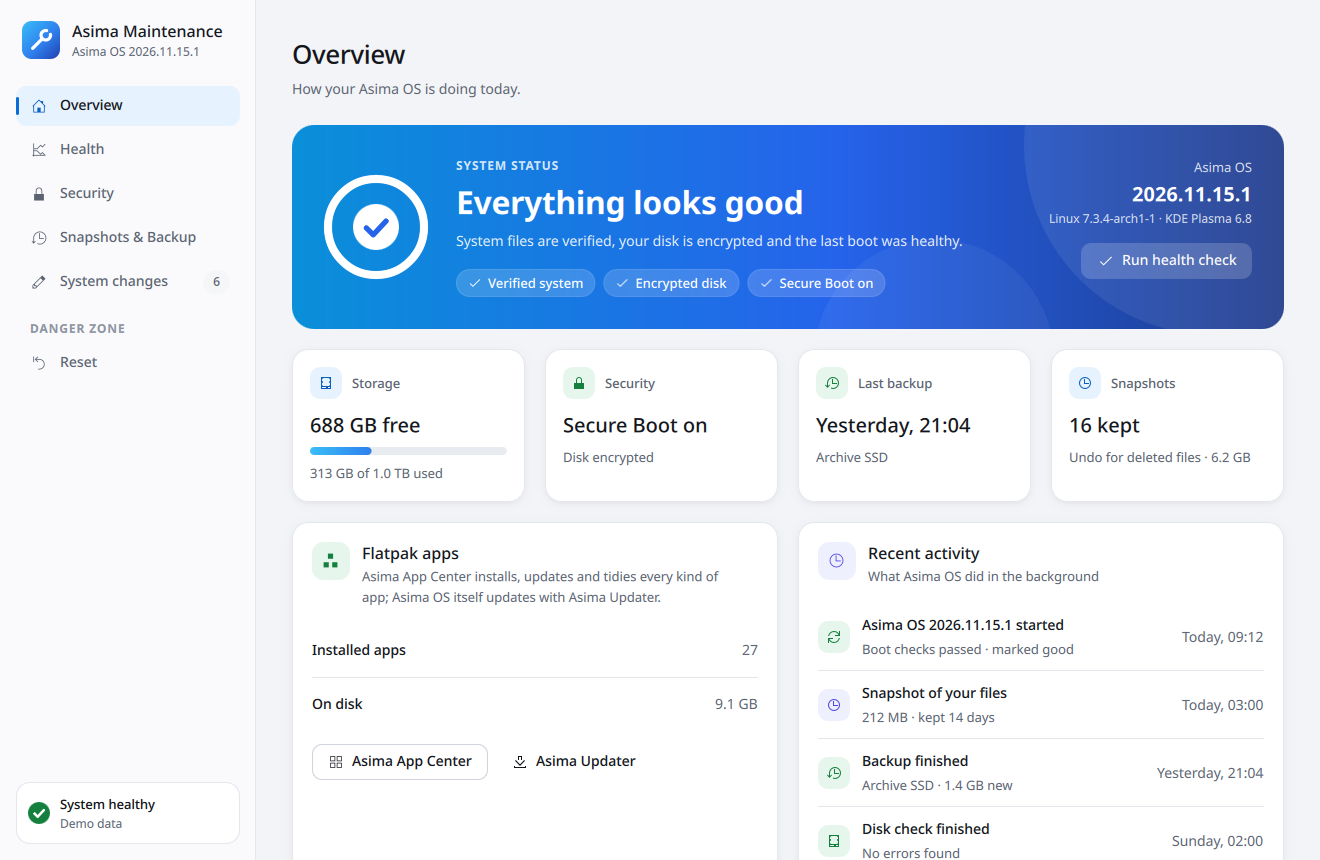
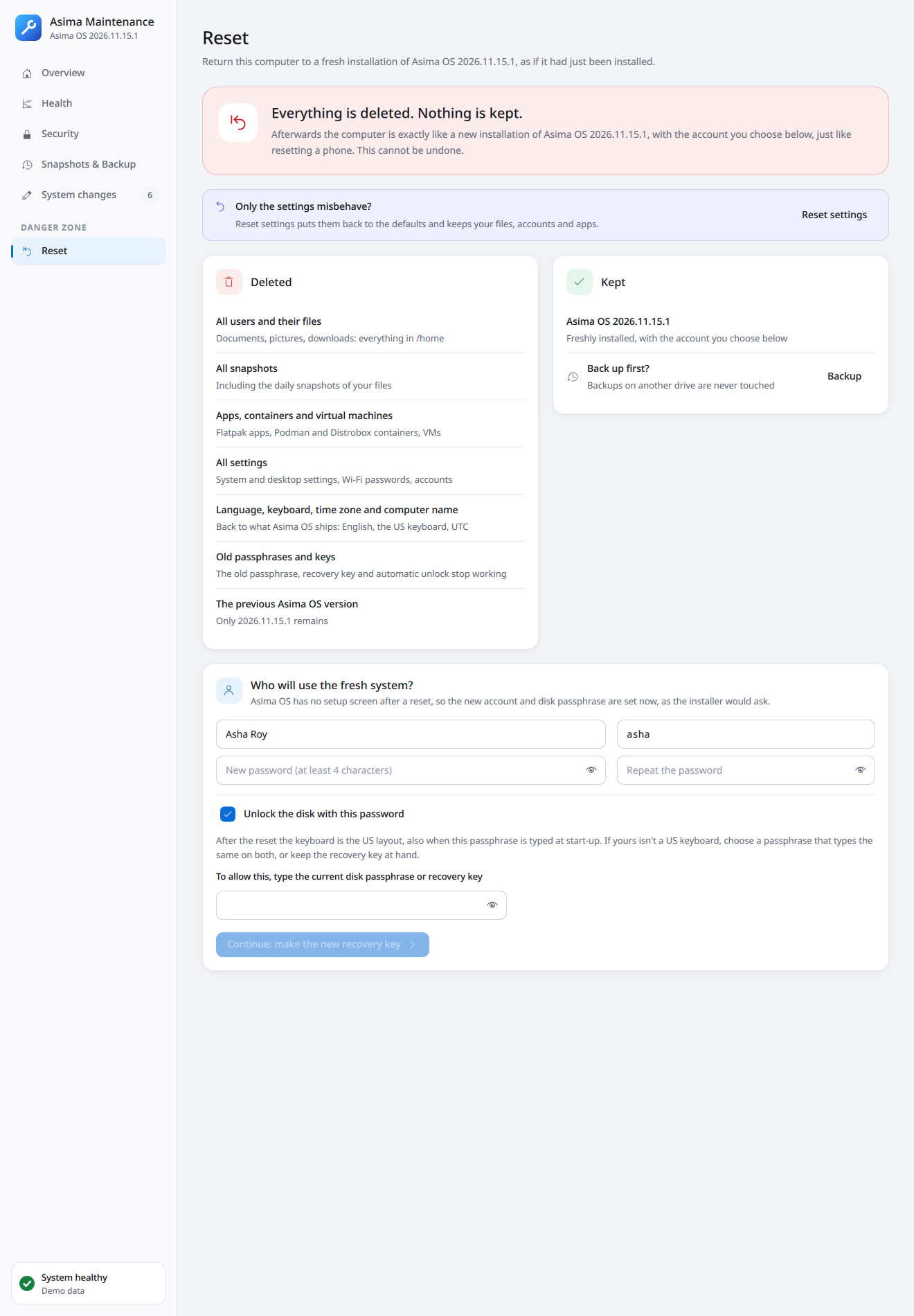
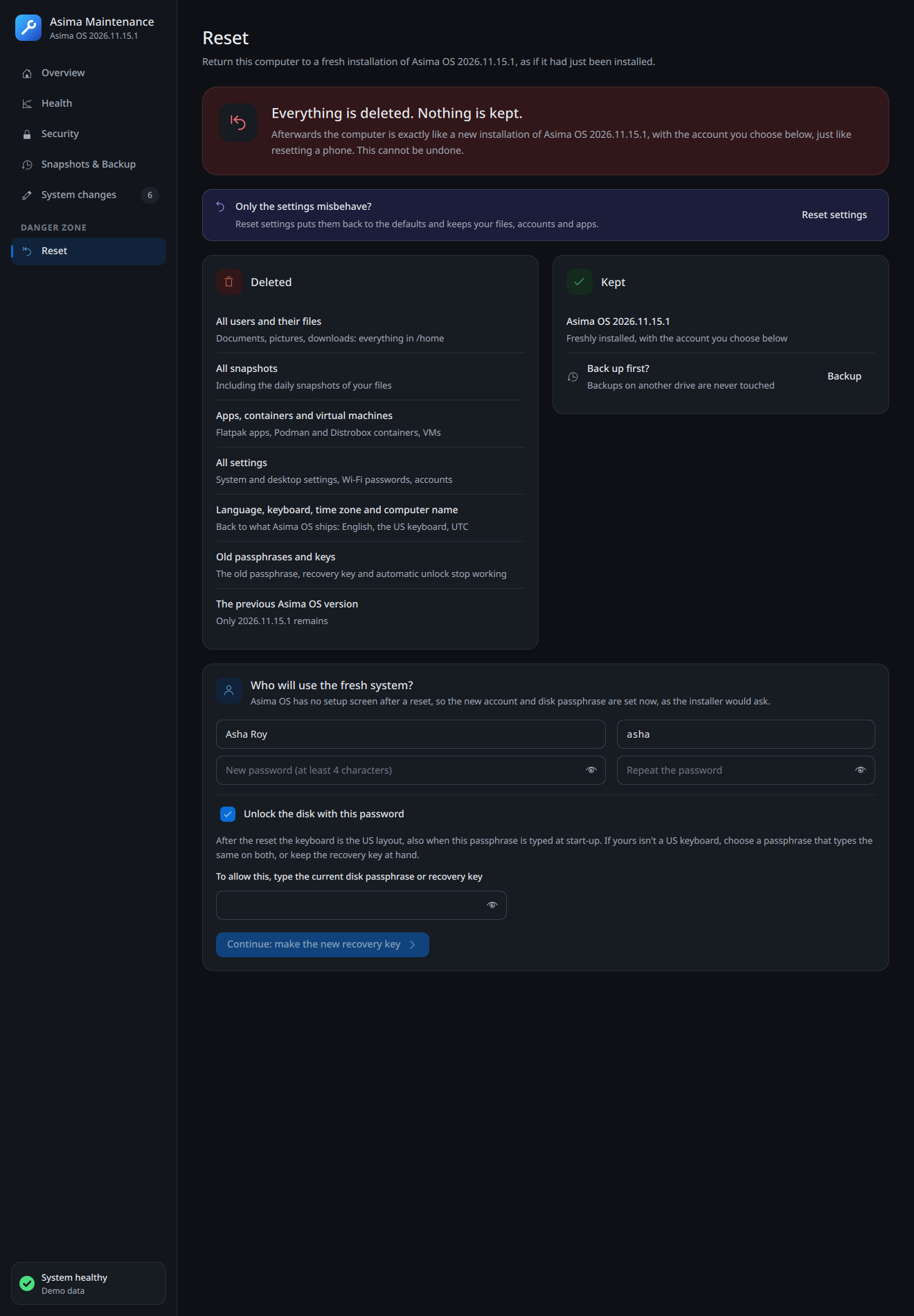
Asima Maintenance
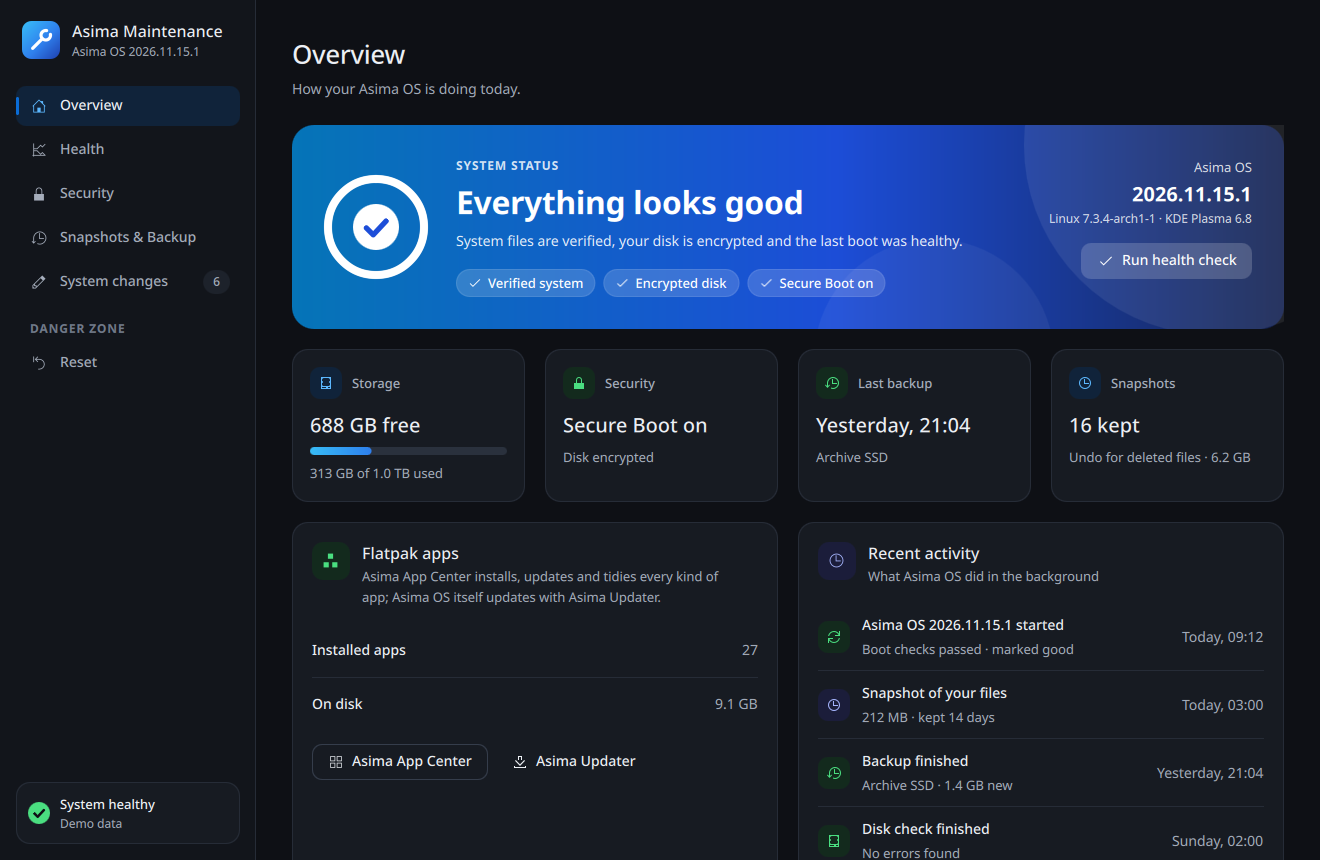
Keeps the system healthy and your data safe.
- Health: failed starts, disk checks, SSD wear, and a problem report to save
- Secure Boot, the recovery key, and TPM unlock, automatic or with a PIN
- Snapshots and encrypted backups, restored into a folder of their own
- “Reset settings” and a factory reset, explained before anything happens

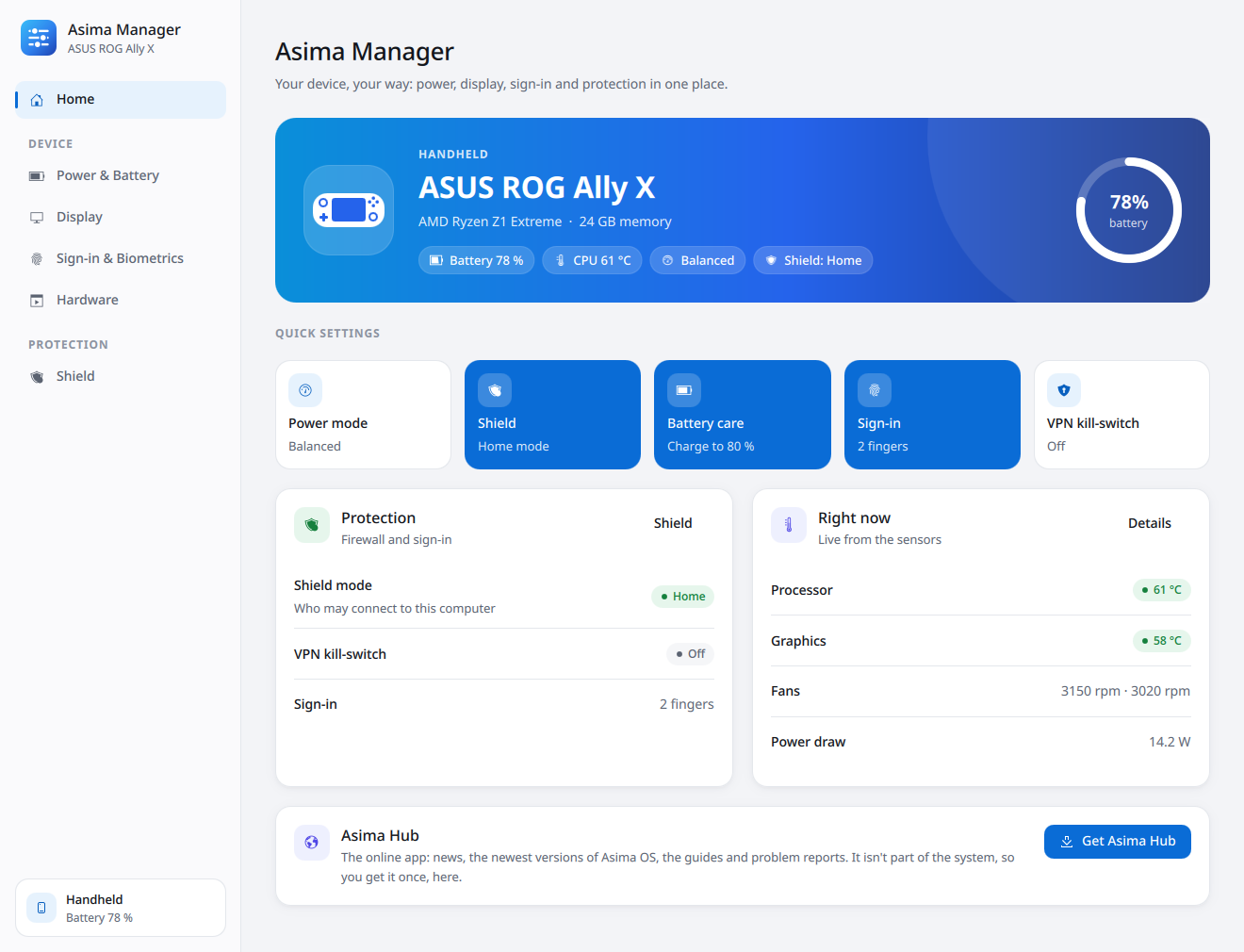
Asima Manager
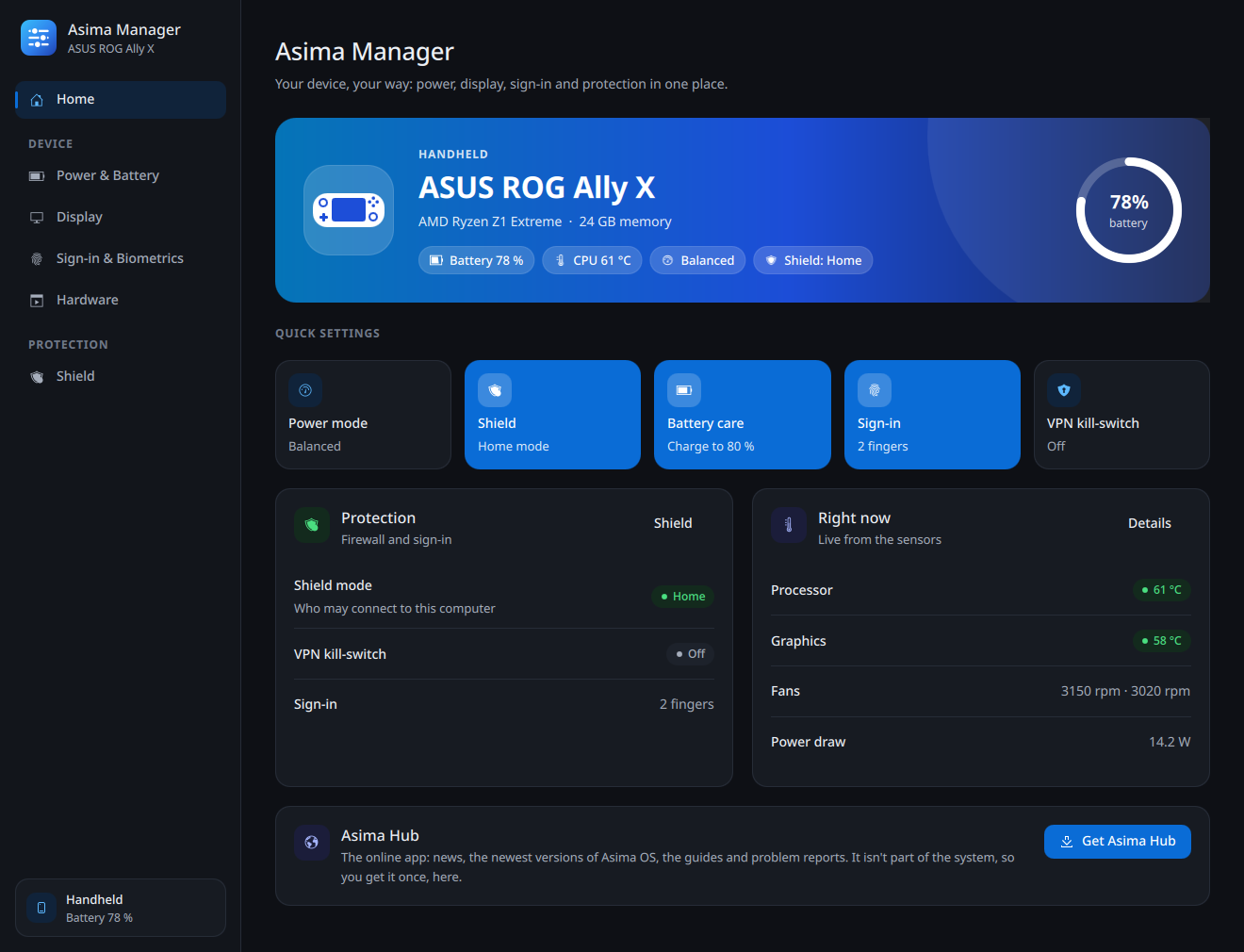
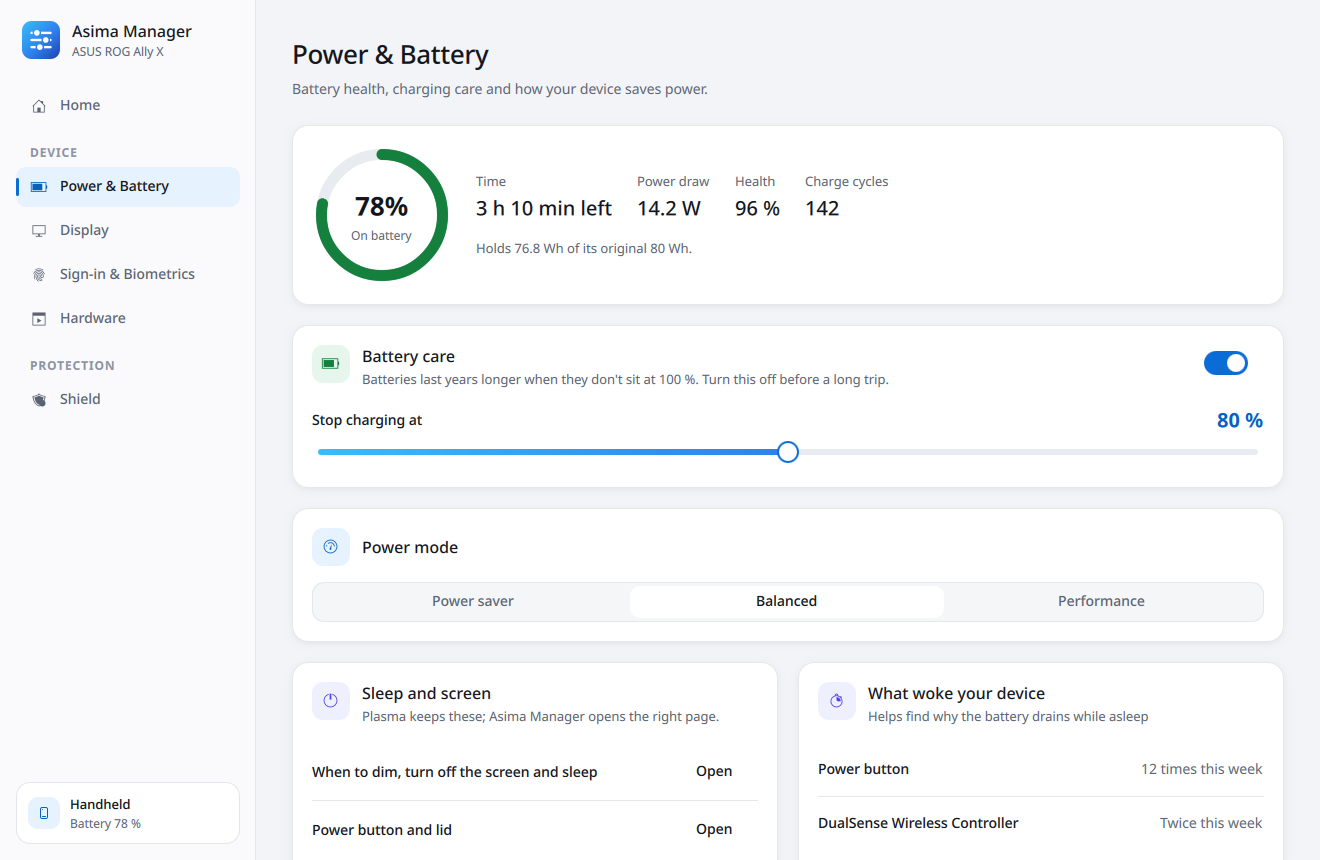
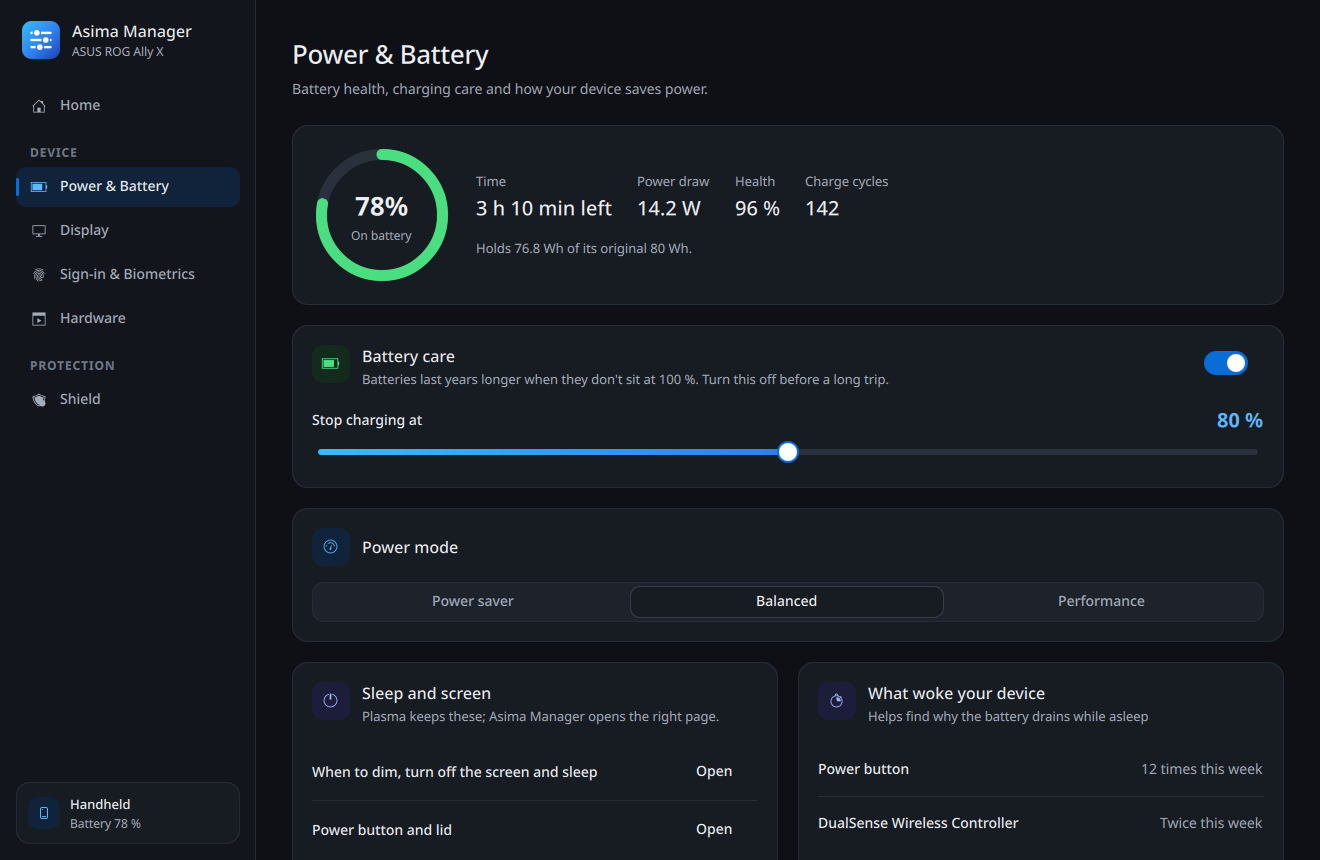
This computer’s settings, in one place.
- Power modes and battery care
- Fingerprint and face sign-in, with a blink check for webcams
- The brightness of every screen, external monitors too, and the keyboard light
- Asima Shield: the firewall, with a zone for each network and a VPN kill-switch

Asima Gaming
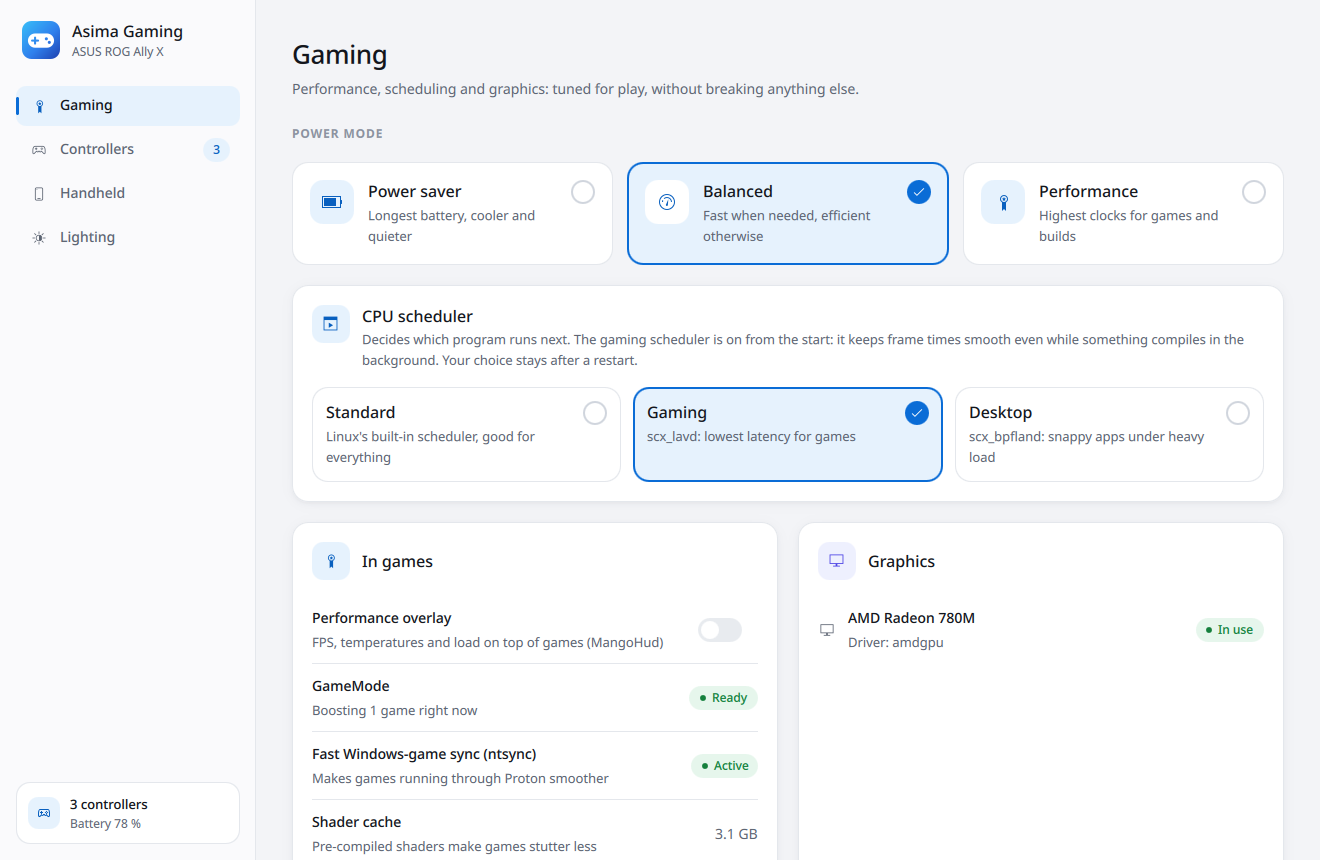
Everything for games, without hunting through settings.
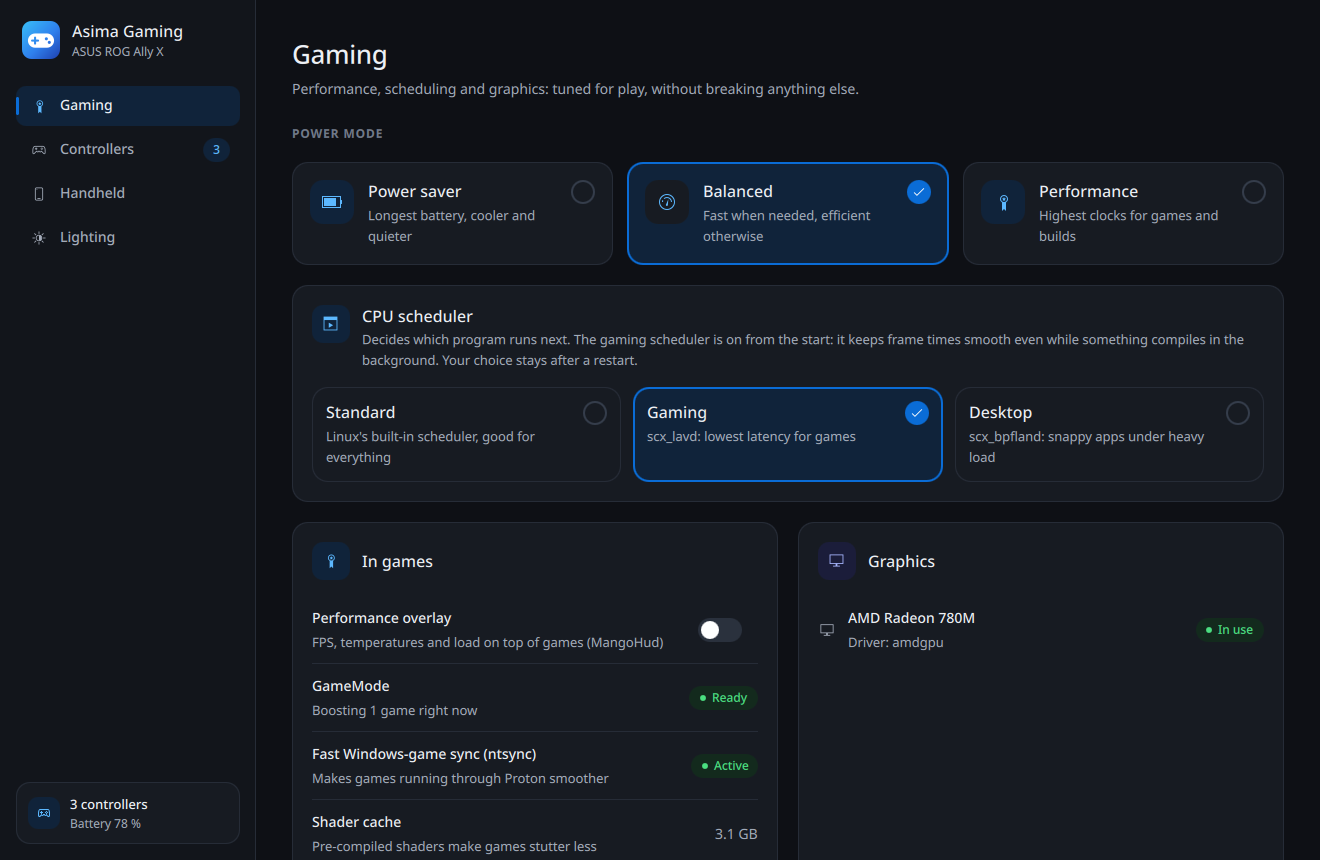
- Power mode and the CPU scheduler for games
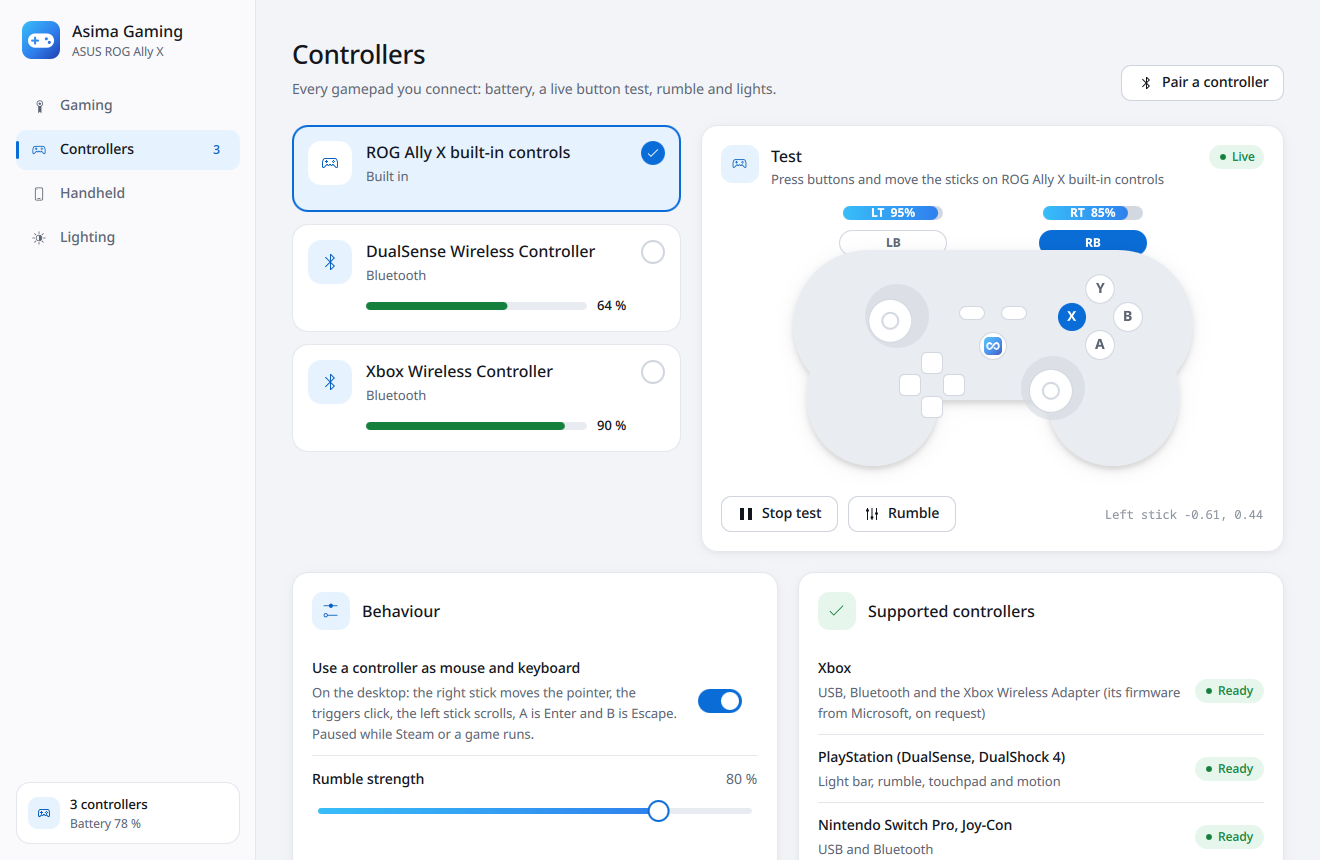
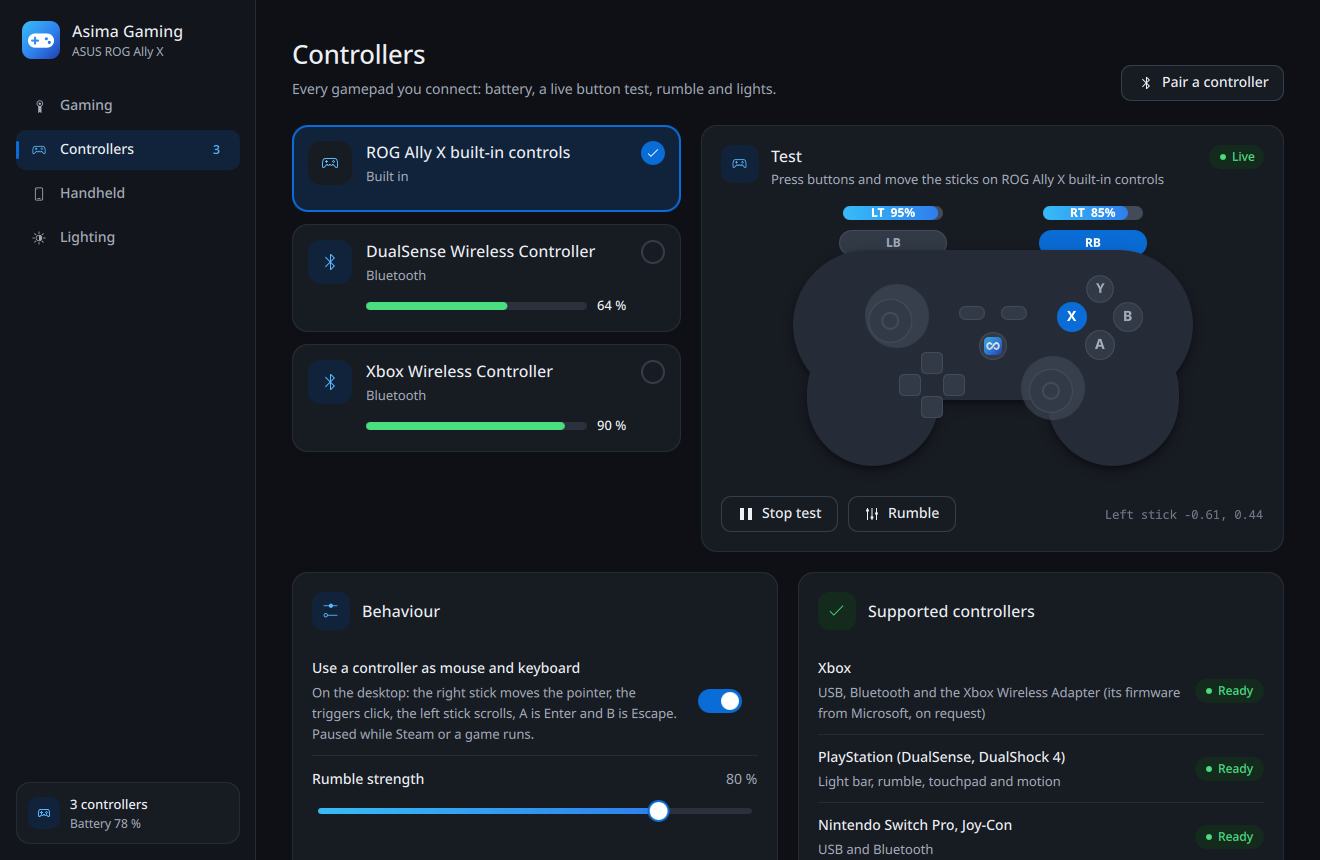
- Controllers of every kind, XInput and DirectInput, wired, over Bluetooth or a wireless receiver: test them, set the rumble, use one as a mouse
- A handheld’s power limit, refresh rate, frame limit, fan, back buttons and gyro
- RGB lighting, and game mode with Steam in gamescope, as on SteamOS

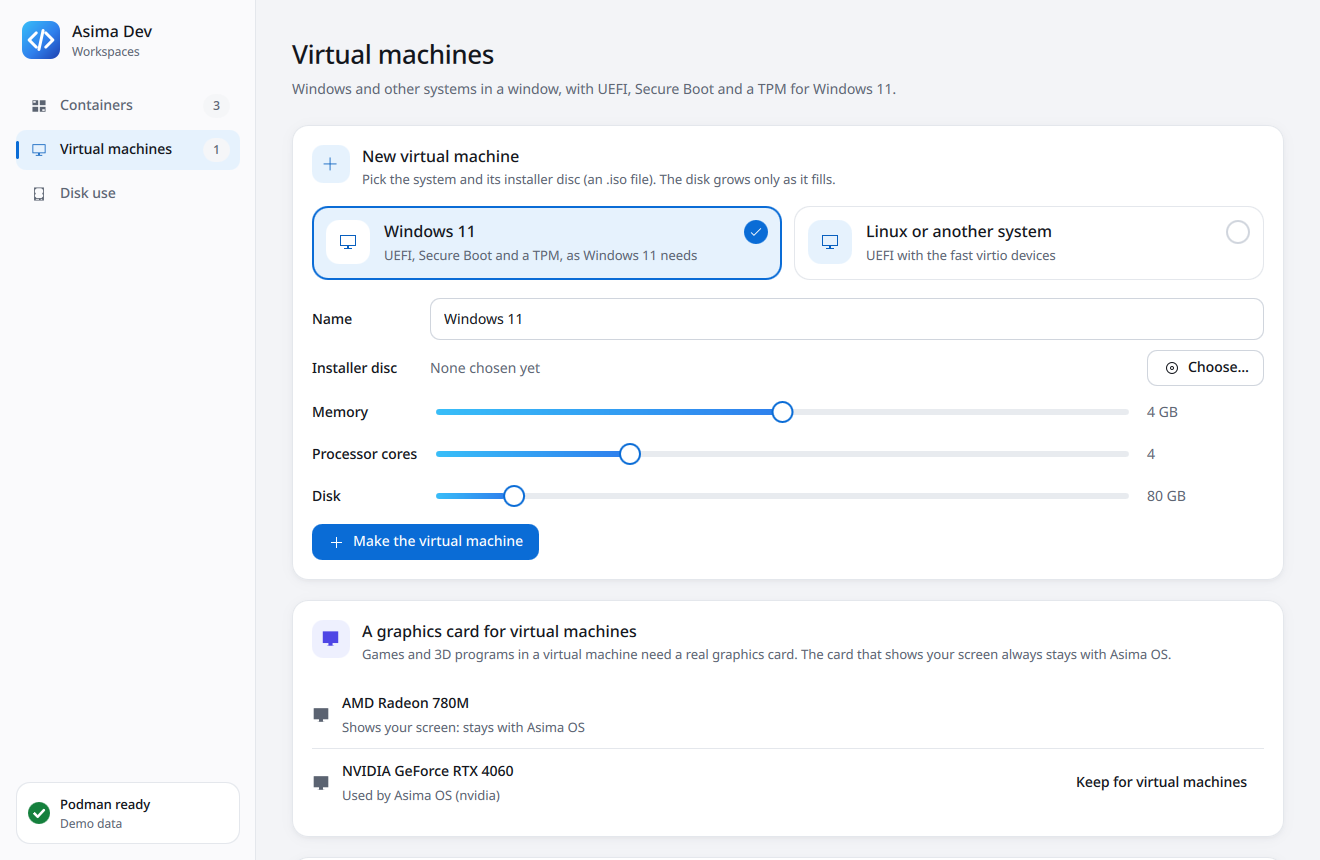
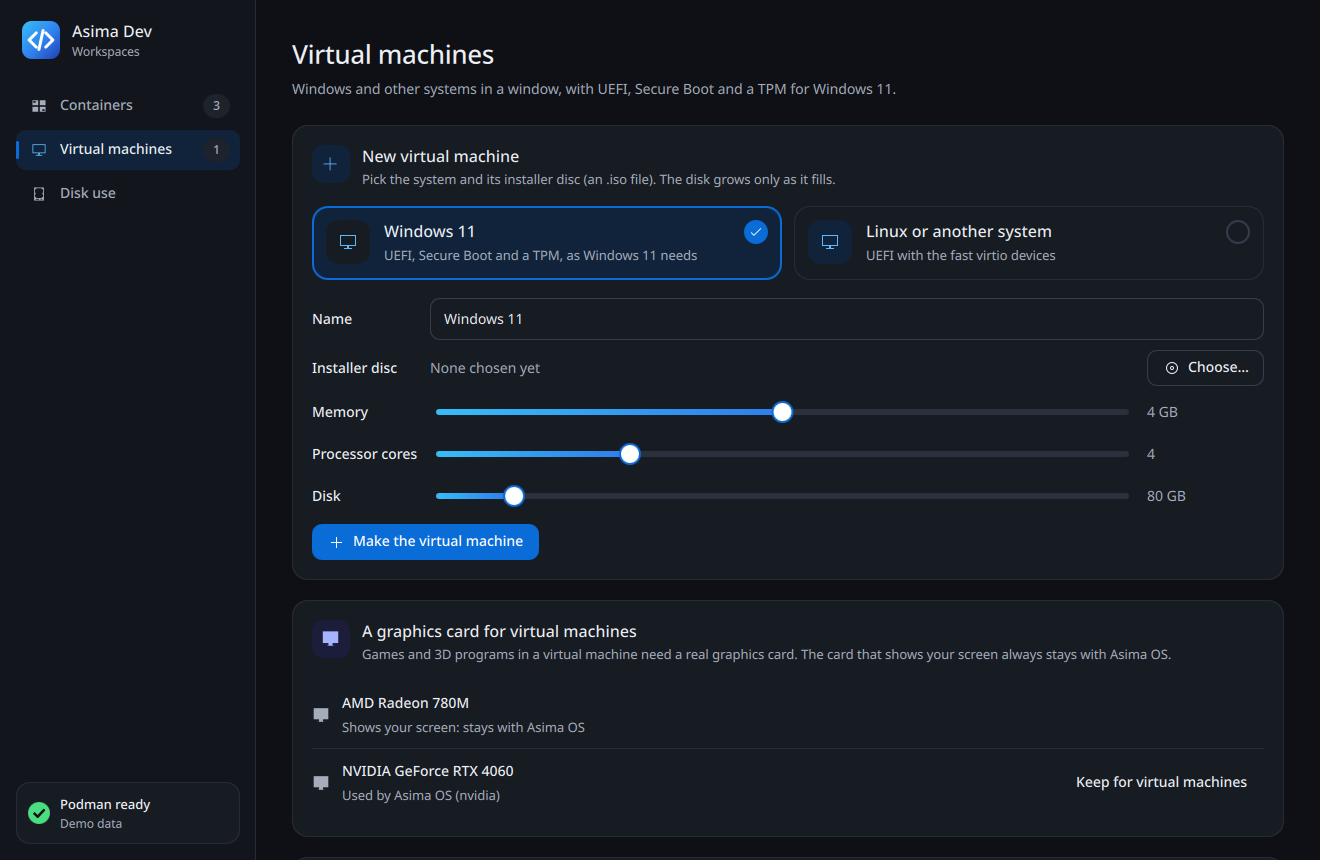
Asima Dev
Containers and virtual machines.
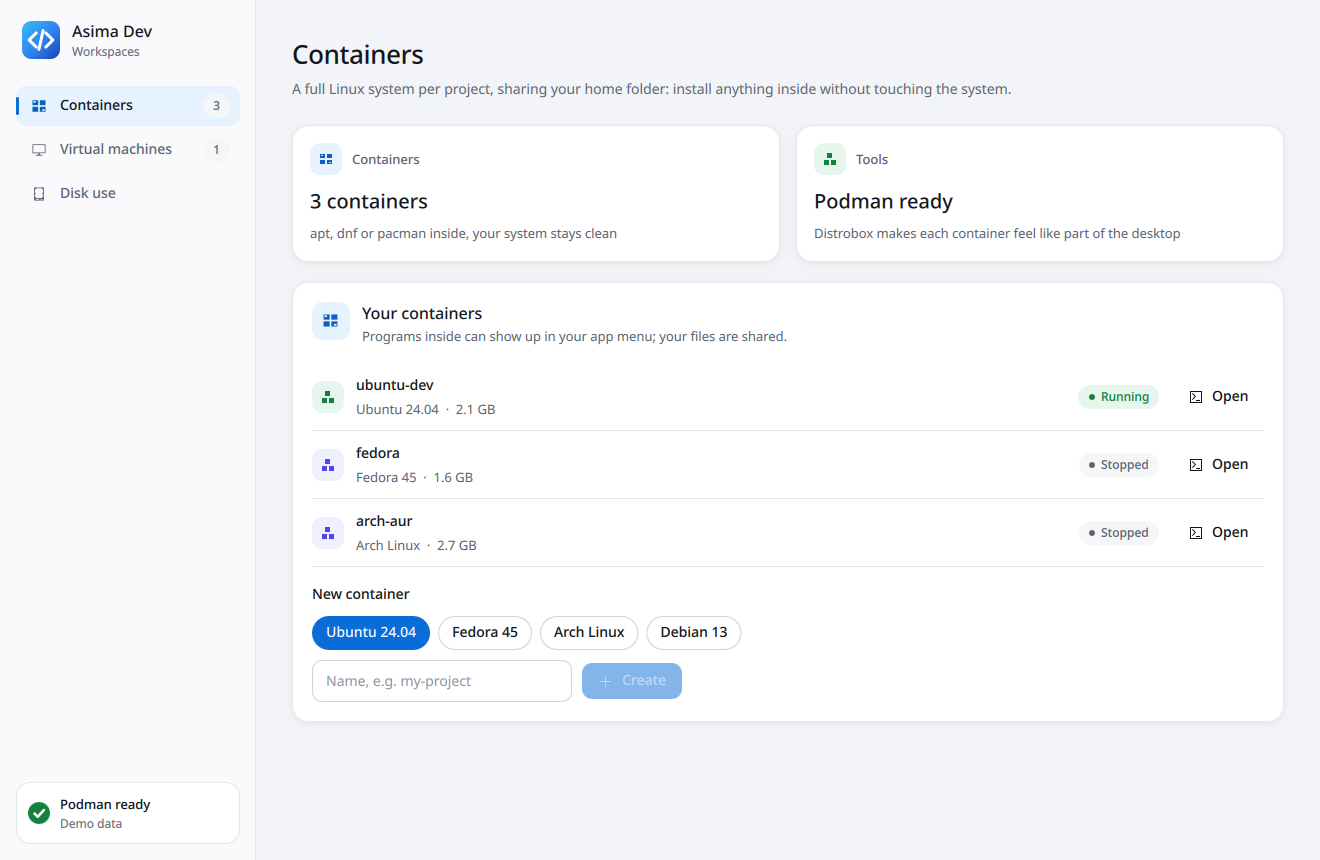
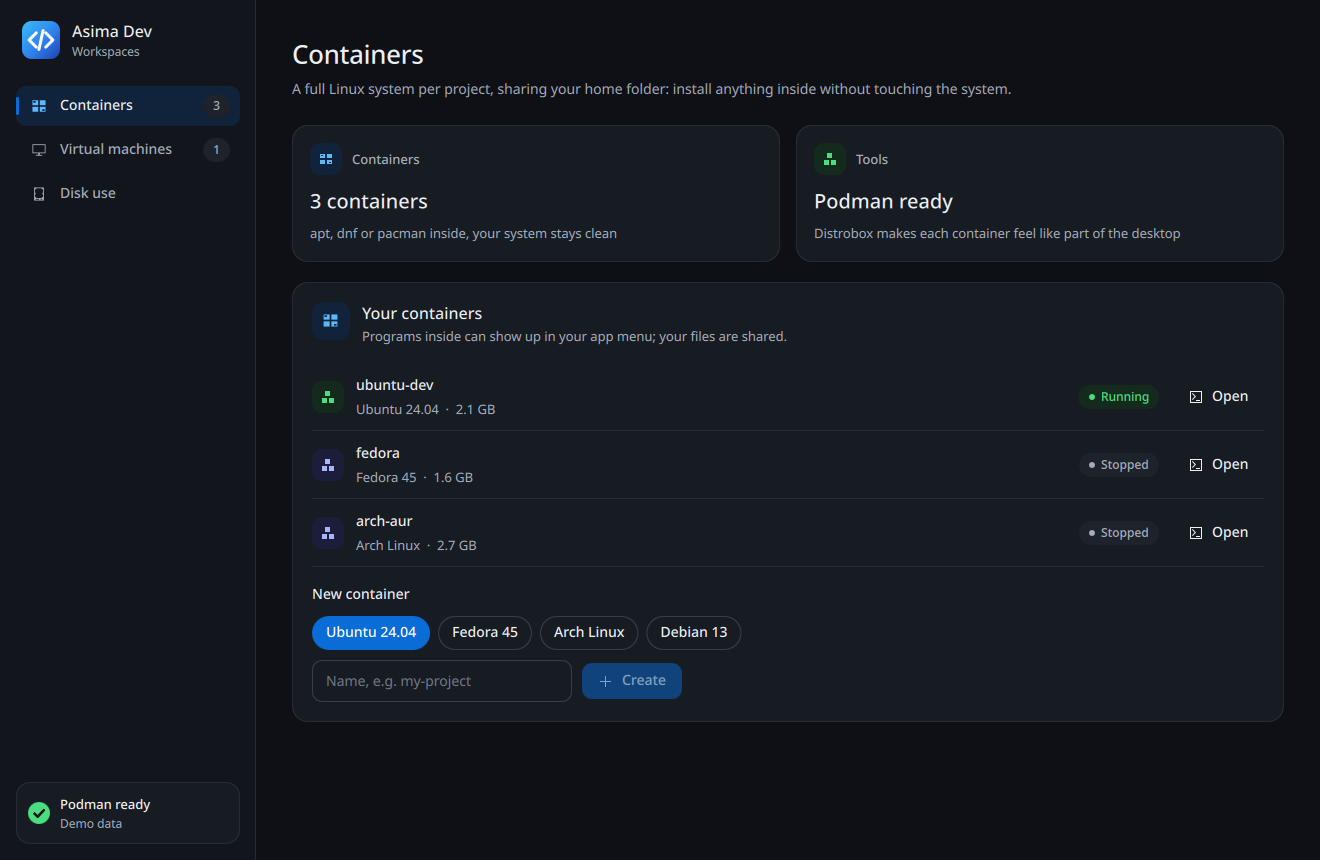
- Distrobox and Podman containers, created and opened from one list
- Virtual machines, even with a graphics card of their own
- How much room each takes, with a limit so none can fill the disk

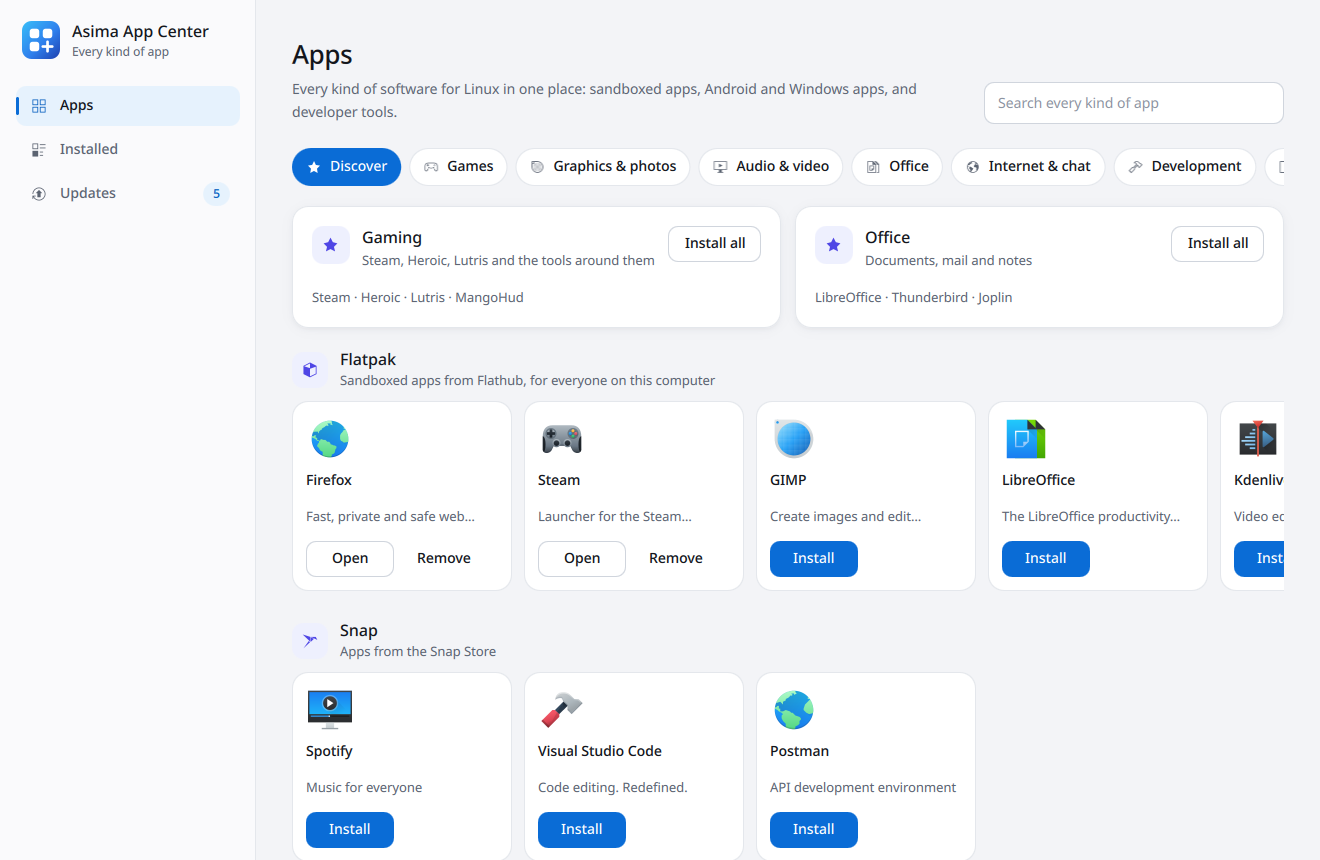
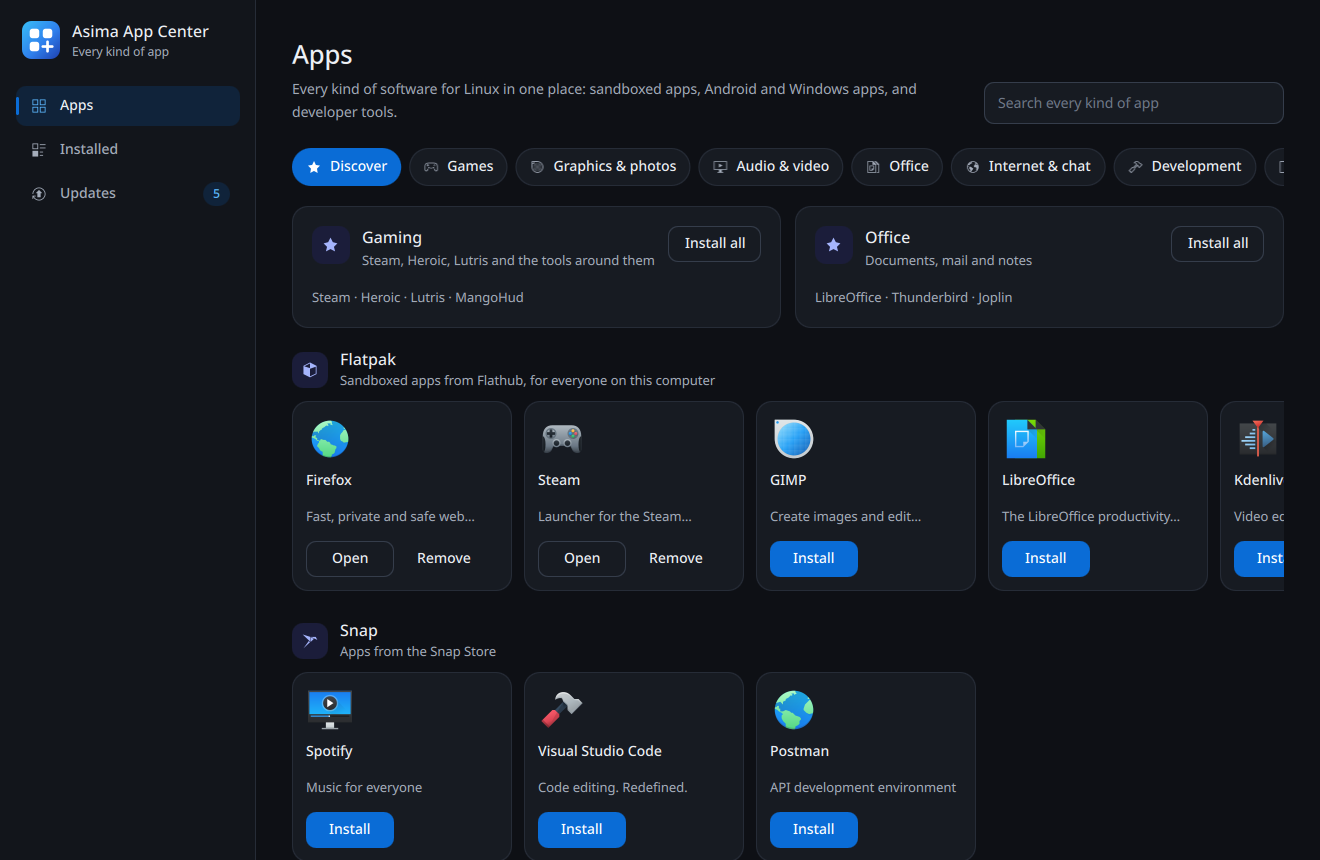
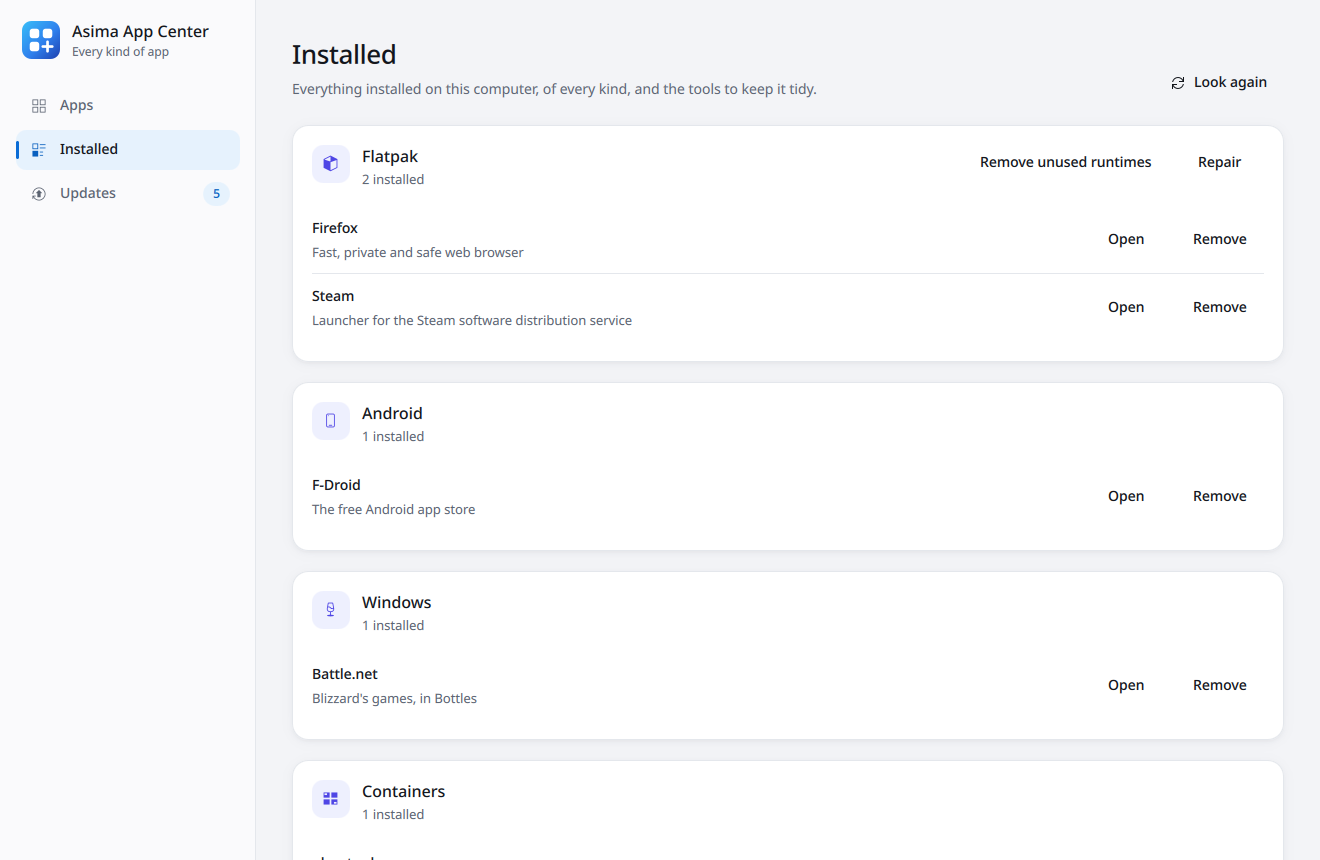
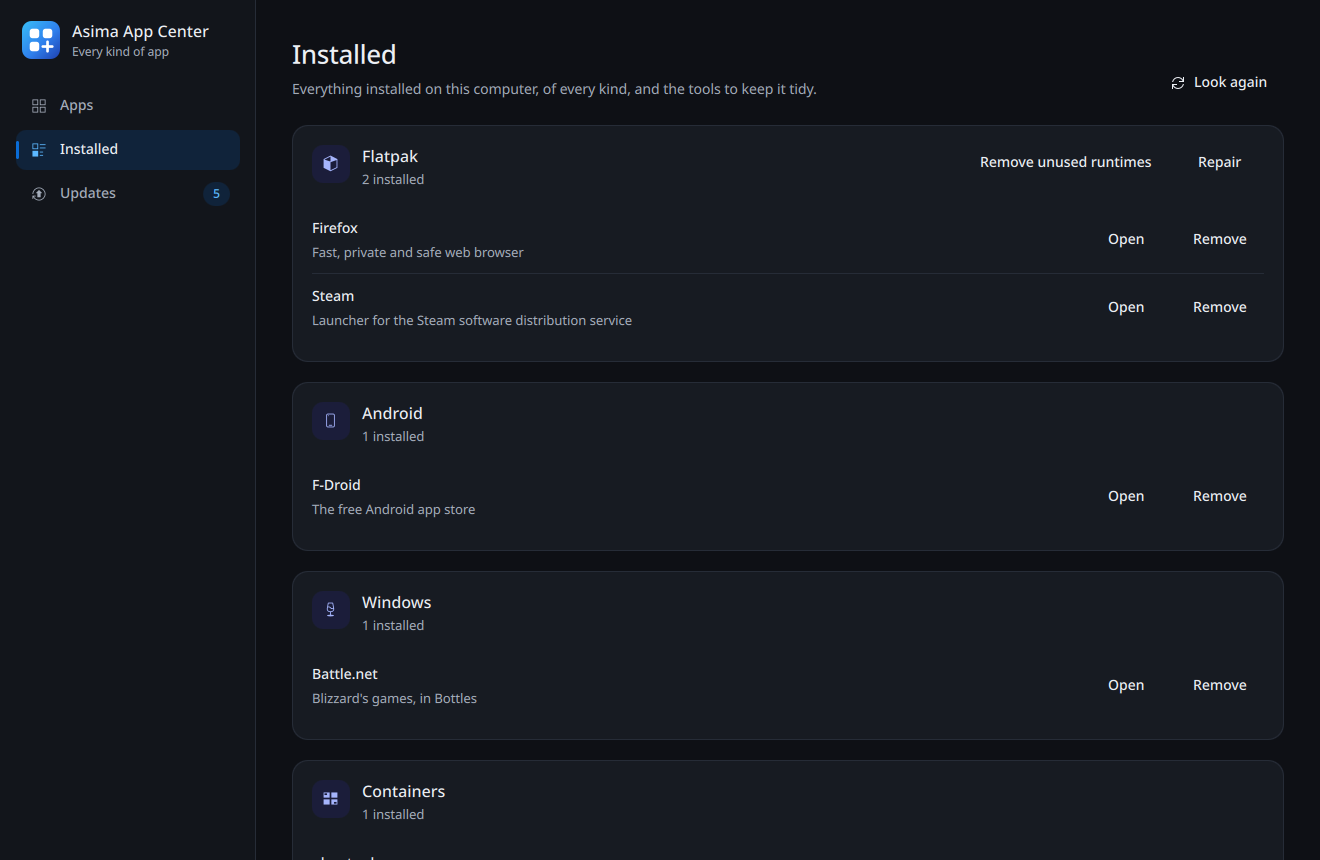
Asima App Center
Every kind of app for Linux, in one place.
- Flatpak, Snap and AppImage apps, Android apps and Windows programs
- Developer tools from Nix, Homebrew, Python, Node.js, Rust, Go and Conda
- Opens app files and says what they are before anything is installed
- Updates of every kind, installed with one click

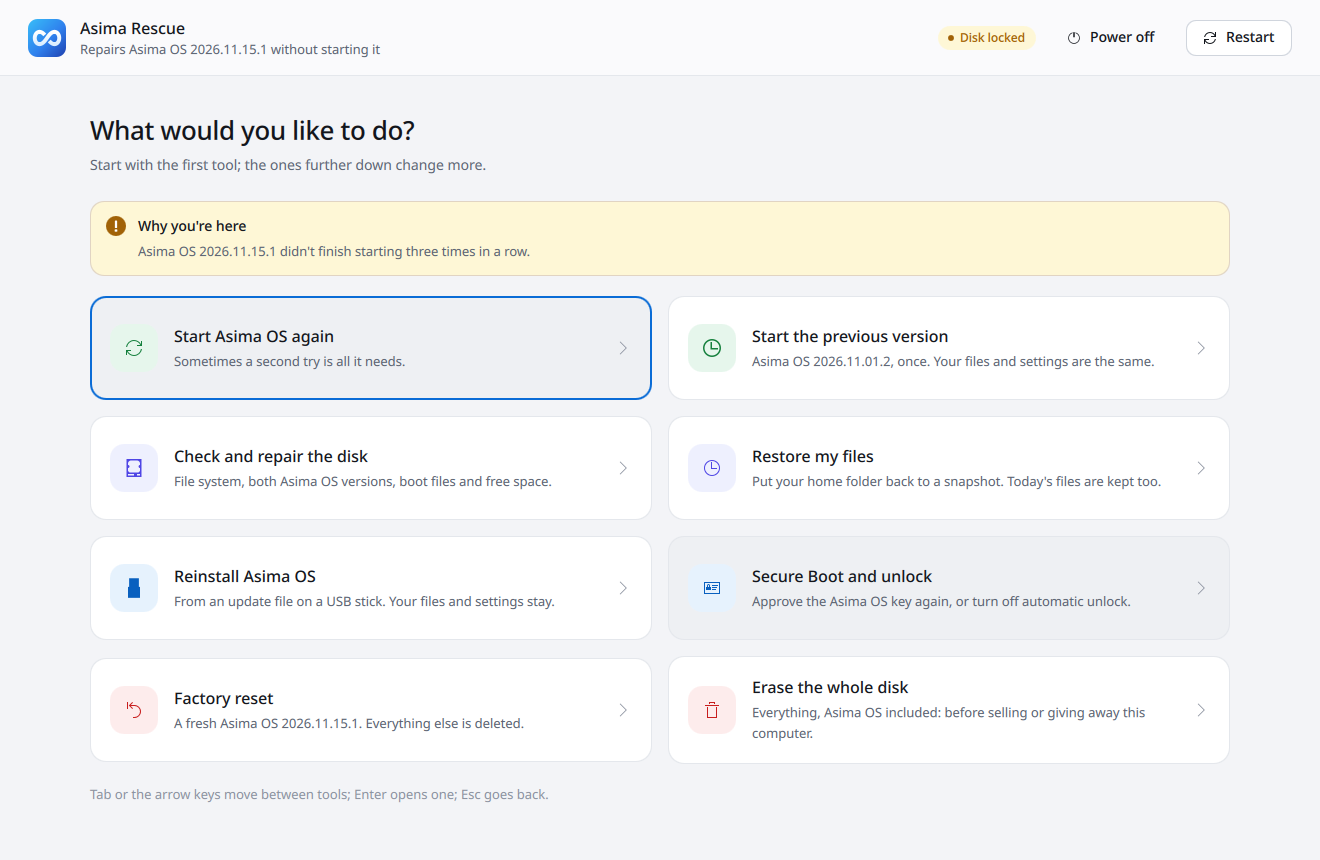
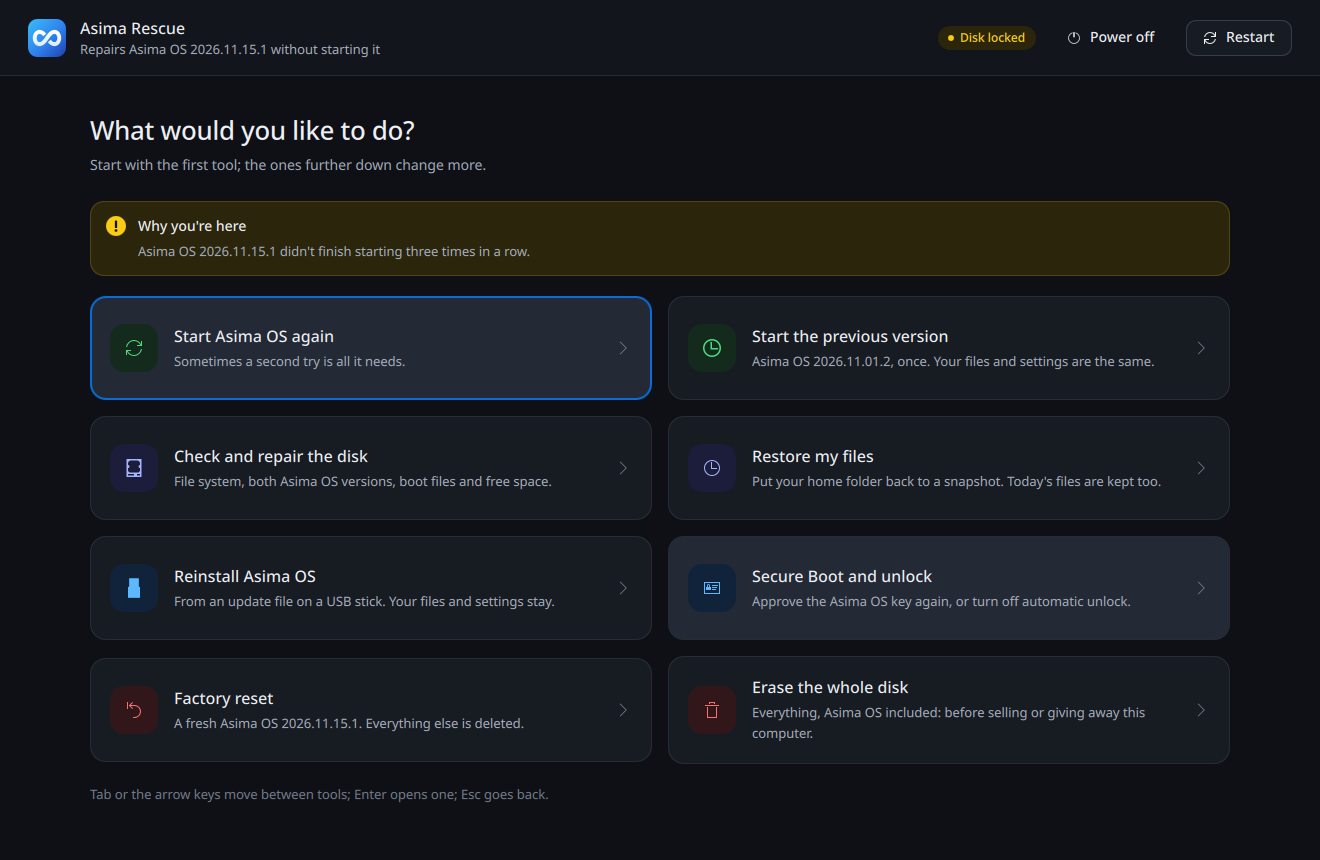
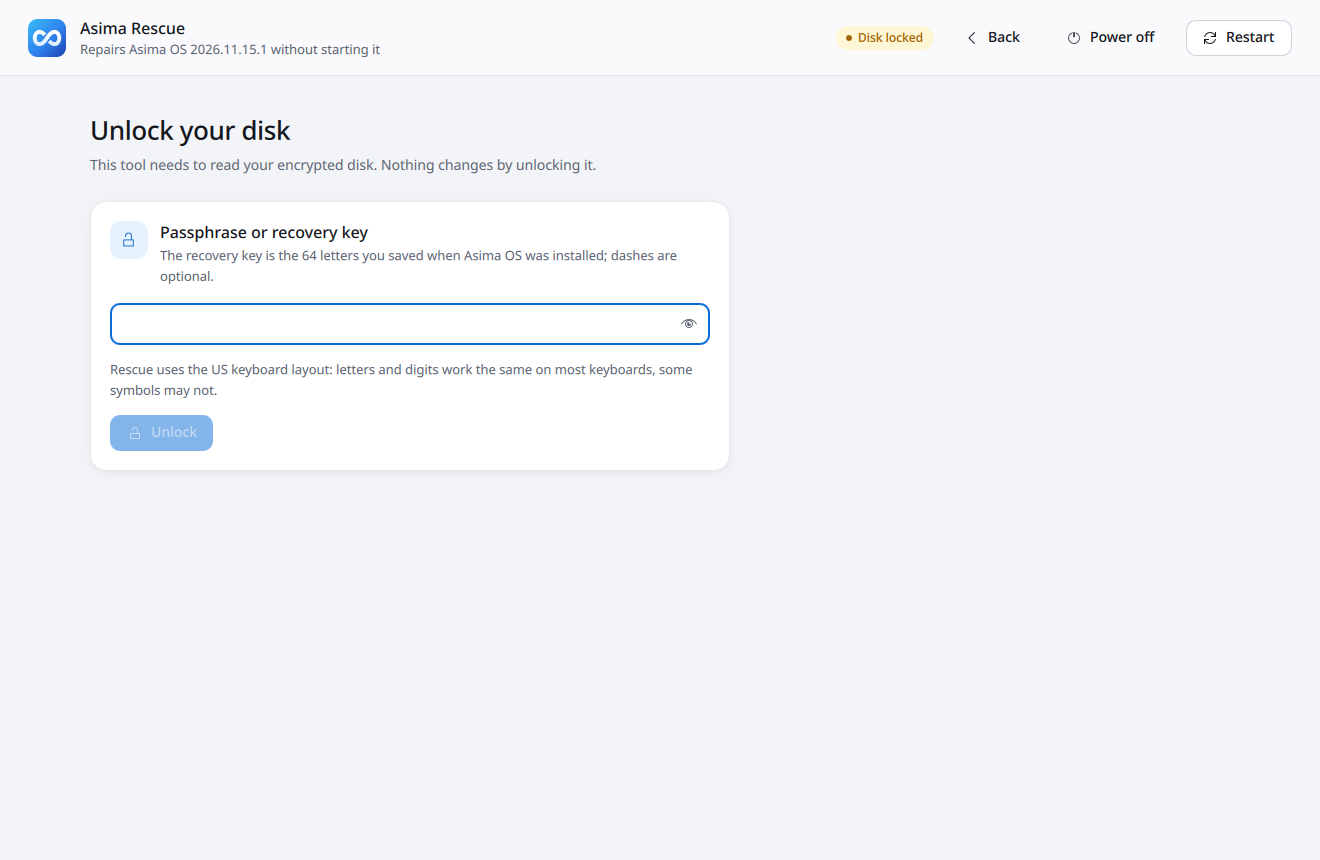
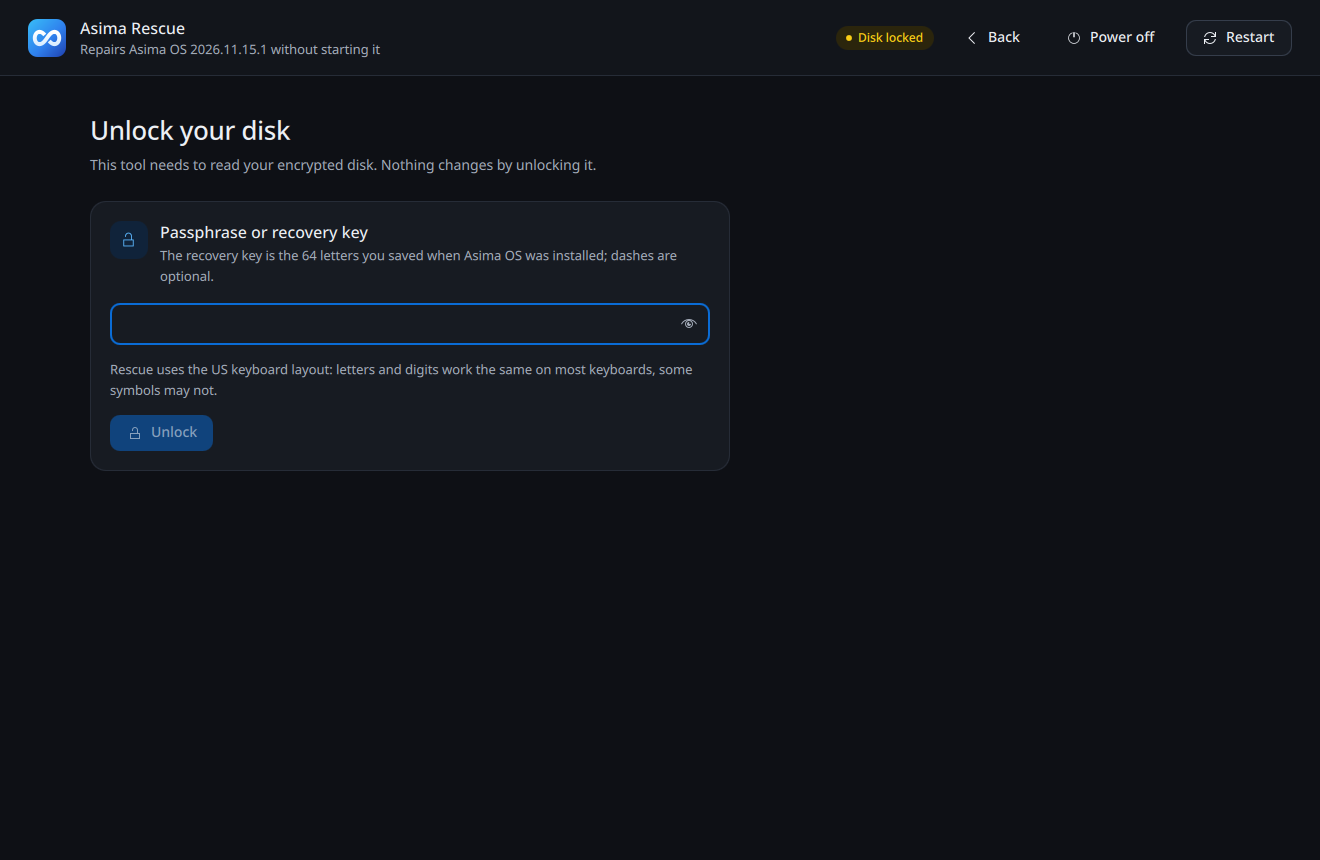
Asima Rescue
A repair system in the start menu, entirely in memory.
- Unlock the disk with the passphrase or the recovery key
- Check and repair the disk, start the previous version
- Restore your files, or reinstall while keeping them
- Factory reset, or erase the whole disk
The Asima OS installer
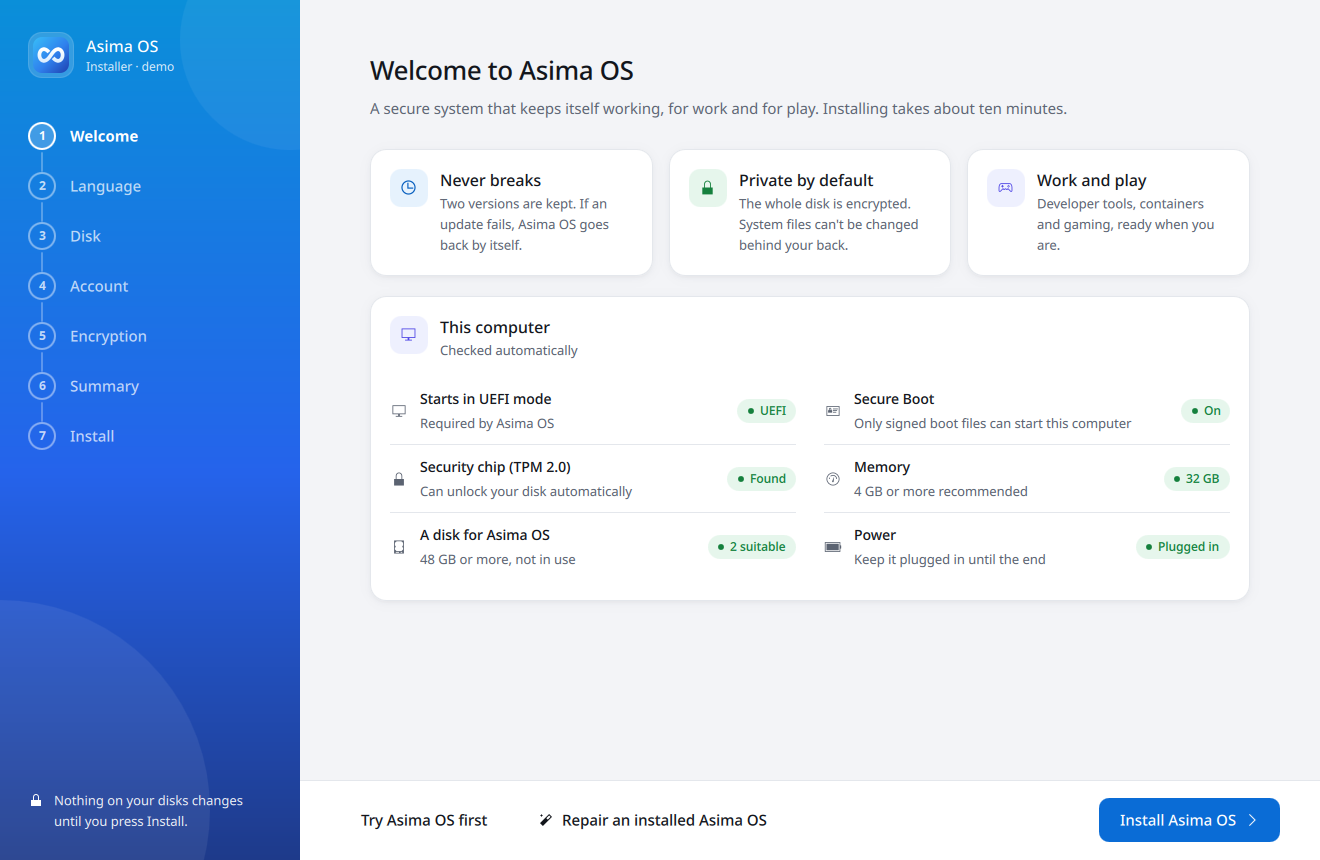
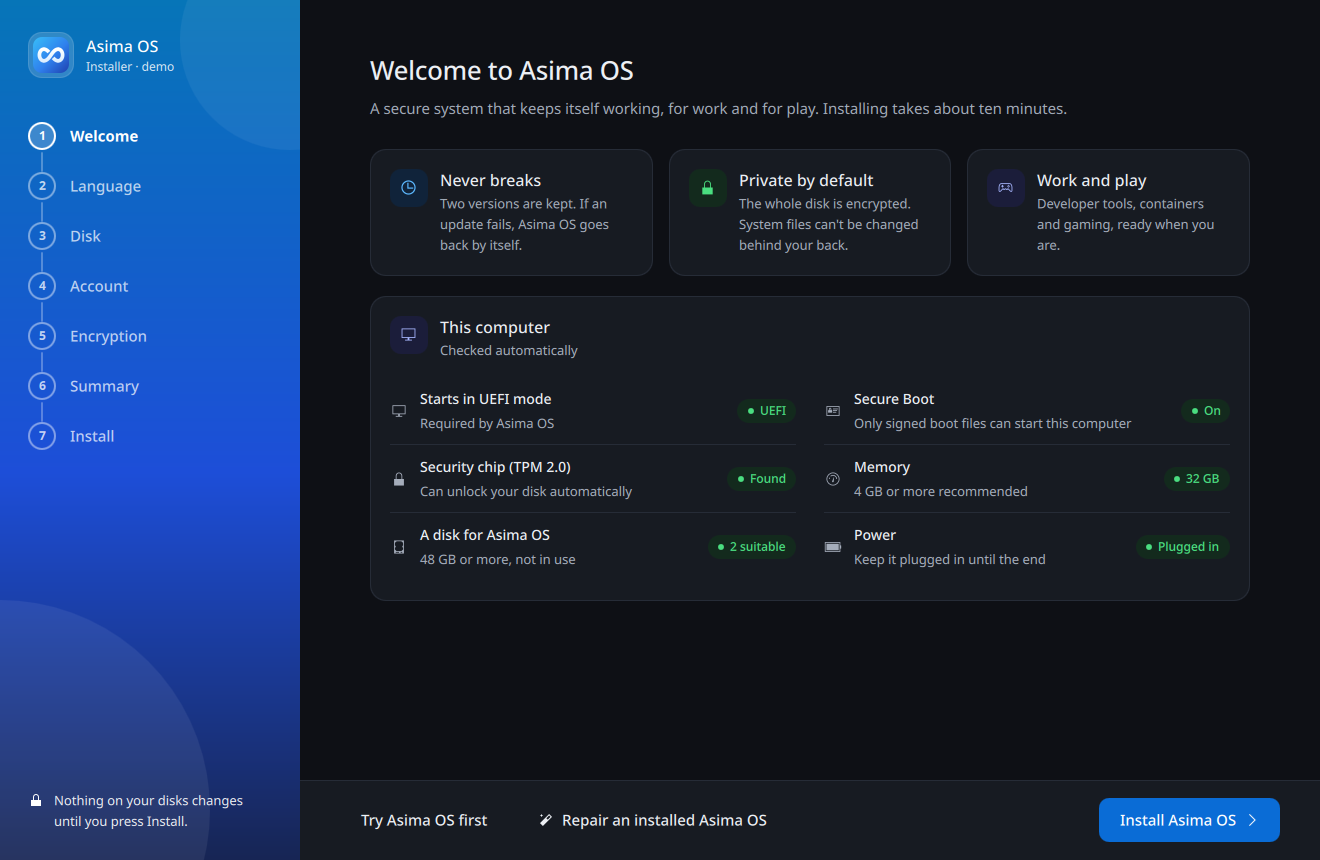
Puts Asima OS on a computer in a few steps.
- Every language and keyboard layout, and a city search for your time zone
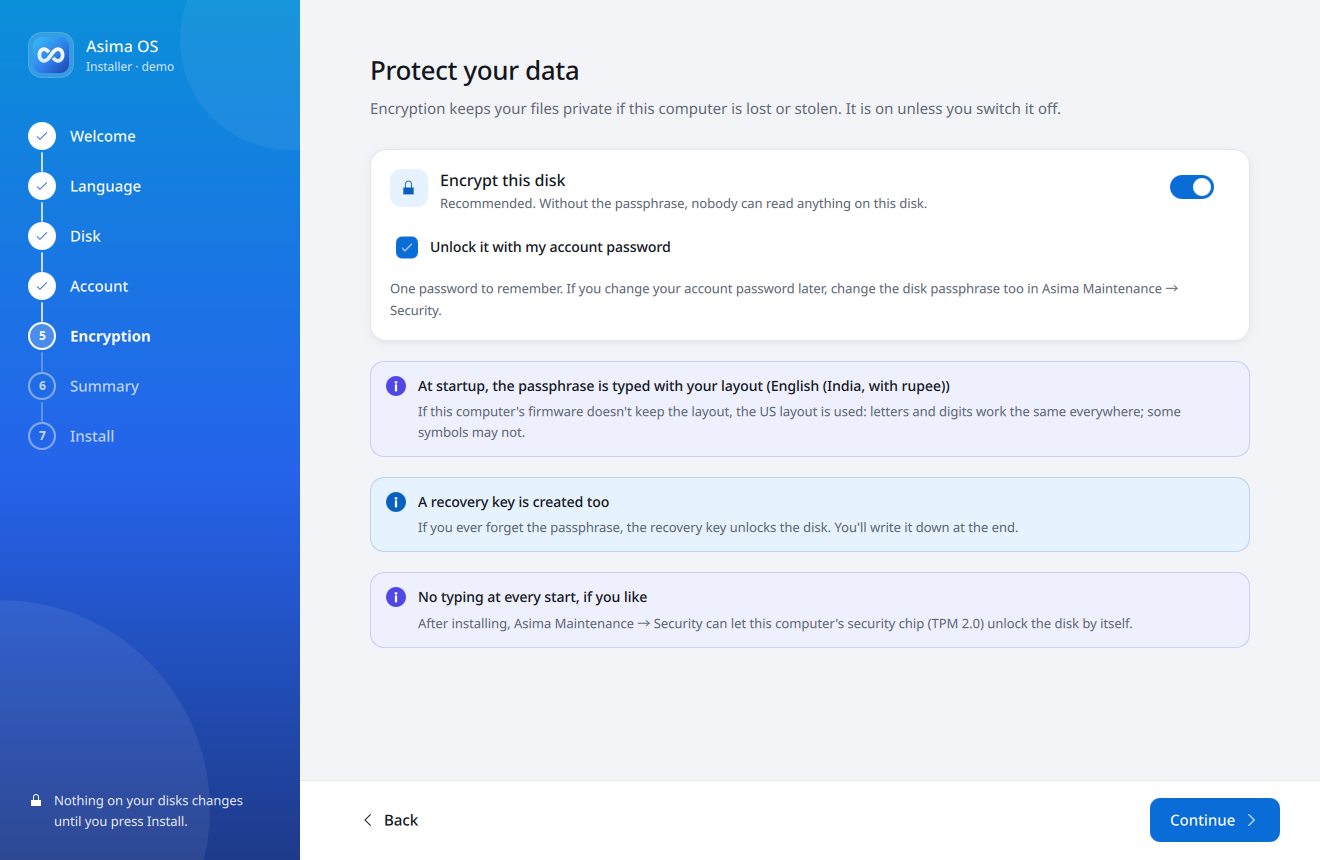
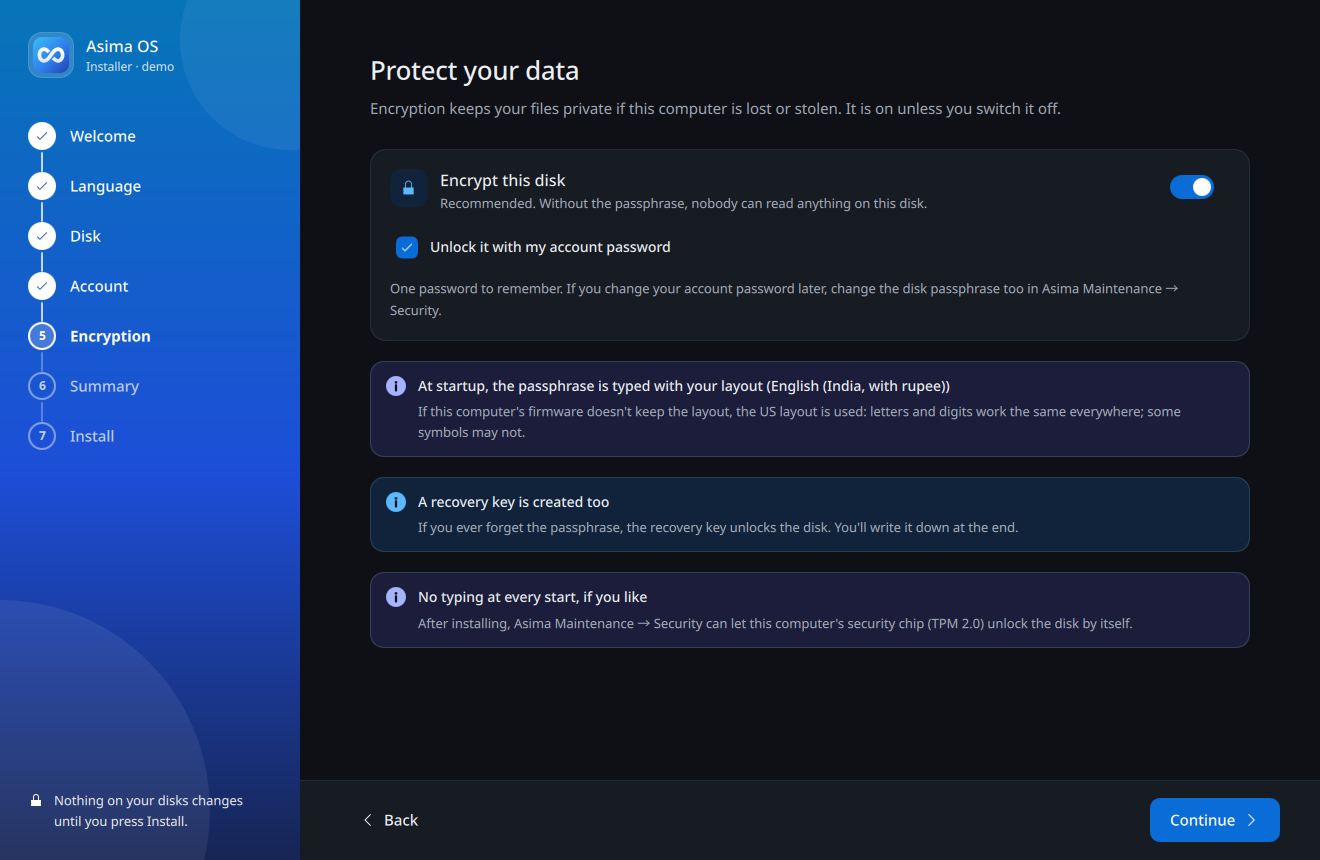
- Encryption on by default, with a recovery key at the end
- Try the live system first, install when you’re ready
- Repair an installed Asima OS: the start-up put back, or the USB stick’s version installed, your files untouched

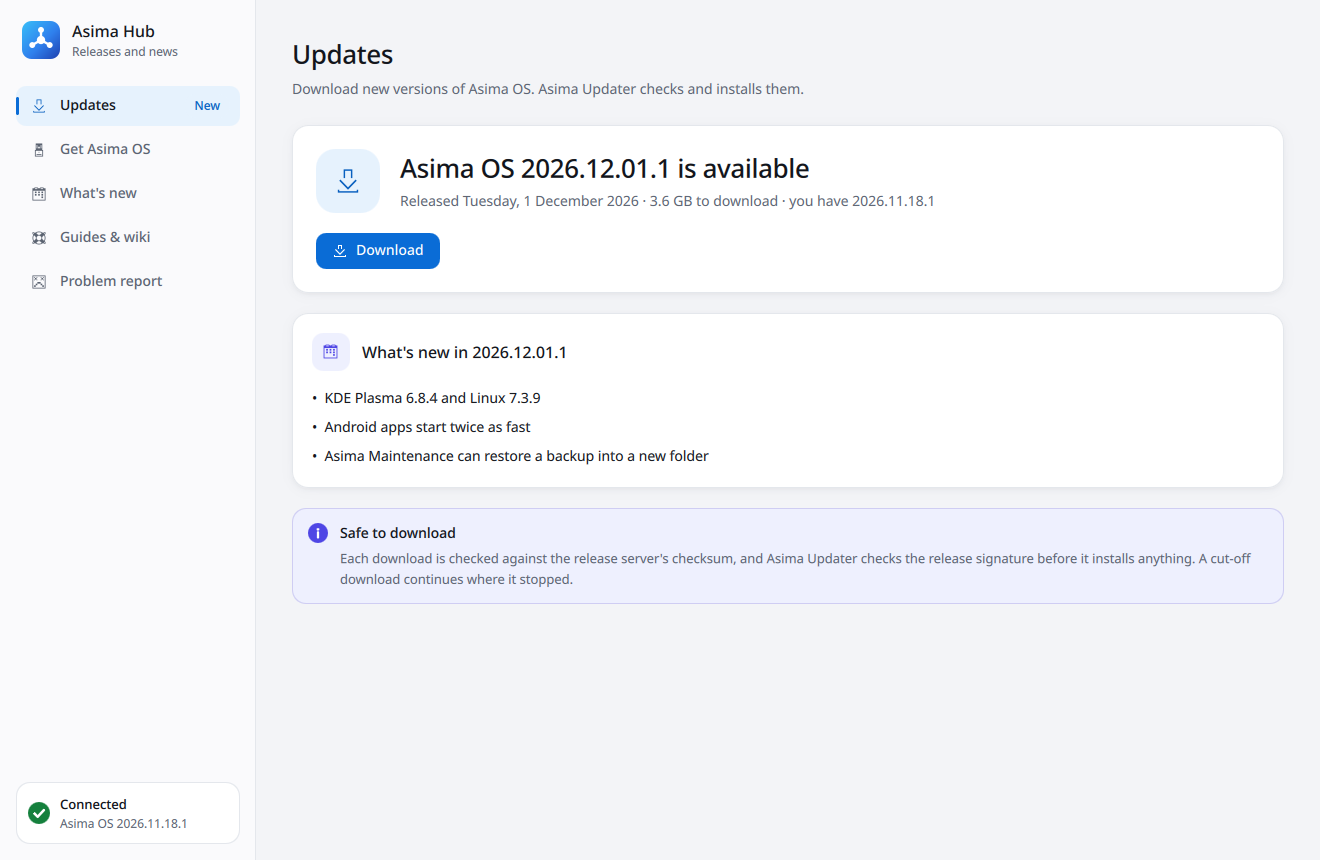
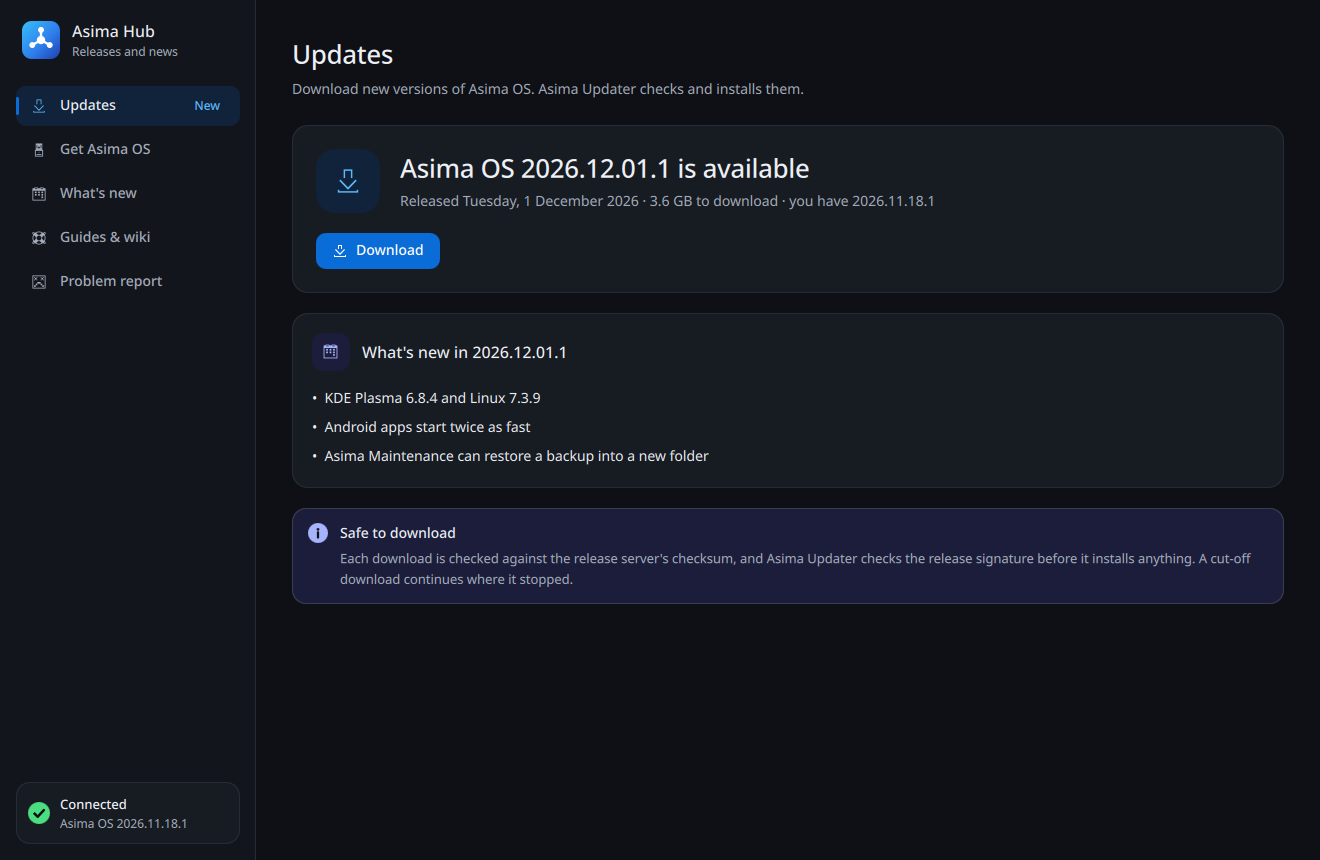
Asima Hub
News, downloads and updates online, and it’s optional.
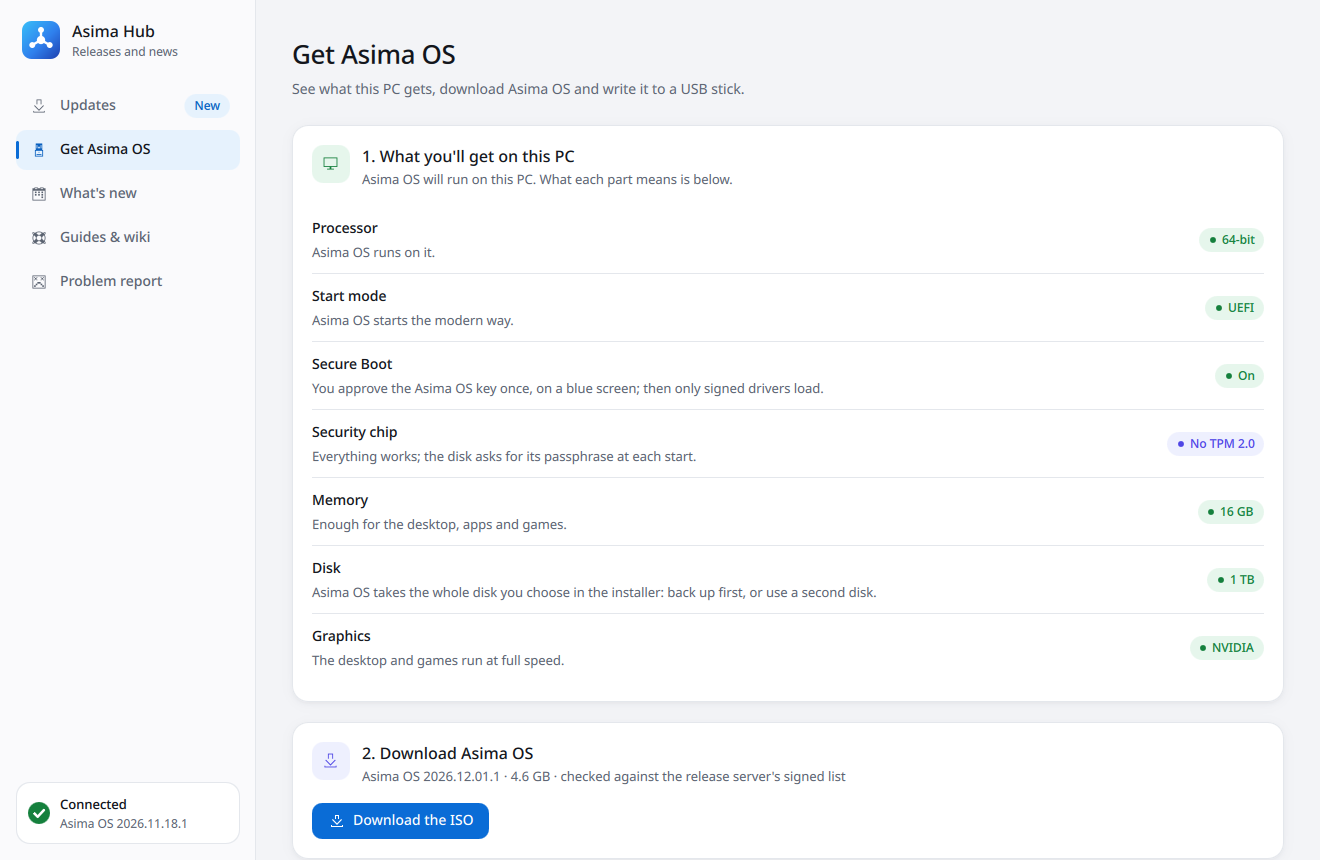
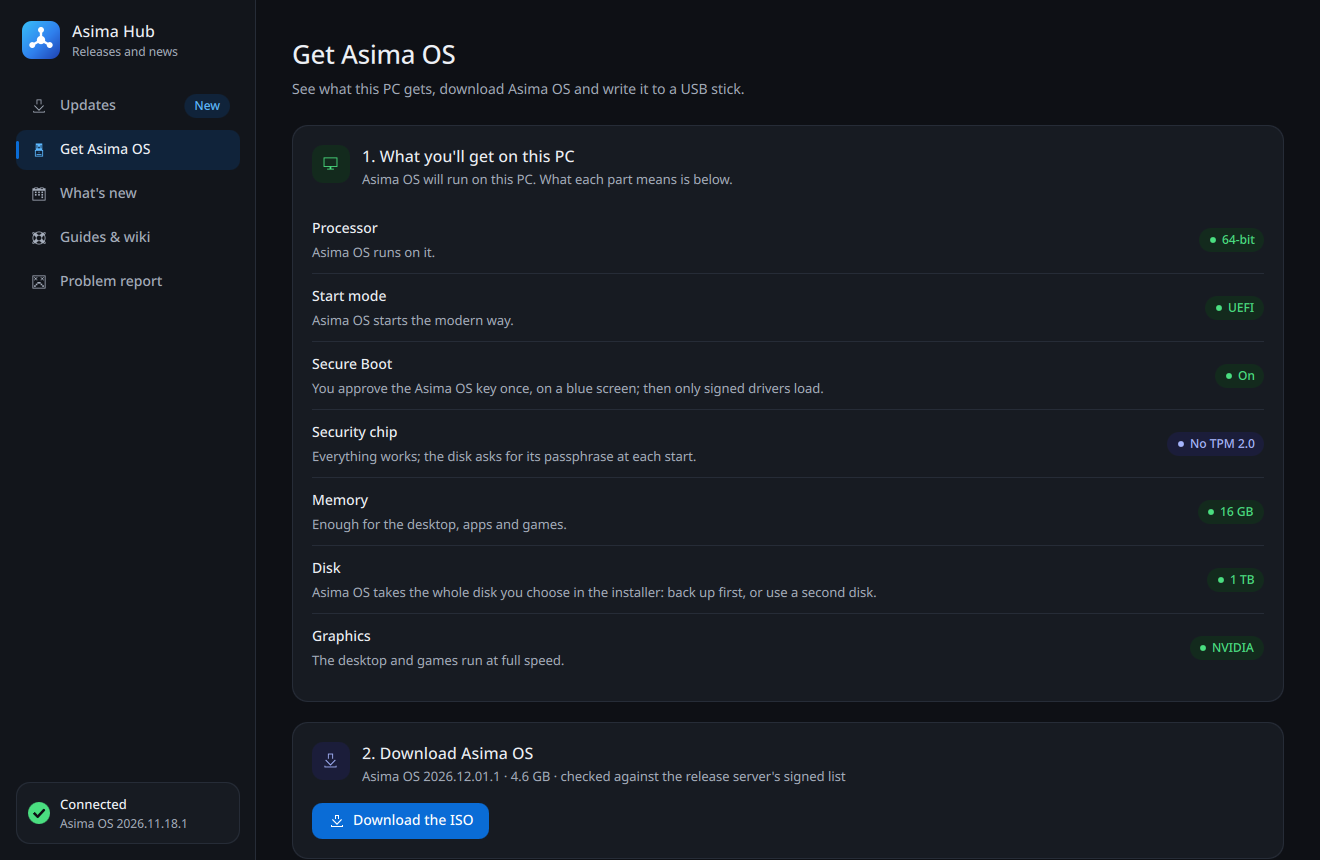
- News, and a check of what Asima OS will do on your PC
- Downloads the system and writes the USB stick: on Linux now, on Windows later
- On Asima OS, downloads updates and hands them to Asima Updater
- Never part of the system: install it only if you want it
Approving admin tasks
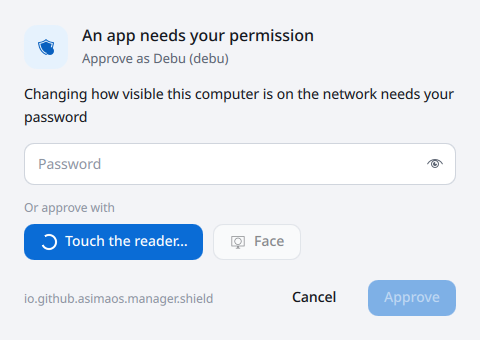
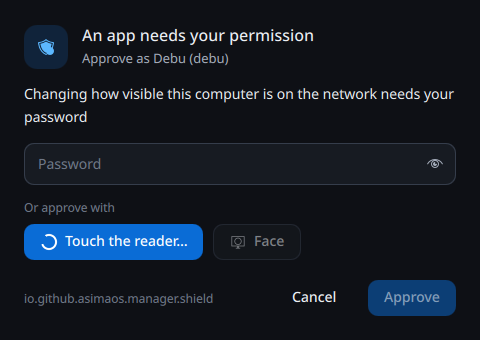
The Asima OS password dialog
When an app needs to change the system, one clear dialog asks. Type your password, or touch the fingerprint reader, or look at the camera if you set up face sign-in.