
Features
Everything Asima OS does for you
An operating system that updates safely, repairs itself and protects your data, built from standard parts that are tested together.
Updates and versions
Updates that can’t leave you stuck
Every update is the whole system in one signed file. It is checked before anything is written, and your current version stays as the backup.
- One file with the whole system: checked for its signature, that it’s newer and that there’s room
- Installs in the background and picks up where it stopped after an interruption, even a power cut
- Any version from the past year jumps straight to the newest; an older one updates with the repair tools, keeping your files
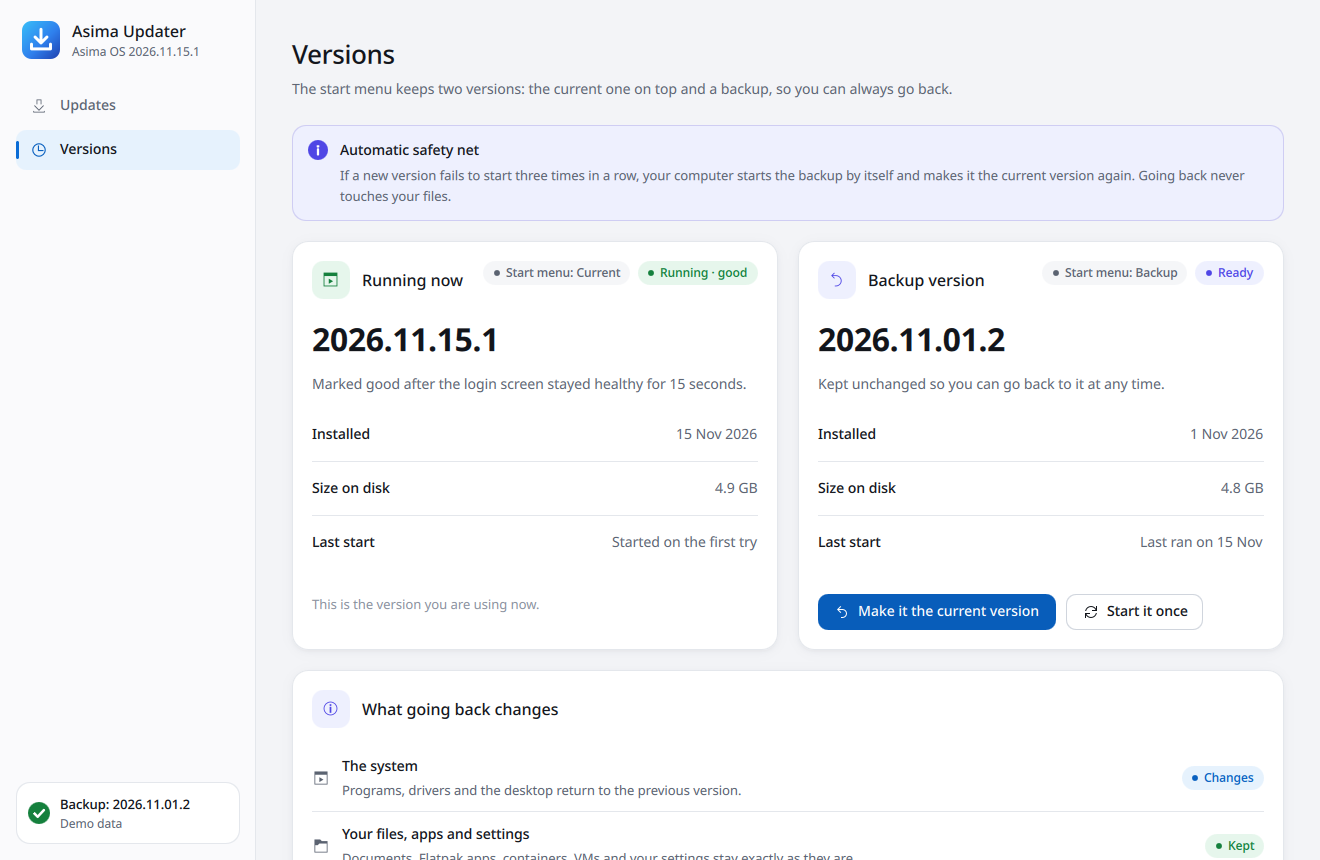
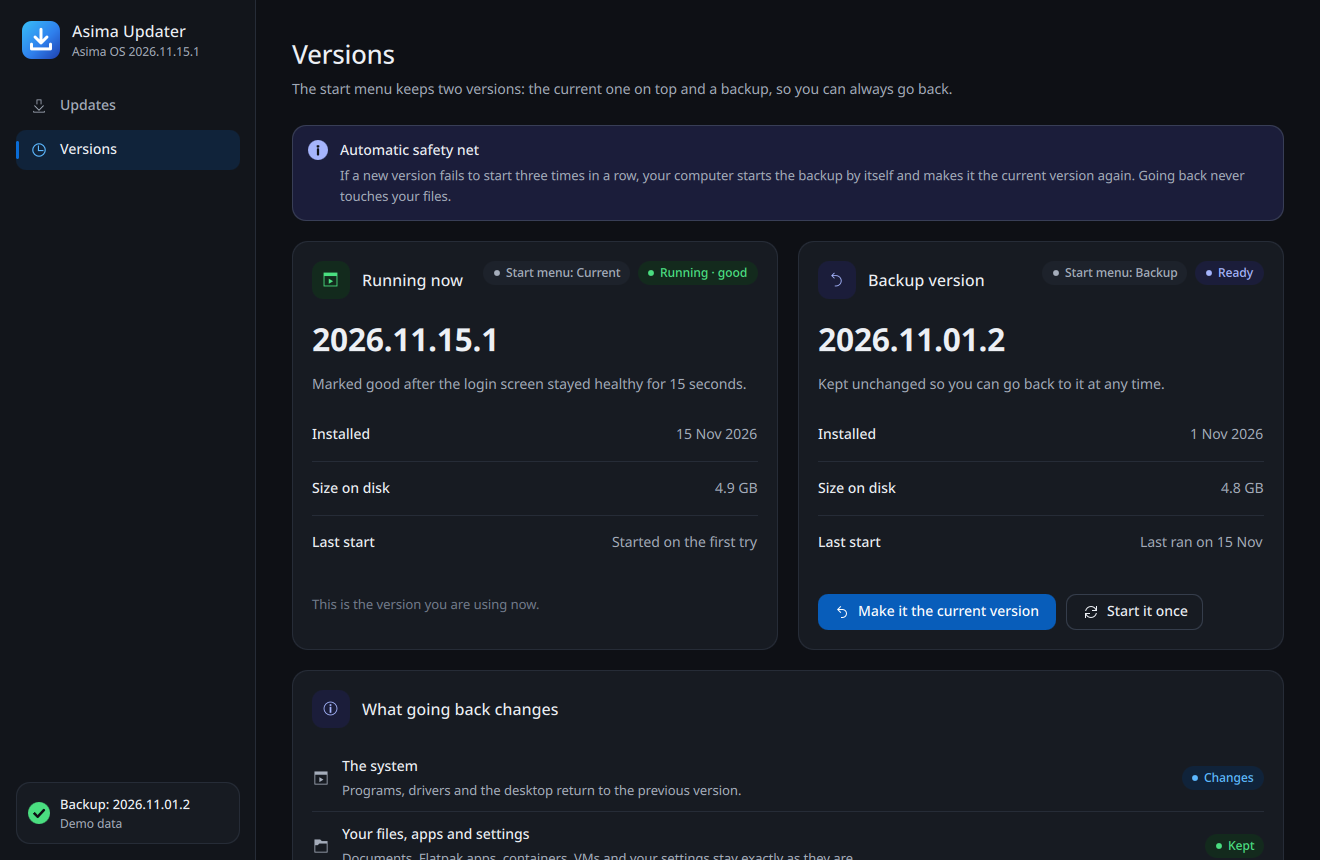
- The start menu keeps two versions. Go back with one click, or start the old one just once to compare
- Snapshots of your files and settings are taken before every update
The safety net
When something goes wrong, it fixes itself
A version counts as good only after the login screen has stayed up and the health checks pass. Until then, your PC is ready to go back.
- A version that fails to start three times in a row is replaced by the backup, automatically
- If the desktop keeps failing after you sign in, Asima Updater offers to go back
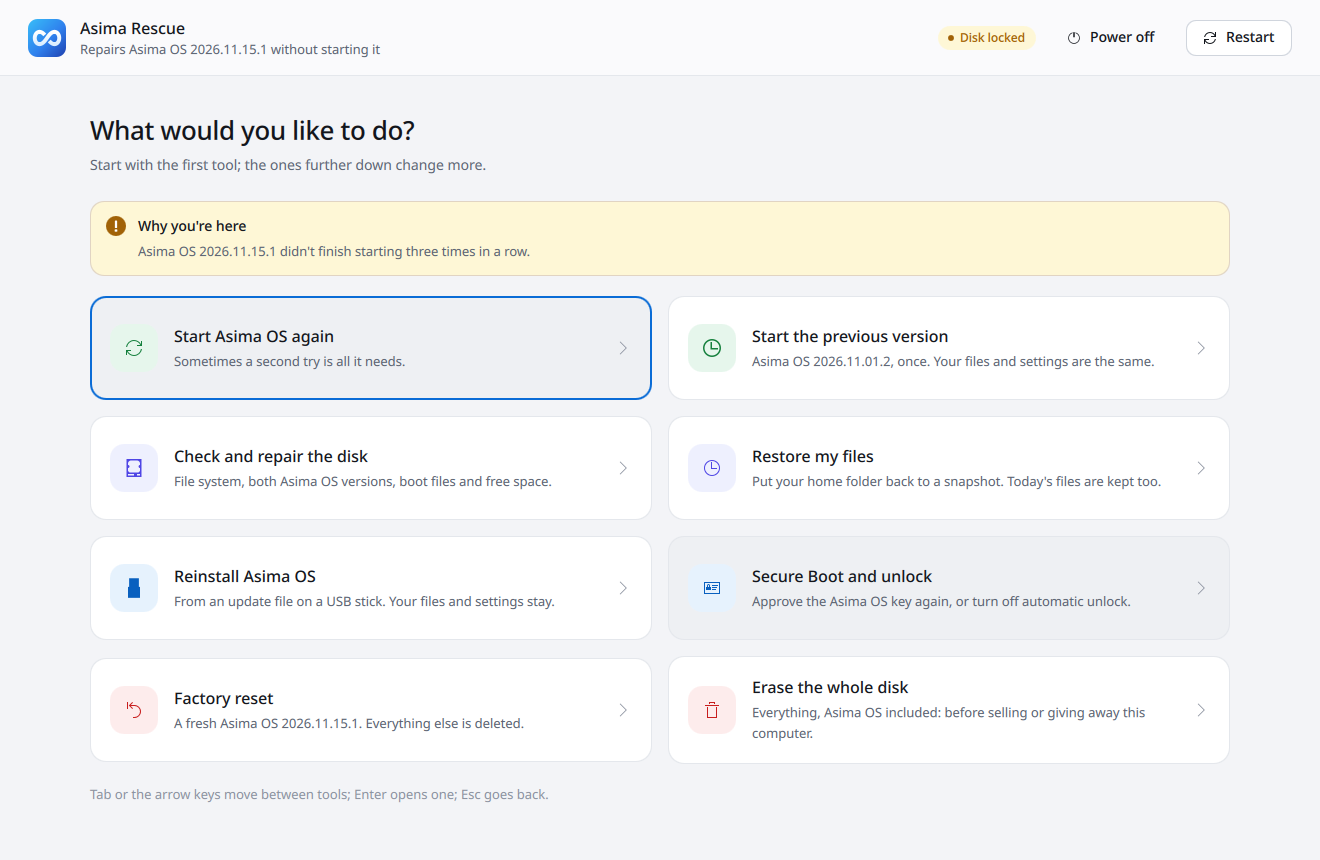
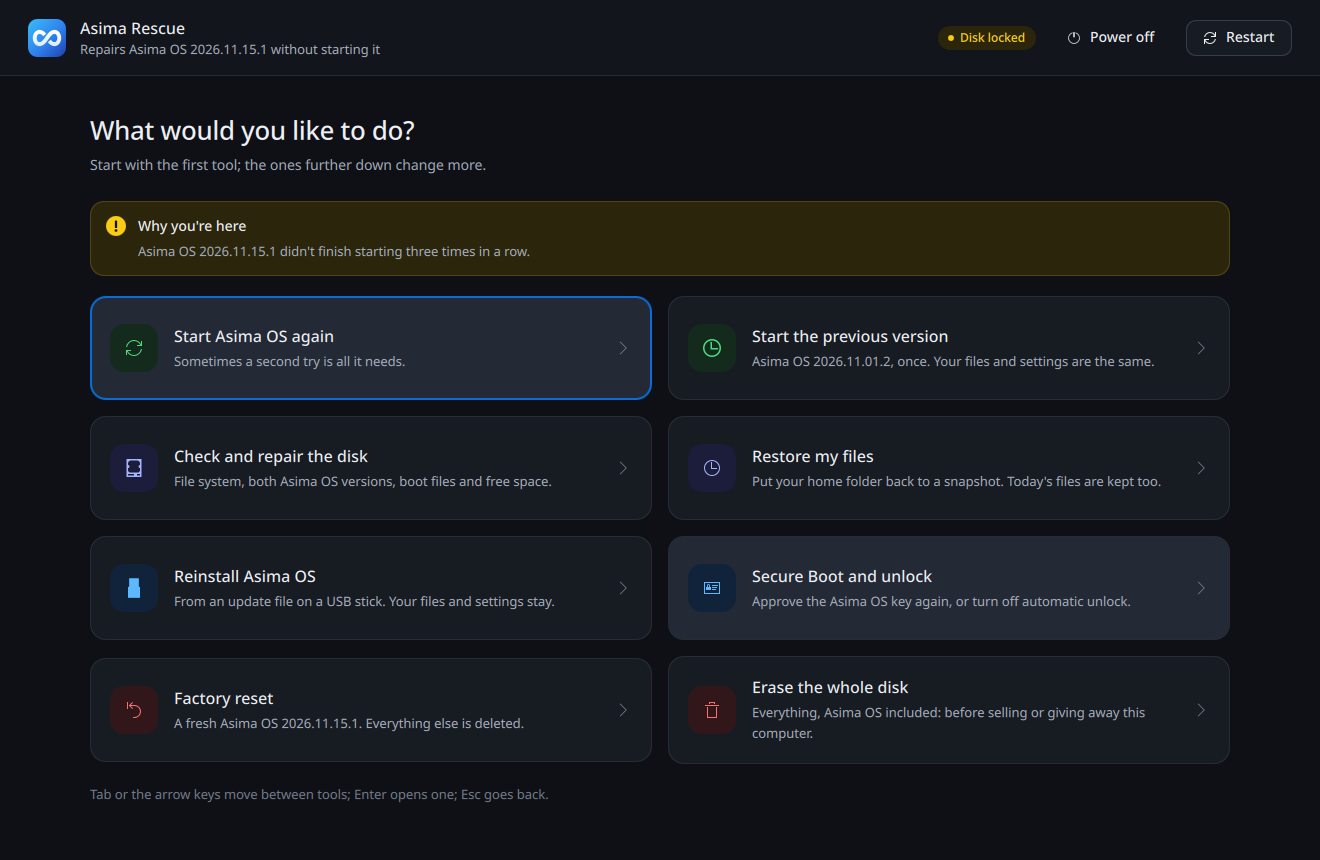
- Asima Rescue starts from the start menu and runs in memory: unlock the disk, check and repair it, restore your files, reinstall
- The USB stick can repair the start menu and boot files, or install its own version while keeping your files
- A disk guard asks before any tool wipes the disk
Security
Locked down from the first start
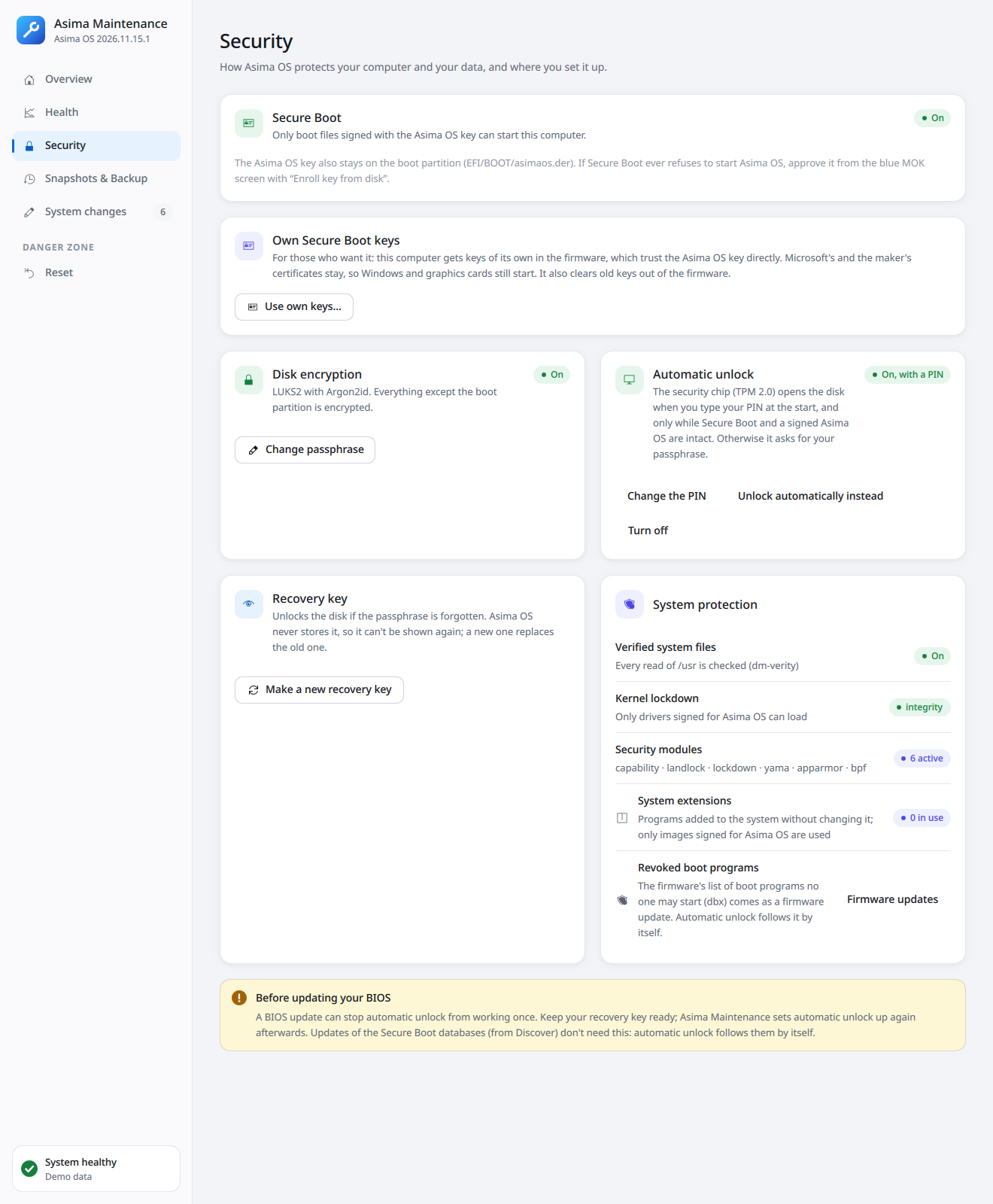
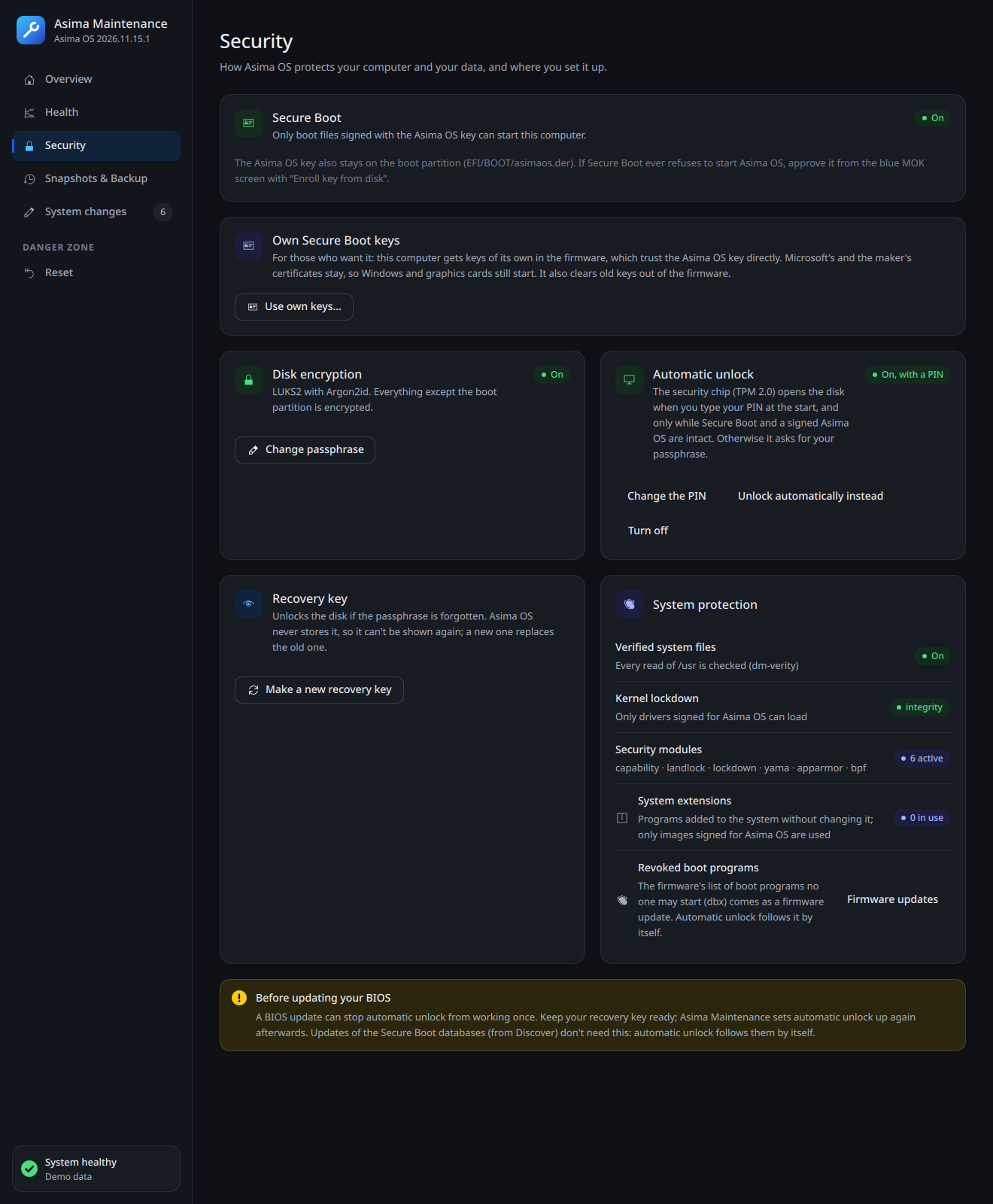
Everything that starts the computer is signed, the system checks itself while it runs, and your disk is encrypted unless you choose otherwise.
- Secure Boot with the shim Microsoft signs and the build’s own key, approved once on a blue screen. Or put your own keys in the firmware
- The kernel is locked down: only signed drivers load, NVIDIA’s included
- Encrypted disk with a recovery key made when you install
- The TPM chip opens the disk for you: automatically (recommended) or after a short PIN. Asima Rescue and other systems can’t use it
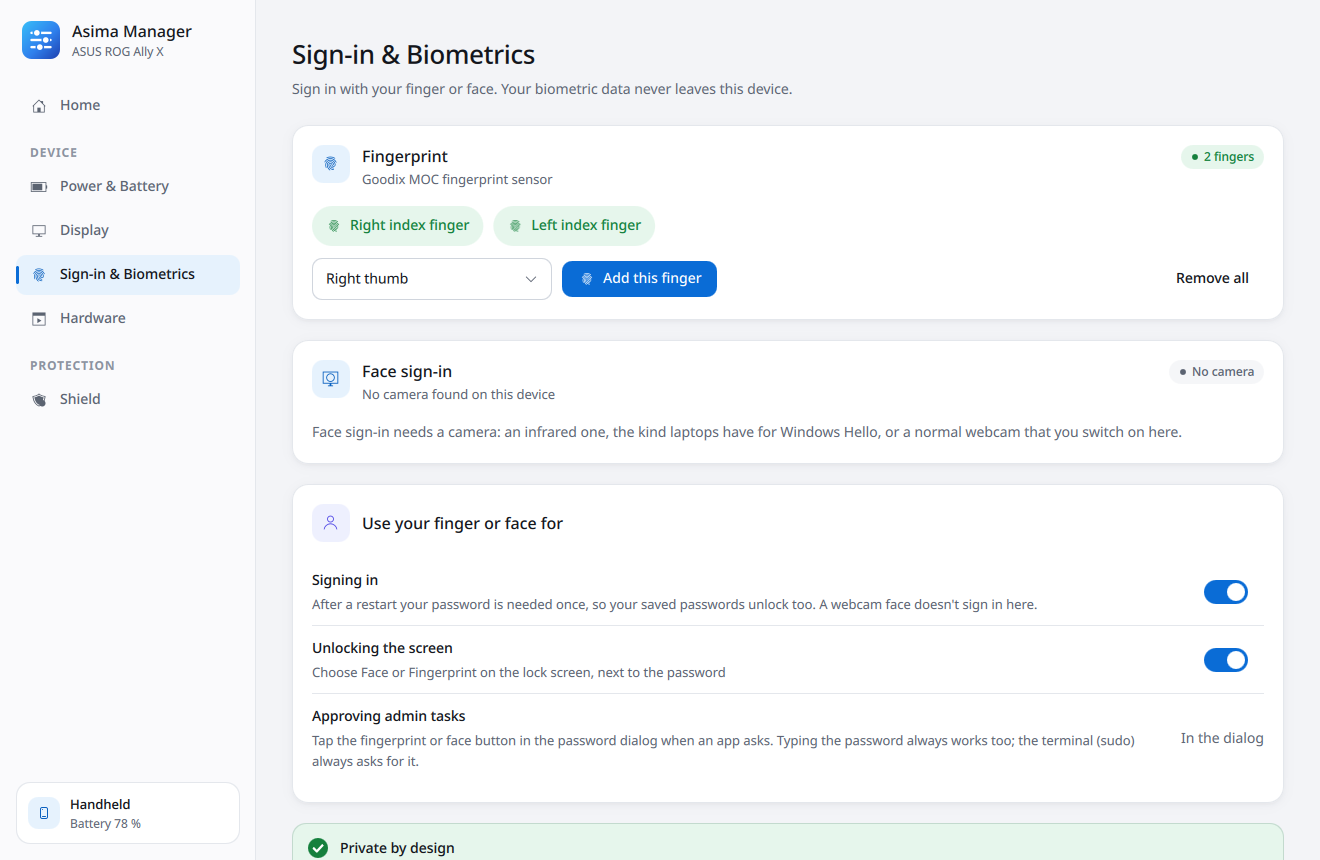
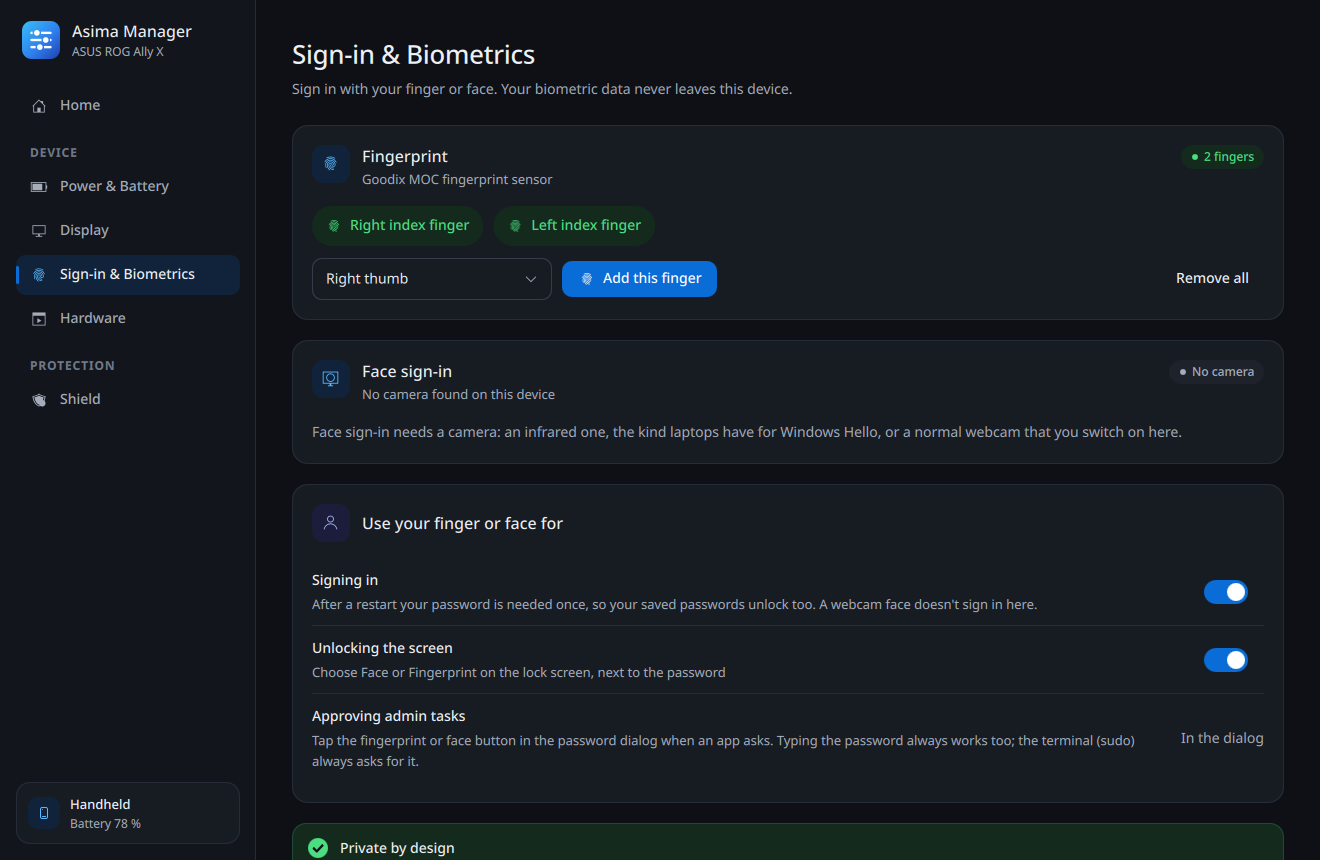
- Admin tasks ask for your password, or your fingerprint or face if you set them up
- Asima Shield, the firewall: a zone for each network (Public, Home, Developer, or Not secure, which stops nothing), plus a VPN kill-switch
Your data
Your files are kept apart and kept safe
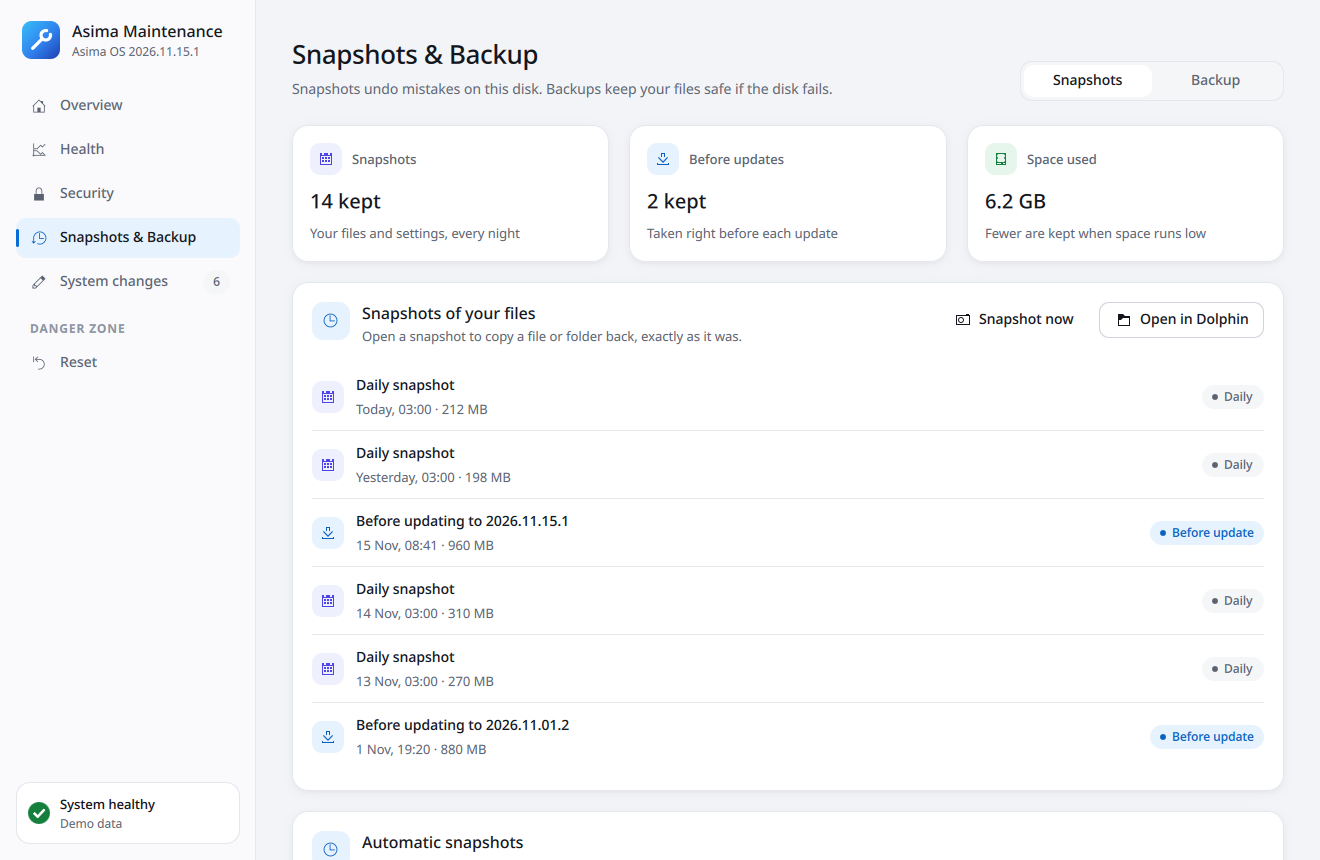
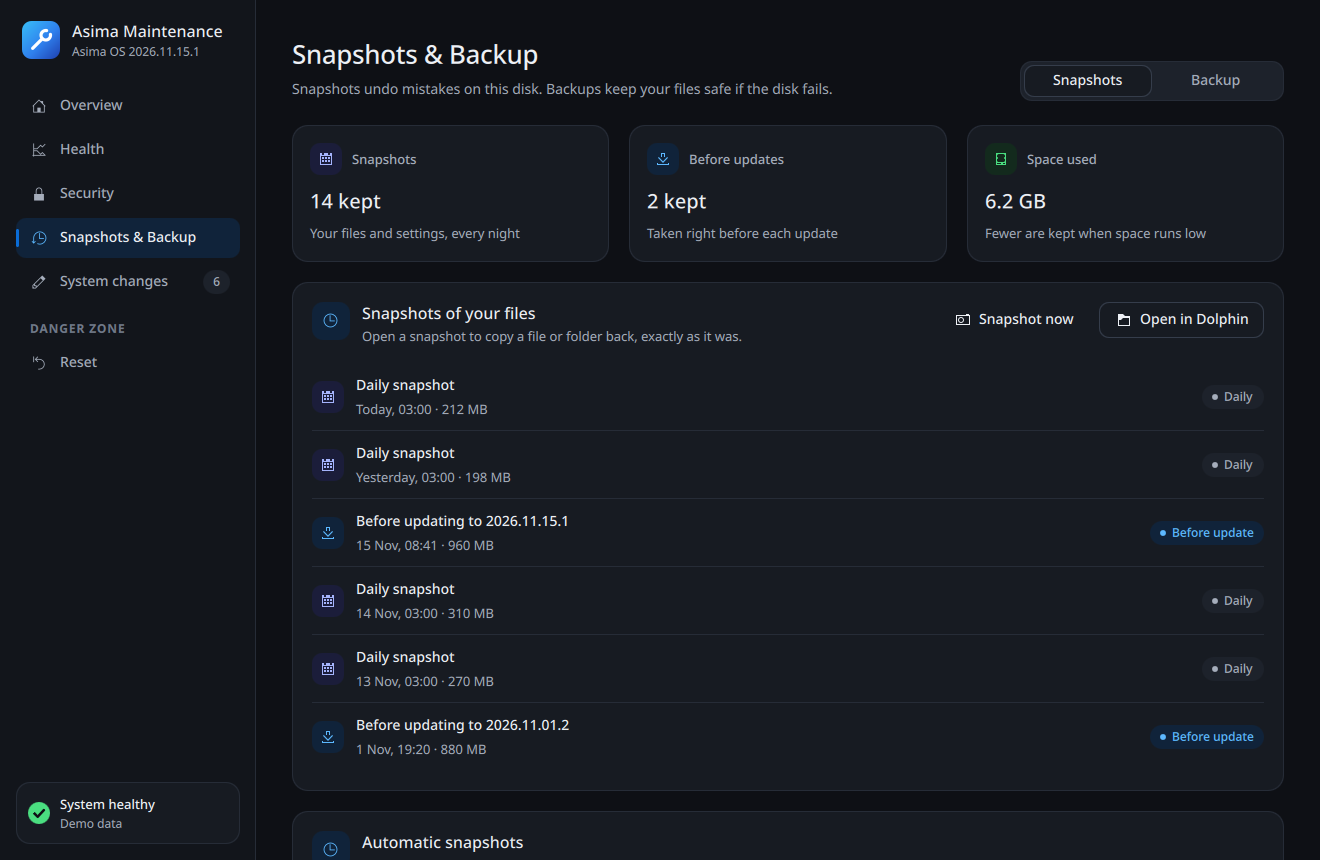
Your files, apps and settings live apart from the system. Updates, going back and repairs never touch them.
- Snapshots of your files and settings: daily, weekly or monthly, your choice
- Encrypted backups to a drive or a server, which restore one file every time to prove they work
- Each backup also keeps a copy of the disk’s encryption header
- “Reset settings” brings back the standard settings and keeps your files
- A factory reset starts fresh, with nothing kept
Apps
Every kind of app, without risking the system
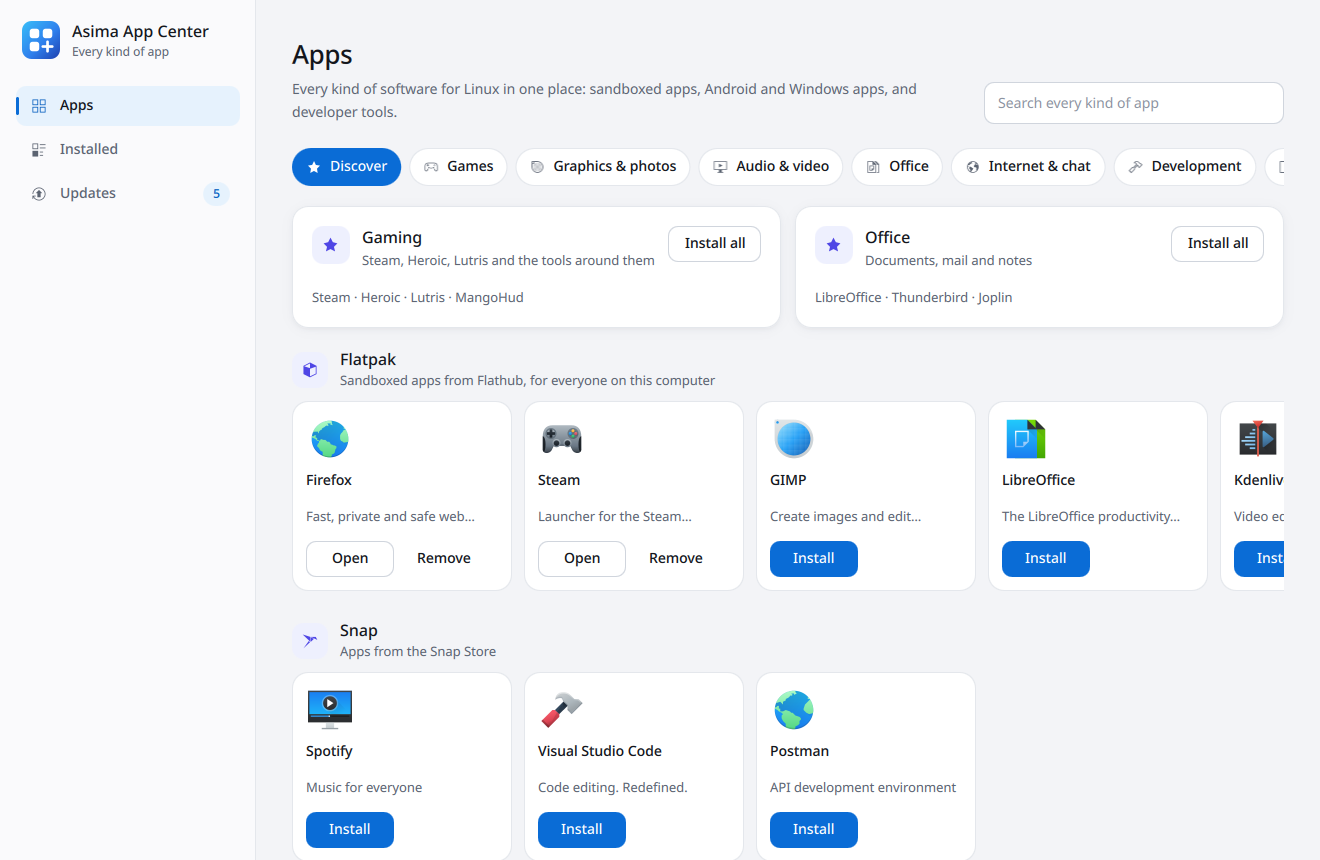
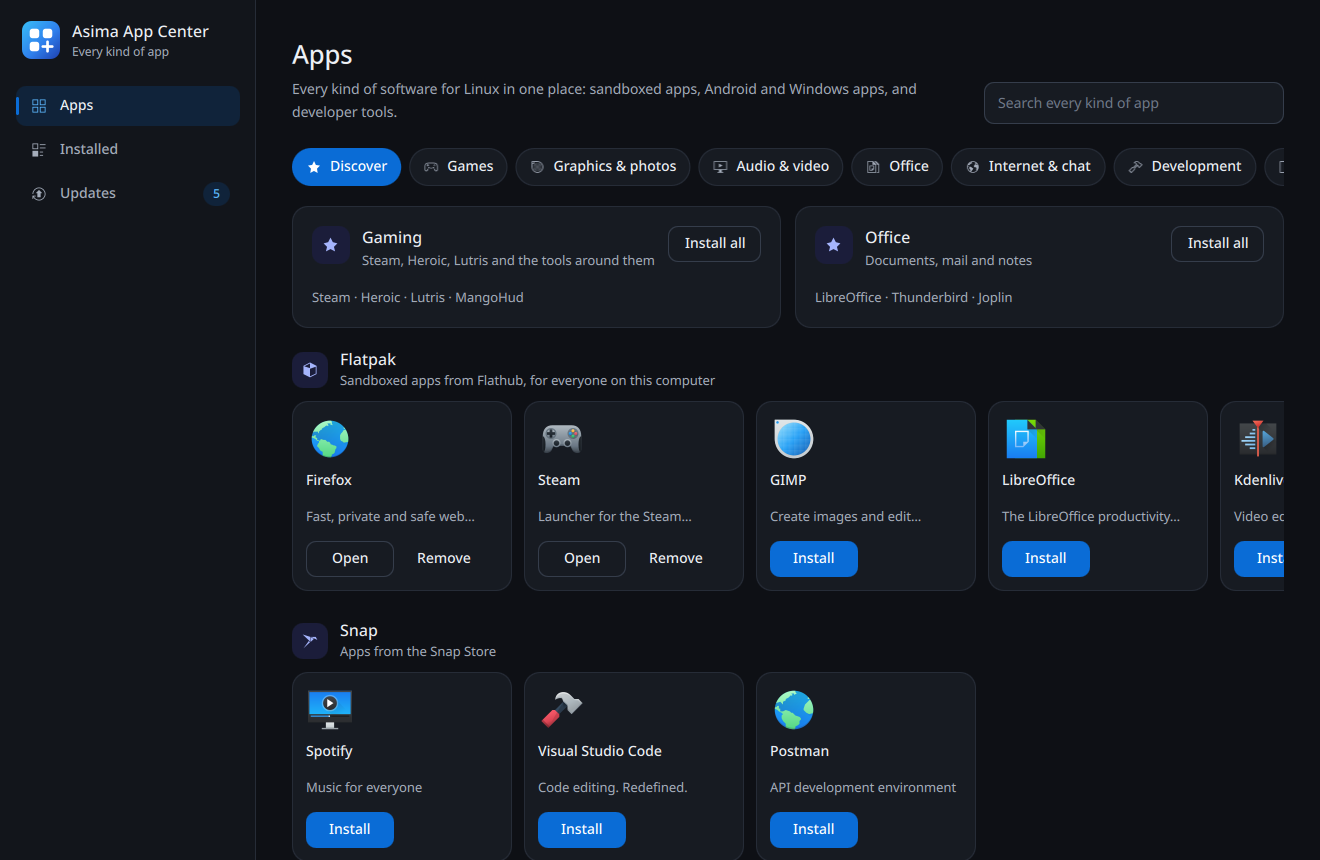
Apps are added next to the system, never into it: in Asima App Center, which has every kind, or in Discover.
- Flathub, the Snap Store and AppImages side by side, by purpose
- Android apps from F-Droid, and Windows programs in Bottles
- Developer tools from Nix, Homebrew, PyPI, npm, crates.io, Go and Conda, in your home folder
- App files open in Asima App Center, which says what they are first
- KDE’s standard apps included: Dolphin, Konsole, Kate, Okular, Gwenview, Spectacle and more
Gaming
Set up for games out of the box
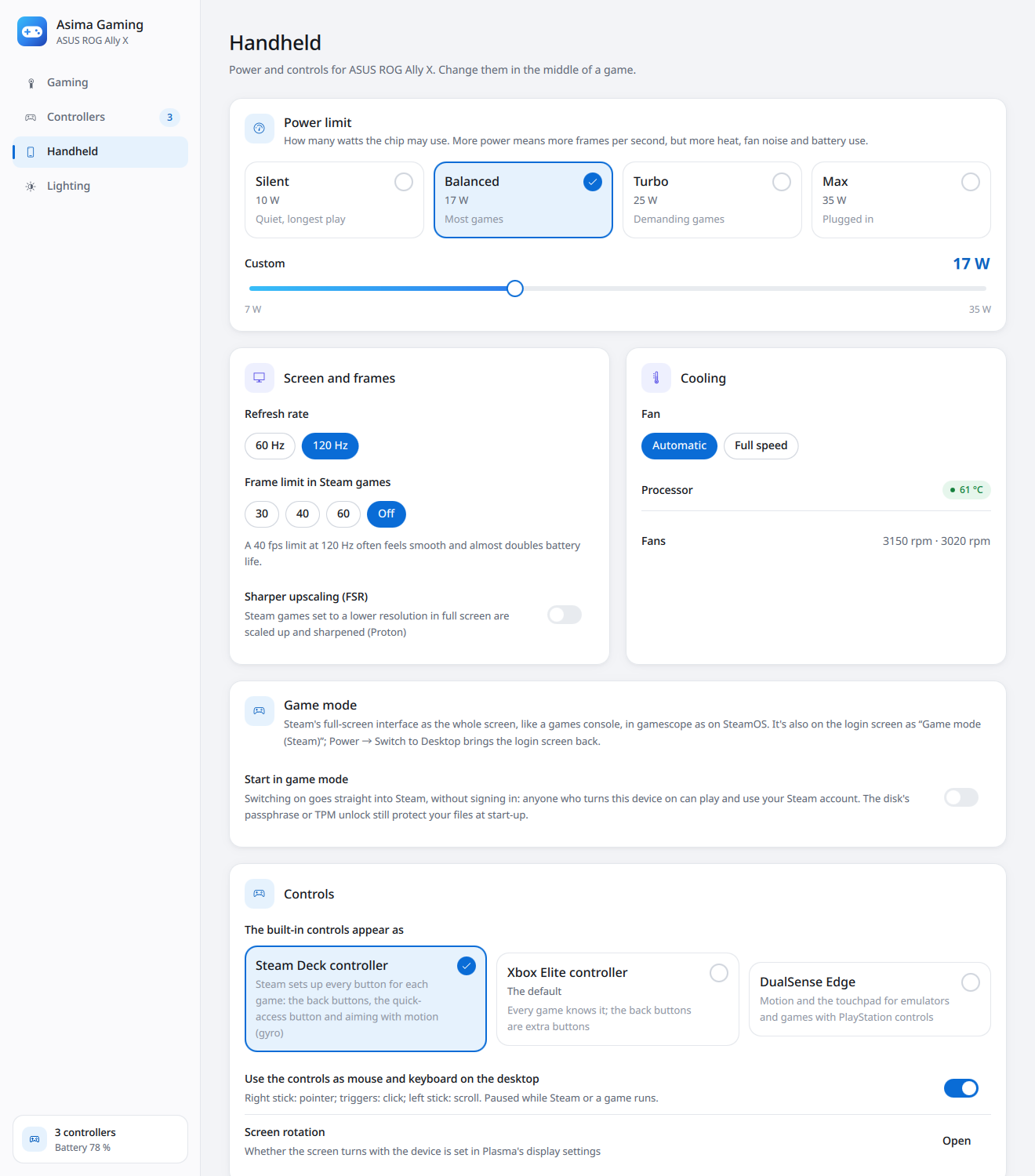
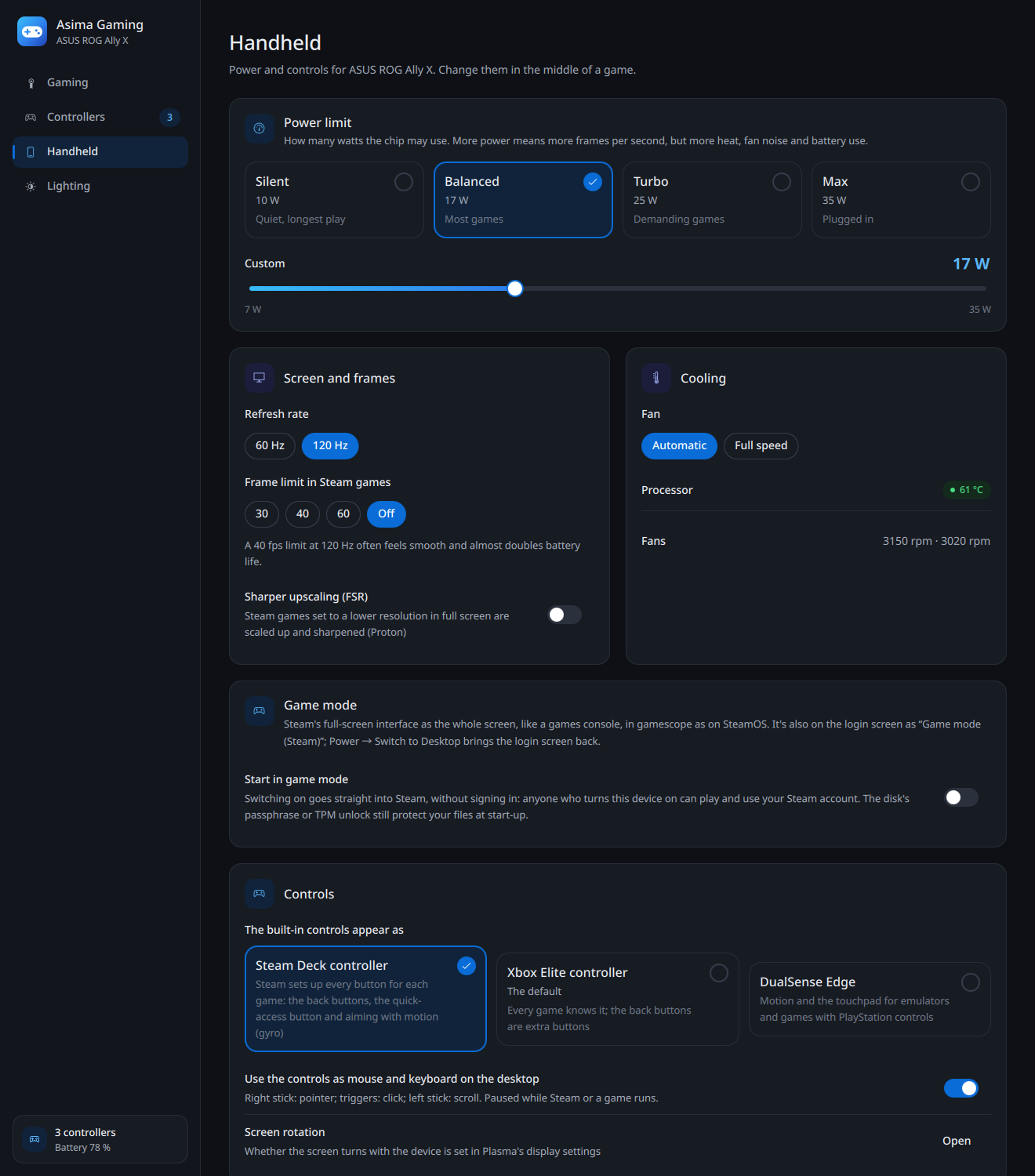
The plumbing games need is in the system and switched on for everyone. Asima Gaming puts the controls in one place.
- A gaming CPU scheduler (sched-ext LAVD) from the first start
- NTSYNC for Windows games, and GameMode
- Controllers of every kind: XInput and DirectInput, wired, Bluetooth, wireless receivers and the Xbox Wireless Adapter
- A handheld’s power limit, refresh rate, frame limit, FSR, fan, back buttons and gyro
- Game mode with Steam in gamescope, as on SteamOS
- NVIDIA’s driver, signed for Secure Boot; AMD and Intel through Mesa
- RGB lighting that the kernel can drive
Developers
A workstation that stays clean
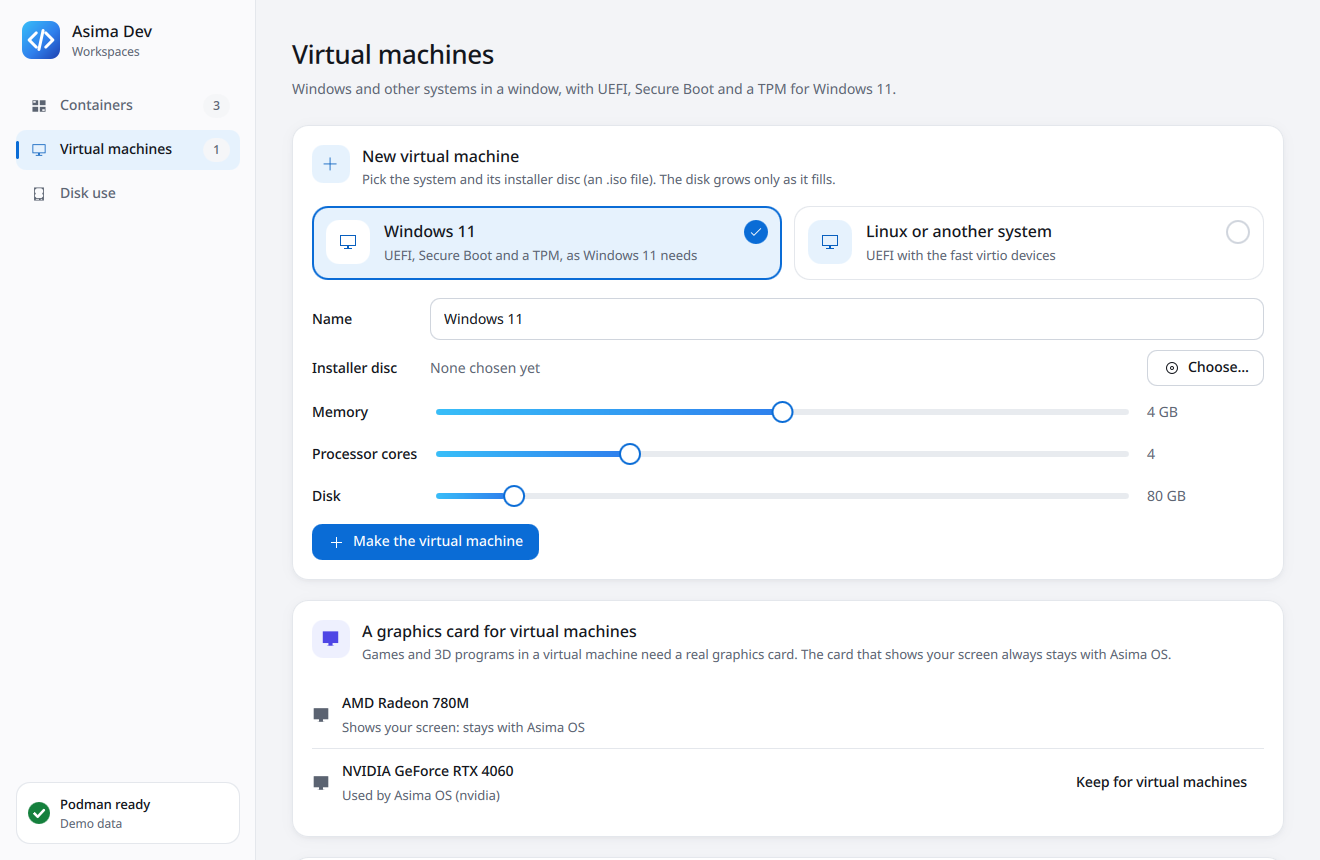
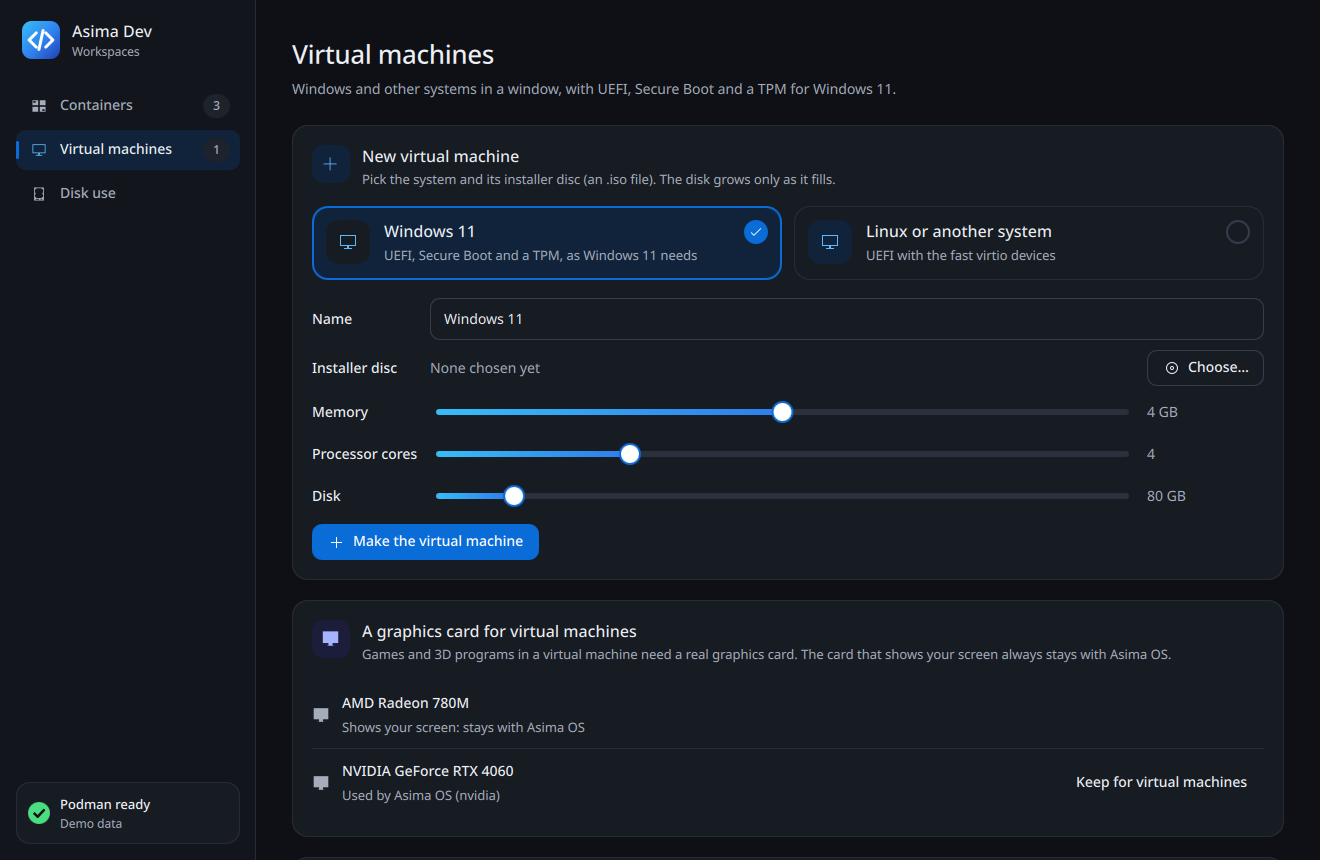
Experiment in containers and virtual machines, never in the system itself.
- Podman (with the Docker command) and Distrobox
- Virtual machines with QEMU and libvirt, even with a graphics card of their own
- Disk use and limits for containers and virtual machines
- git, ssh, gdb, strace, perf, Python and more already there
- The asimaos command does the apps’ jobs in a terminal
Your device
Made for laptops, desktops and handhelds
Asima Manager brings the settings for your particular device together.
- Power modes and battery care (charge limits), on laptops that support them
- Fingerprint and face sign-in, with a blink check for ordinary webcams
- The brightness of every screen, external monitors included, and the keyboard light
- Laptops with two graphics cards, and a second card for virtual machines
- Runs in virtual machines too: QEMU/KVM, VirtualBox, VMware and Hyper-V
See it for yourself
Built on Arch Linux packages from 14 November 2026, systemd 262, Linux 7.3 and KDE Plasma 6.8.